





































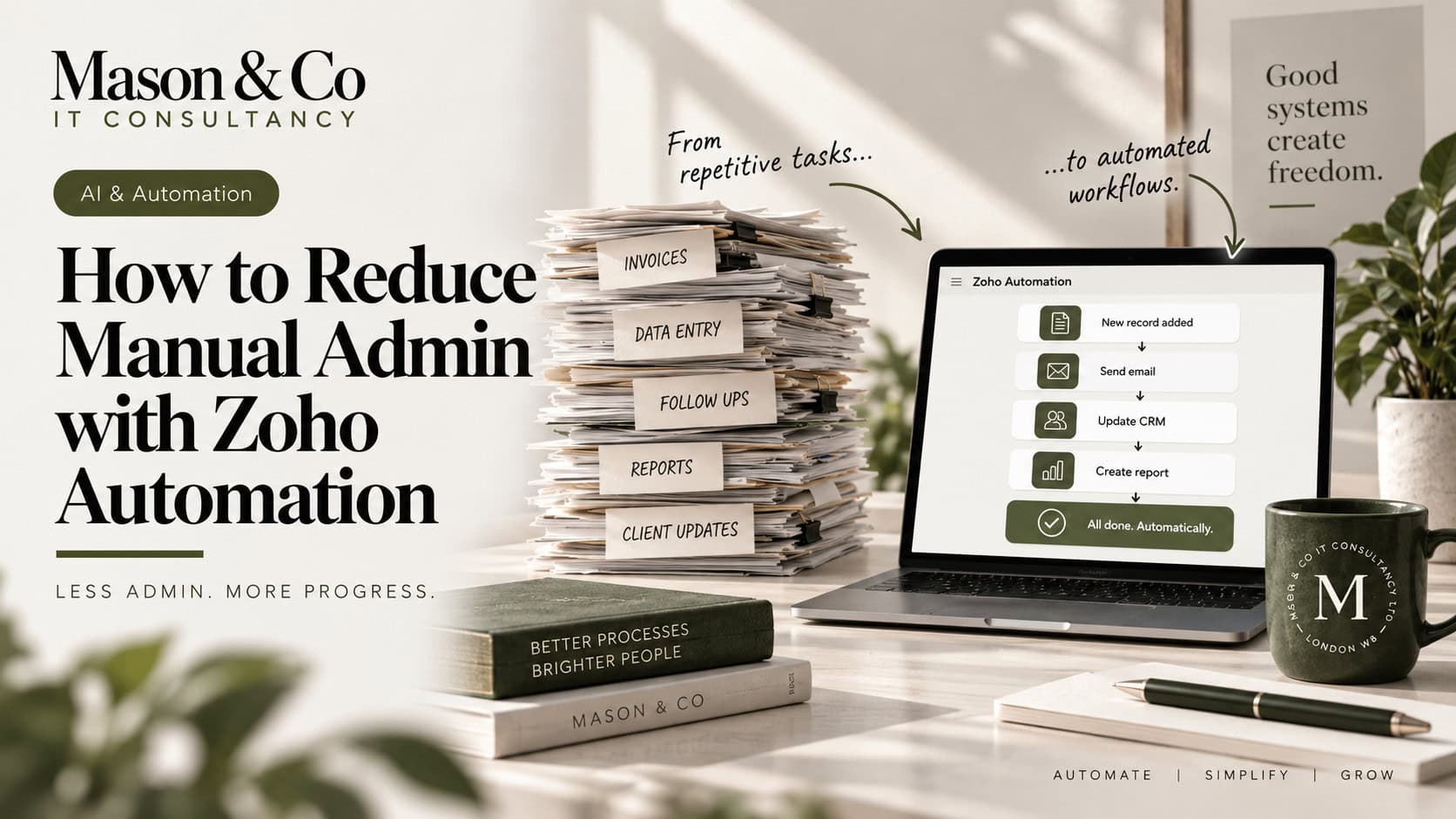
One of the strongest reasons to invest in Zoho One is the ability to connect applications, automate repetitive work and give people time back.
Yet many organisations still have employees copying information between systems, updating spreadsheets, sending routine emails, chasing approvals and checking whether processes have completed.
The technology is usually available. The problem is often that automation has been added around the administration rather than redesigning the process that created it.
If I wanted to reduce manual administration across Zoho One, I would not start by asking:
What can we automate?
I would start with:
Why does this task exist in the first place?
That distinction matters, because the best automation is sometimes the one you never need to build.
Before opening Zoho Flow, CRM workflows or Creator, I would map the process from beginning to end.
Where does the information originate? Who enters it? Which systems need it? Who approves it? Where are people manually intervening? What happens when something goes wrong?
That often reveals administration that has accumulated over time rather than been deliberately designed.
A salesperson completes information in CRM and emails Operations. Operations re-enters it elsewhere. Finance receives a spreadsheet. Someone creates a folder and another person sends a standard email.
Each step may once have made sense.
Together, they create an administrative process.
Automating each step is possible. Redesigning the information flow is usually better.
Duplicate data entry is one of the clearest opportunities to remove administration.
If customer information already exists in CRM, another team should not normally need to type it again into Creator, Books or another application.
The same principle applies across Zoho One. Candidate information captured in Recruit should flow into onboarding where appropriate. Payment information from Books should be available where sales teams need it. Operational systems should consume customer information rather than recreate it.
The important part is deciding which application owns the data.
example
| Information | Primary system |
|---|---|
| Customer relationship | Zoho CRM |
| Sales opportunity | Zoho CRM |
| Operational delivery | Zoho Creator |
| Support case | Zoho Desk |
| Invoice and payment | Zoho Books |
| Recruitment process | Zoho Recruit |
| Cross-platform reporting | Zoho Analytics |
Information can appear in more than one application, but ownership should remain clear. Once that is established, automation becomes much easier because the direction of information is obvious.
A lot of administration sits between teams.
Sales completes its work and Operations needs to begin. Recruitment approves somebody and Compliance needs to act. A service case closes and Finance needs to know.
These hand-offs are good automation opportunities because the trigger is usually already present in the system.
For example:
Deal reaches Closed Won → validate information → create operational record → assign owner → start onboarding tasks.
The value is not simply that Zoho sends an email automatically.
The value is that the next business process begins because the previous one reached a defined state.
That is much more reliable than relying on someone to remember to notify another team.
Zoho One gives you several ways to remove administration, and each has a different role.
CRM workflows are useful for straightforward actions. Blueprint helps control how records move through defined processes. Zoho Flow is valuable when a process crosses applications. Creator becomes appropriate when the organisation is effectively managing a separate operational application with its own data, users, workflow and permissions.
The mistake is using automation to compensate for the wrong application design.
If a complex process is being held together with spreadsheets, emails and CRM customisations, adding another workflow may not be the answer. It may be a sign that the process needs a proper Creator application.
That is where Zoho One becomes particularly powerful: you are not limited to automating tasks inside one product; you can design the wider business process across the platform.
Not every manual decision should disappear.
Some approvals exist because somebody genuinely needs to exercise judgement. Others exist because the process has always required somebody to click a button.
If the same inputs always produce the same outcome, the decision may be suitable for automation.
If an order below a defined value from an approved customer can always proceed, that is a business rule. If the decision requires commercial judgement, contractual assessment or unusual risk consideration, human involvement may still be appropriate.
The objective is not to remove people from every process.
It is to stop using people for decisions that have already been reduced to predictable rules.
Email is useful for communication.
It is a poor workflow engine.
When a process depends on someone reading a message and taking action, it becomes difficult to know who owns the next step, whether it has been completed, how long it took or what happens when that person is unavailable.
Zoho One provides much better ways to manage structured work through CRM activities, Blueprint, Creator, Desk, approvals and tasks.
Email can still notify somebody that attention is required.
It should not necessarily be where the process itself lives.
One of the easiest ways to create difficult automation is trying to model every unusual scenario.
A process works for 95% of cases, then another branch is added for one exception, another condition for another, and eventually the automation becomes harder to manage than the manual process it replaced.
I prefer to automate the standard path well and route genuine exceptions for human review.
If most transactions follow the same process, automate that process confidently.
Do not create enormous complexity to eliminate the small amount of judgement that still adds value.
Automation will sometimes fail.
An API can time out, credentials can expire, a record may contain unexpected data or a downstream application may be unavailable.
The important question is what happens next.
For important automation, I would want failures logged, clear ownership, an appropriate retry or recovery path and visibility of records that have become stuck.
A manual process is visible because somebody is doing it.
An automated process needs deliberate visibility.
If it fails silently and the business discovers the issue three days later, the administration has not disappeared. It has simply become harder to see.
Automation projects are often measured by how much was built.
Twenty workflows. Eight Zoho Flows. Four integrations.
Those are implementation metrics.
The better question is what changed operationally.
Did a process fall from 15 minutes of administration to two? Did 1,000 transactions stop requiring manual data entry? Did approval times fall from two days to two hours? Did re-keying errors disappear?
The value of automation is not the number of automations.
It is the unnecessary work they remove.
When I see repetitive administration in a Zoho environment, I would ask five questions:
- Why does this task exist?
- Does the information already exist somewhere else?
- Is the decision predictable enough to automate?
- Is the real issue a hand-off between teams or systems?
- What happens if the automation fails?
Those questions usually reveal whether the right answer is a workflow, Flow, Blueprint, Creator application, integration or simply removing the task altogether.
The biggest gains come when organisations stop automating individual administrative tasks and start redesigning how information moves across the business.
That is where Zoho One becomes more than a collection of applications.
It becomes a connected platform.
Good automation does not just make administration faster. It removes the need for much of it in the first place.
If routine administration is slowing your team down, explore our integration and automation services or request a free consultation to discuss a practical next step. 30 minutes. No charge. No obligation.