











































Zoho Cliq Keep Conversations Connected to Work
Bring team chat and relevant updates into one workspace. We configure Zoho Cliq around how people communicate, with channels that make conversations and ownership clear.
We connect business alerts with the applications you use, agree which updates need action and who should receive them, and help teams coordinate work without unnecessary messages.
✓ Implementation & improvement ✓ UK-based senior consultants ✓ Free 30-minute consultation ✓ Clear scope & pricing before work begins
Why Team Communication Becomes Hard to Follow
Team conversations spread across inboxes and messaging apps. Decisions become hard to retrieve when nobody is sure which channel or record should hold the final update.
We structure Cliq around teams and working practices. Clear channel purposes, responsibilities and decision records separate useful updates from routine conversation and support coordination.
Lost Conversations
Team updates sit across different tools, making decisions and supporting context difficult to find.
Unclear Channels
Groups grow without a defined purpose or owner, leaving staff unsure where to ask questions.
Notification Overload
Unfiltered alerts interrupt the team while important updates disappear among routine messages.
Disconnected Actions
Conversations lead to work that is not recorded in the right system, making follow-up harder.
Three Ways We Work With Zoho Cliq
Create a new team workspace, improve existing channels or bring relevant application updates into chat. We agree communication needs and scope before configuring the solution.

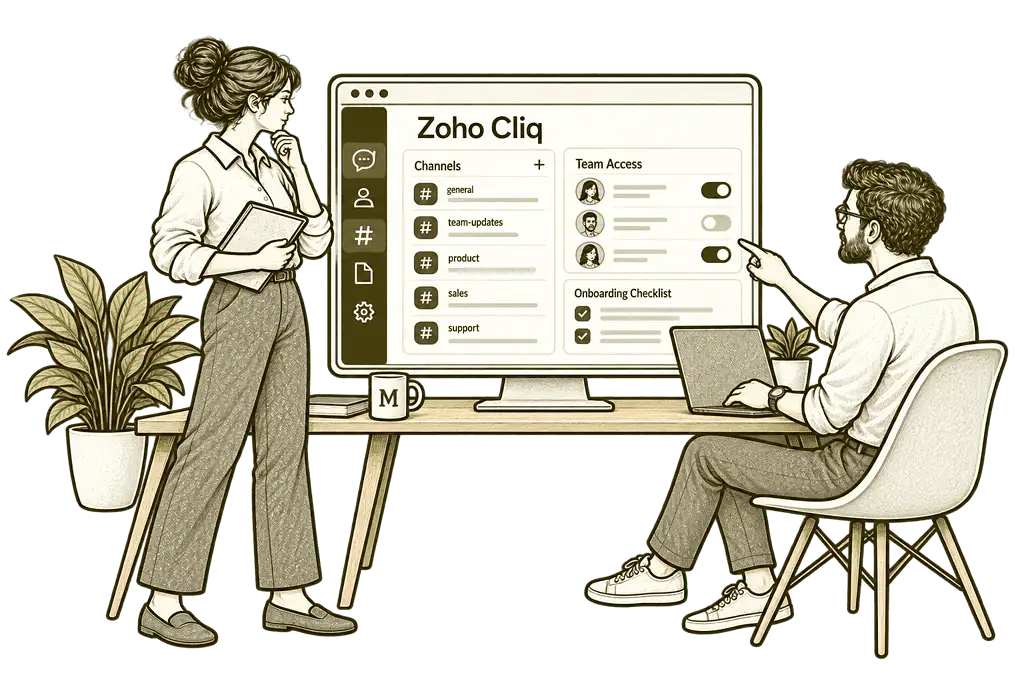
New Zoho Cliq Implementation

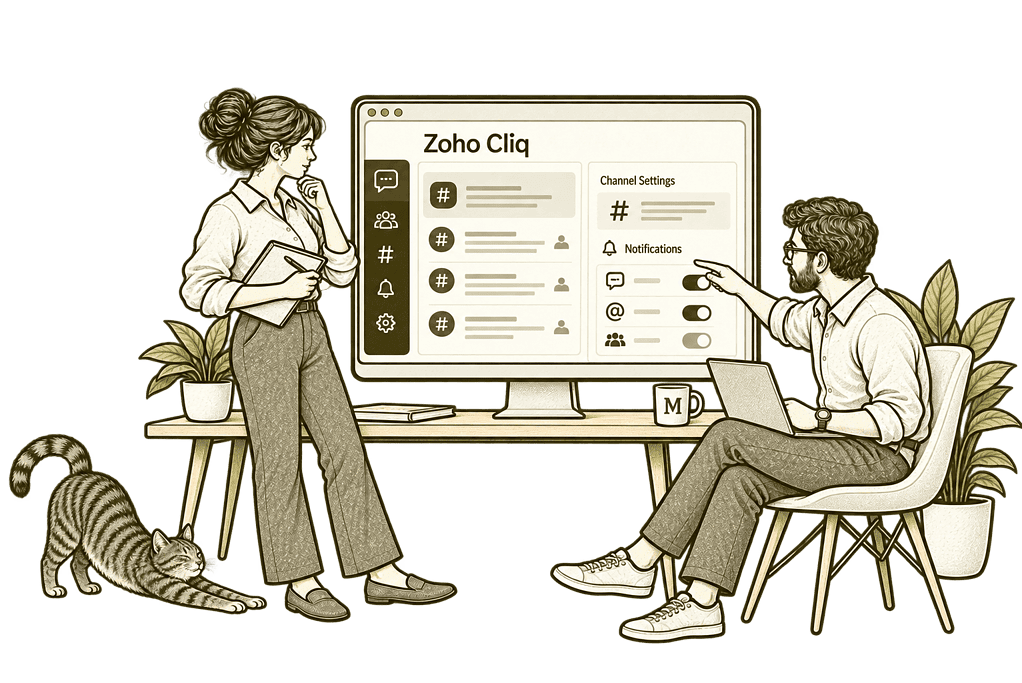
Improve Existing Zoho Cliq Setup

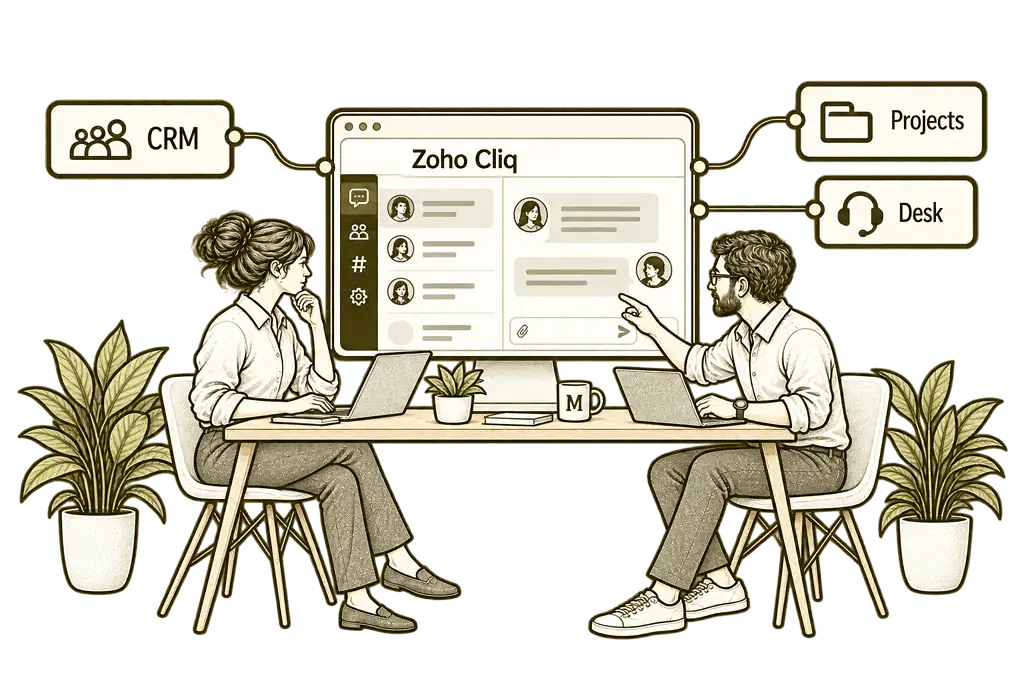
Connect Chat With Your Systems
Team Communication Built Around Your Business
We translate your teams and working routines into a usable communication space. Channels, permissions and notifications are designed together, with features checked against your plan.
Channel & Team Design
Define channel purposes and ownership so people know where relevant conversations belong.
Notification Workflows
Configure useful alerts with clear routing and responsibilities, reducing unnecessary repeated updates.
User & Access Setup
Prepare team membership and roles, checking who can view conversations and shared information.
System Connections
Scope application alerts and actions with supported integrations, permissions and error handling.
Administration Controls
Agree membership and access reviews so the workspace remains manageable as your team changes.
Training & Adoption
Help staff use channels and messages consistently and keep work actions in the appropriate system.
One Clear Place for Team Conversations
A colleague asks a question in the right channel, the team discusses the context and the responsible person records the next action. Relevant system updates then help everyone follow progress.
We configure that journey so conversations support everyday work without becoming a substitute for maintained customer, project or HR records.

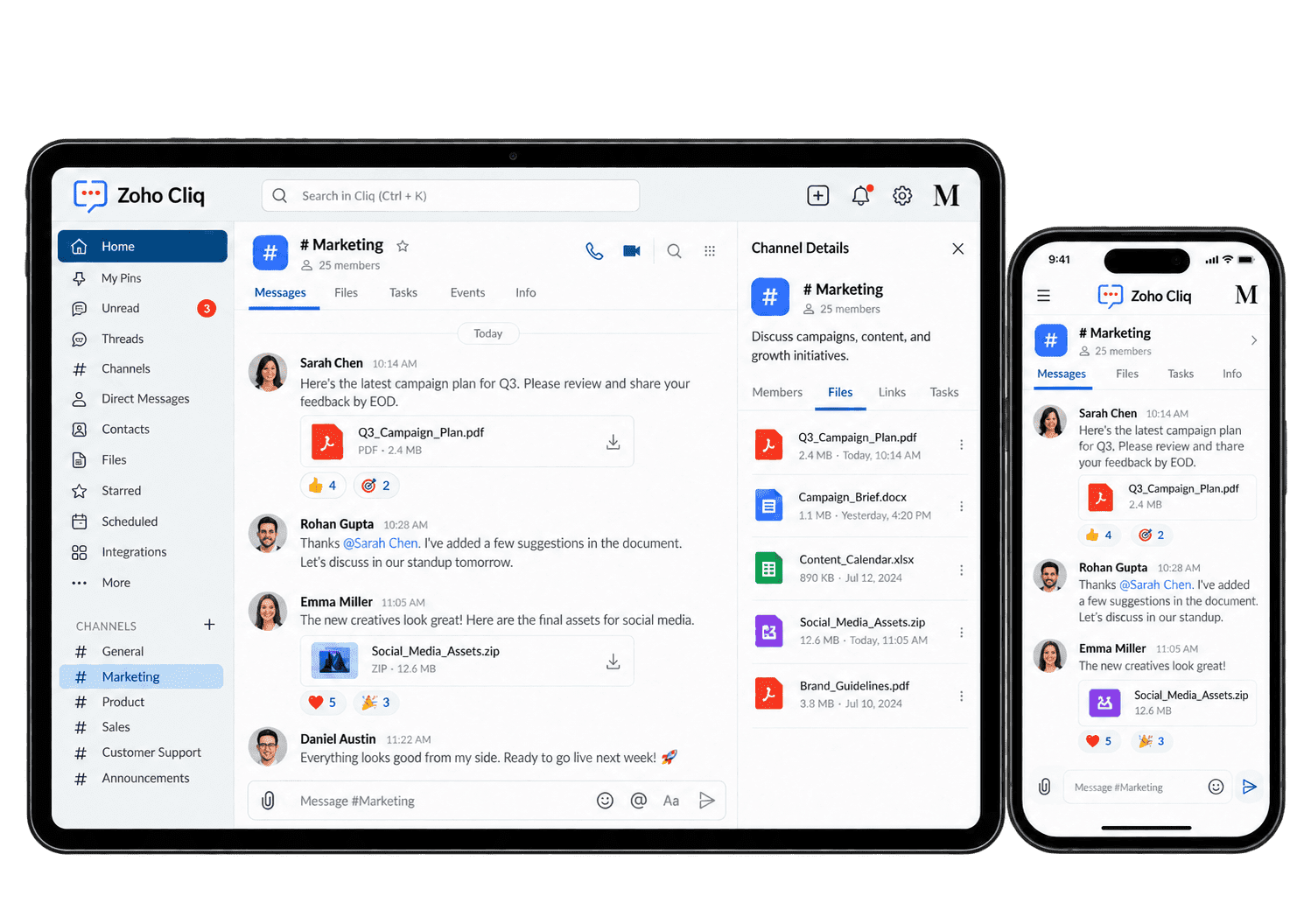
Make Everyday Collaboration Easier
Cliq supports team messaging, channels, calls and application integrations. We configure the relevant features and test the working experience with representative team members.
-
Team Channels
-
Direct Conversations
-
Calls & Screen Sharing
-
Business Alerts
-
File Collaboration
-
Bots & Commands
-
External Collaboration
-
Account Lifecycle
Give shared team conversations a clear purpose and owner, with appropriate membership so staff know where updates belong and who handles the next action.
- Agree channel purposes and owners.
- Configure relevant membership and roles.
- Test visibility for representative users.
For example, a delivery team needs a shared place for daily updates and urgent exceptions. We agree the channel’s purpose, owner and membership before inviting staff. Channel membership, urgent-message expectations and decision ownership are agreed before rollout. Important actions are recorded where the team can find and review them.
Help staff choose an appropriate space for a conversation, while ensuring important decisions reach the shared channel or business record where colleagues need them.
- Agree when to use direct or group chat.
- Configure relevant access settings.
- Test everyday messaging journeys.
For example, a colleague needs clarification on a task before posting the outcome to the wider team. We agree when a direct conversation is appropriate and when its conclusion belongs in the shared channel or business record. The outcome returns to the relevant shared record or team channel. The colleague can get a quick answer while the wider team retains the decision it needs to continue.
Support live conversations through available calling and sharing tools, with device checks and clear rules for sharing, recording and following up.
- Check available call and sharing features.
- Test required devices and permissions.
- Agree host and recording responsibilities.
For example, two colleagues need to review an issue that is difficult to explain in messages. We test the supported call and screen-sharing options on their devices and agree recording responsibilities where relevant. The colleagues confirm the outcome and record any next action in the relevant work item. Sensitive or unrelated material is checked before screen sharing begins.
Bring relevant business events into the team’s communication process through supported integrations, with useful routing and a named owner for the action each alert requires.
- Identify alerts that need a response.
- Scope supported integrations and destinations.
- Test routing and exception handling.
For example, an overdue customer task should alert the responsible team rather than every employee. We scope the supported connection, destination and message content, including the next action and record reference. The alert carries a useful record link and a clear next action. We test routing and escalation so the responsible person can handle it without duplicating the task.
Connect document discussion to the approved file and storage process, so colleagues can review information while keeping ownership and avoiding competing copies.
- Agree file-sharing and storage practices.
- Assess relevant WorkDrive connections.
- Test file access for recipients.
For example, colleagues discuss a proposal and need access to its working document. We agree whether the file belongs in WorkDrive or another controlled location, then test the shared link with its recipients. The agreed storage owner controls access and confirms which copy remains current. Decisions return to the document or related work record so reviewers can find them later.
Provide suitable workflow actions through supported chat tools, with permissions and result checks so users can initiate work within an understandable and controlled process.
- Define a specific workflow requirement.
- Check supported tools and permissions.
- Test approvals, errors and duplicate prevention.
For example, staff want a chat command that creates a routine internal request. We assess supported tools, define the receiving system and owner, and test permissions, approval and duplicate behaviour. We verify the permitted action and returned result before the team relies on it. Missing details and failed requests reach a named owner instead of disappearing into chat.
Support conversations with approved external partners through available access options, testing membership and boundaries so the project team can collaborate within an agreed scope.
- Check plan and external-access options.
- Agree approved participants and channel scope.
- Test visibility and access removal.
For example, a project team needs conversations with an approved external partner. We assess the available external collaboration options and test exactly what the participant can view. We assess available external access and test the agreed boundaries. The workspace owner checks membership and removes access when the partner's involvement ends.
Align workspace accounts and membership with staff changes, giving administrators clear steps for granting access, reviewing role moves and removing permissions.
- Agree joiner and leaver responsibilities.
- Configure supported role and membership controls.
- Test changes and removal of access.
For example, a new team member joins and later changes responsibility. We define who provisions their account, assigns the relevant roles and reviews channel membership, then test removal when access is no longer needed. The administrator confirms the new permissions and removes unnecessary membership. We test the relevant roles so routine staff moves do not leave unexplained access.
Visibility Into Your Collaboration Setup
We agree practical administration checks using the information available in your plan. Reviews focus on access, ownership and useful workflows rather than treating message counts as staff productivity.
Channel Ownership
Review channel purposes and responsible owners so each shared space remains understandable.
Team Membership
Check relevant membership against current responsibilities to identify changes requiring action.
Alert Routing
Review configured notification destinations so application updates reach the appropriate team.
Workflow Exceptions
Identify failed integrations or repeated alerts and assign the checks needed to resolve them.
External Access
Review external participants and channel access, with clear responsibility for removing permissions.
Shared File Access
Check document-sharing practices so recipients receive appropriate access to the maintained source.
Account Changes
Review joiner, mover and leaver tasks so workspace access follows the current team structure.
Adoption Feedback
Use staff feedback to improve channel practices and notifications without intrusive activity scoring.
Connect Conversations With the Wider Business
Useful updates should bring the right context to the right team. We scope relevant connections with Zoho Projects, Zoho CRM and document collaboration through Zoho WorkDrive.
The wider Zoho One ecosystem can support connected workflows. We check permissions, supported triggers and record ownership so chat actions do not bypass the controls in the source application.

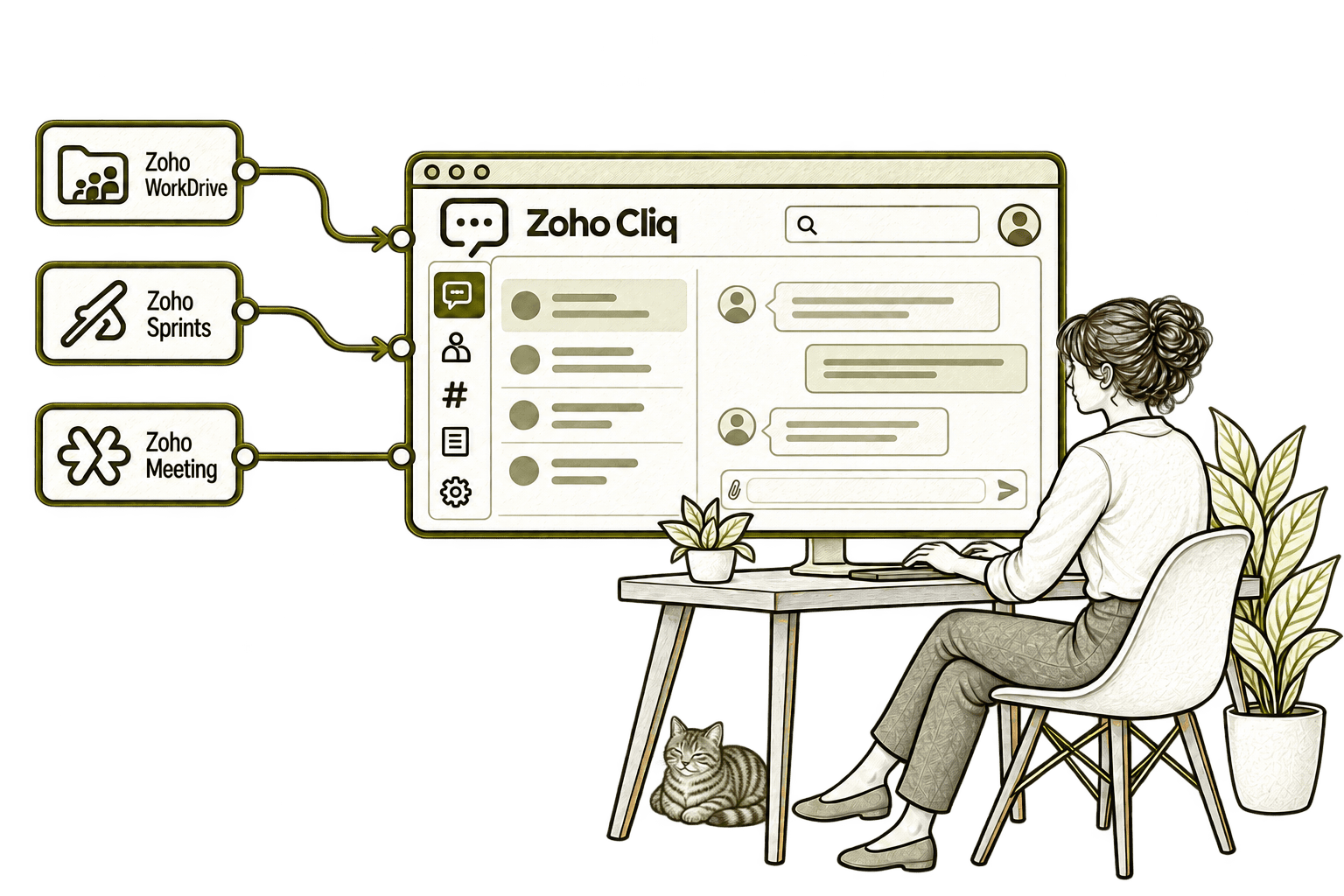
Searching elsewhere for a file interrupts a team conversation. Connecting Cliq with WorkDrive lets colleagues find and share relevant documents in chat, keeping the discussion moving.
Sprint changes are easy to miss outside the planning tool. Connecting Sprints with Cliq brings project updates into selected channels, helping the team discuss blockers sooner.
A complicated chat can take longer than a conversation. Connecting Cliq with Meeting lets colleagues move into an online call, helping the group agree the next action.
Start With the Way Your Team Communicates
Whether conversations live in email, another chat tool or an existing Cliq workspace, we begin with channel purposes and everyday working responsibilities.
Starting Fresh
We map teams, channels and communication needs before configuring Cliq. The first release gives staff a clear place for relevant conversations and useful updates.
Already Using Zoho Cliq
We review channel structures, membership and notifications. Improvements focus on unclear ownership, repeated alerts and the workflows making communication difficult.
A Clearer Starting Point
If the issue spans chat, application alerts and wider team processes, we help establish where to start.
Our Business Systems & Operations Audit can clarify the process gaps and recommended priorities.
What a Zoho Cliq Engagement Includes
Discovery & Scope
Agree teams, communication needs and current challenges before defining the workspace scope.
Structure & Ownership
Map channels, membership and working conventions with clear administration responsibilities.
Configuration & Access
Configure agreed roles and settings with appropriate access to discussions and shared information.
Connections & Testing
Test relevant alerts, actions and user journeys, including failures and access restrictions.
Training & Launch
Guide staff through channel use and agree responsibilities for maintaining the workspace.
Review & Improvement
Review the working setup and prioritise changes based on team feedback and actual workflow issues.
Scope depends on team structure, required connections and your plan. We agree deliverables before work begins; message retention, recording and appropriate information sharing are approved by your organisation.
Different Businesses. Different Conversations.
Channel structures and access should reflect how your team coordinates work. We adapt the setup to your operating model.
Coordinate internal team conversations with appropriate protection of confidential client and staff information.
Support operational team updates with clear channels, notification ownership and escalation responsibilities.
Organise business collaboration with controlled access to relevant customer and operational context.
Recruitment & Workforce Agencies
Support recruiter-team coordination while keeping candidate decisions and records in the recruitment system.
Configure professional collaboration with the access and information controls your organisation requires.
Property & Housing Associations
Organise office and project conversations with clear channel purposes, follow-up responsibilities and agreed team access.
Support staff and approved volunteer communication with agreed membership and information-sharing rules.
Coordinate office and project-team discussions while retaining formal site and safety processes elsewhere.
Why Mason & Co
We consider Cliq as part of your wider working environment. You work with senior consultants who assess channel ownership, permissions and application dependencies alongside communication-tool configuration.
Senior-led consultancy
Work directly with senior consultants who understand your business process and technical delivery.
UK-based, international delivery
Work with our UK-based team across locations, with delivery planned around your working hours.
Architecture + implementation
Connect business design with practical configuration and integrations that support everyday work.
Zoho + AI + automation
Connect Zoho, AI and automation where they solve a clear problem and improve your daily processes.
Not Sure Whether Mason & Co Is the Right Fit?
Tell us what you want to implement, improve or fix. We will discuss whether we can help and recommend a sensible next step based on what you share.
Your Questions Answered
What is Zoho Cliq used for?
Zoho Cliq supports team messaging, channels, calls and application-based collaboration. We configure the relevant features around how your organisation communicates.
Can you organise our channels and teams?
We agree channel purposes, ownership and membership, then configure the supported structure and test access with representative users.
Can Cliq connect with our business applications?
We assess supported integrations and platform options against your requirements. Alert routing, permissions, source-record ownership and failure handling are agreed before implementation.
Can we build bots or commands for team workflows?
Cliq provides platform tools for custom workflows. We scope a defined use case and test permissions, approvals and errors before enabling actions.
Can we collaborate with people outside the organisation?
External collaboration capabilities depend on your plan and configuration. We assess approved participants, visibility and access removal before agreeing the setup.
Does Cliq replace our project or document systems?
Chat can support those workflows, but maintained tasks and documents should remain in the appropriate source systems. We design connections that preserve ownership and access controls.
How do we get started?
Book a free consultation to discuss your team communication and challenges. We will help identify whether you need a new setup, improvements to Cliq or a wider systems audit.
Where Are Team Conversations and Business Alerts Getting Lost?
Tell us how teams communicate and which alerts need attention. We will help structure Zoho Cliq channels, notifications and application connections around the work people need to coordinate.
30 minutes. No charge. No obligation.