











































Zoho Zia Agents Built Around Your Business Tasks
Give routine work a defined agent with a clear role. We configure Zoho Zia Agents with suitable instructions, knowledge and supported tools for the task you need.
We start with a focused pilot and test the actions involved, define human review, escalation and the boundaries of access, then assess the results before considering wider deployment.
✓ Business use cases & design ✓ UK-based senior consultants ✓ Free 30-minute consultation ✓ Clear scope & pricing before work begins
Why AI Agents Need a Clear Job to Do
An AI agent needs a clear job before it can be useful. It requires suitable information, permitted tools and defined points at which to stop or hand work to a person.
We scope a focused Zia agent role and test its boundaries. Record, access and action checks help prevent errors, with clear points to stop or hand work to your team.
Unclear Agent Roles
Broad instructions leave the agent without a defined task, success criteria or stopping point.
Weak Knowledgebase
Outdated or conflicting information produces answers that need extensive checking and correction.
Uncontrolled Actions
The agent can access tools or change business records beyond the limits its assigned role requires.
No Exception Owner
Failures and uncertain results have no clear escalation route or person responsible for recovery.
Three Ways We Work With Zia Agents
Start with a focused agent, improve an existing setup or assess a connected workflow. We confirm application support, model options and access requirements before recommending deployment.

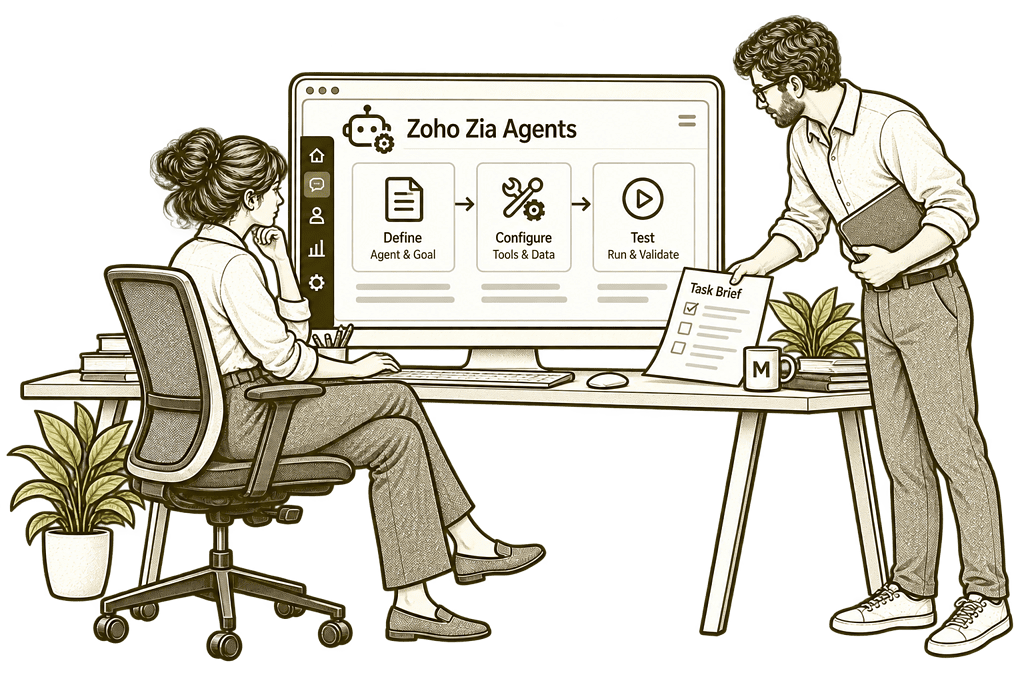
Build Your First Real Zia Agent

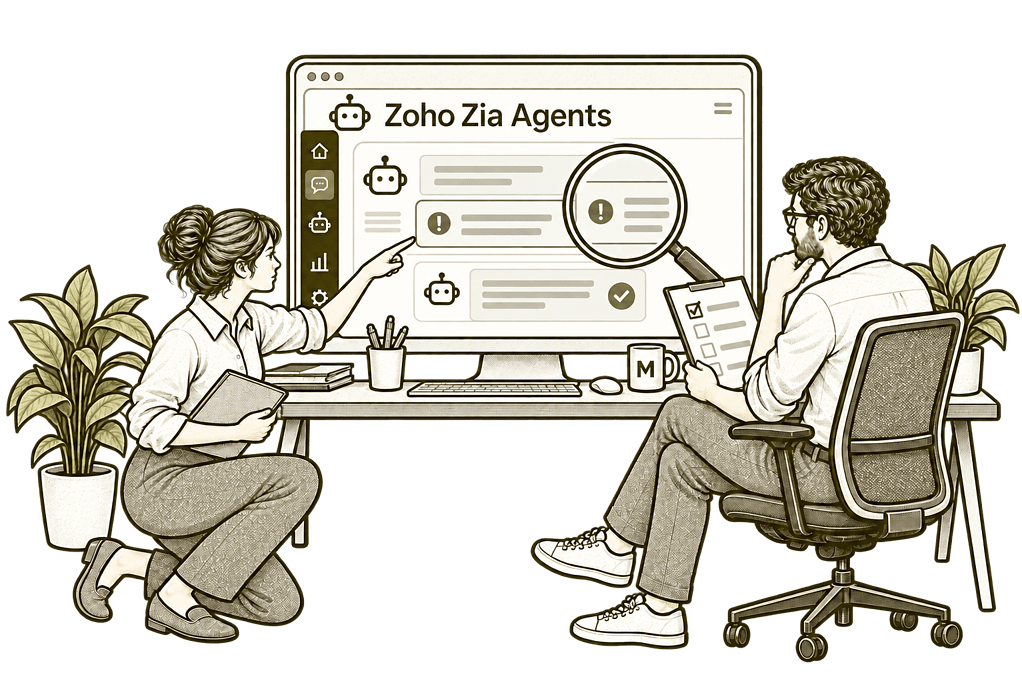
Improve an Existing Zia Agent

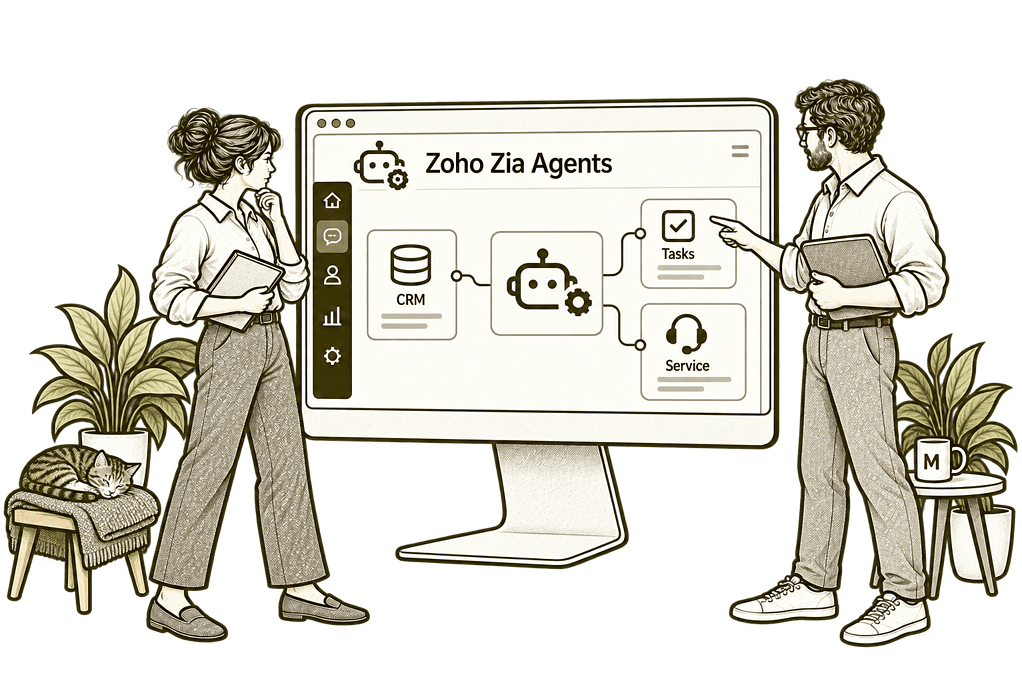
Connect Agents With Your Workflows
Agents Designed Around Real Responsibilities
We can assess a suitable pre-built agent or configure one through Agent Studio. The design starts with its role and expected result, then defines the information, supported tools and controls needed to perform that task.
Role & Instructions
Define the agent’s task, expected outputs, exclusions and conditions for stopping or escalating.
Knowledge Preparation
Select relevant source information and establish ownership for keeping it accurate and current.
Tools & Permissions
Choose supported operations and authorised access that fit the agent’s assigned responsibility.
Controls & Approvals
Configure available guardrails and verify approval requirements for consequential actions.
Testing & Evaluation
Test normal cases, ambiguity and failures before judging whether the agent is ready for use.
Deployment & Ownership
Agree deployment, monitoring and maintenance responsibilities, with a clear process to pause or change the agent.
A Defined Agent Within a Clear Business Process
An agent might gather information, prepare a response or coordinate supported task updates. Its role must fit the surrounding process, including the people who approve work and handle exceptions.
We define how a request starts, which information and tools are used, and how completion is verified. Where an agent cannot resolve a case reliably, the handover to a person should be clear.

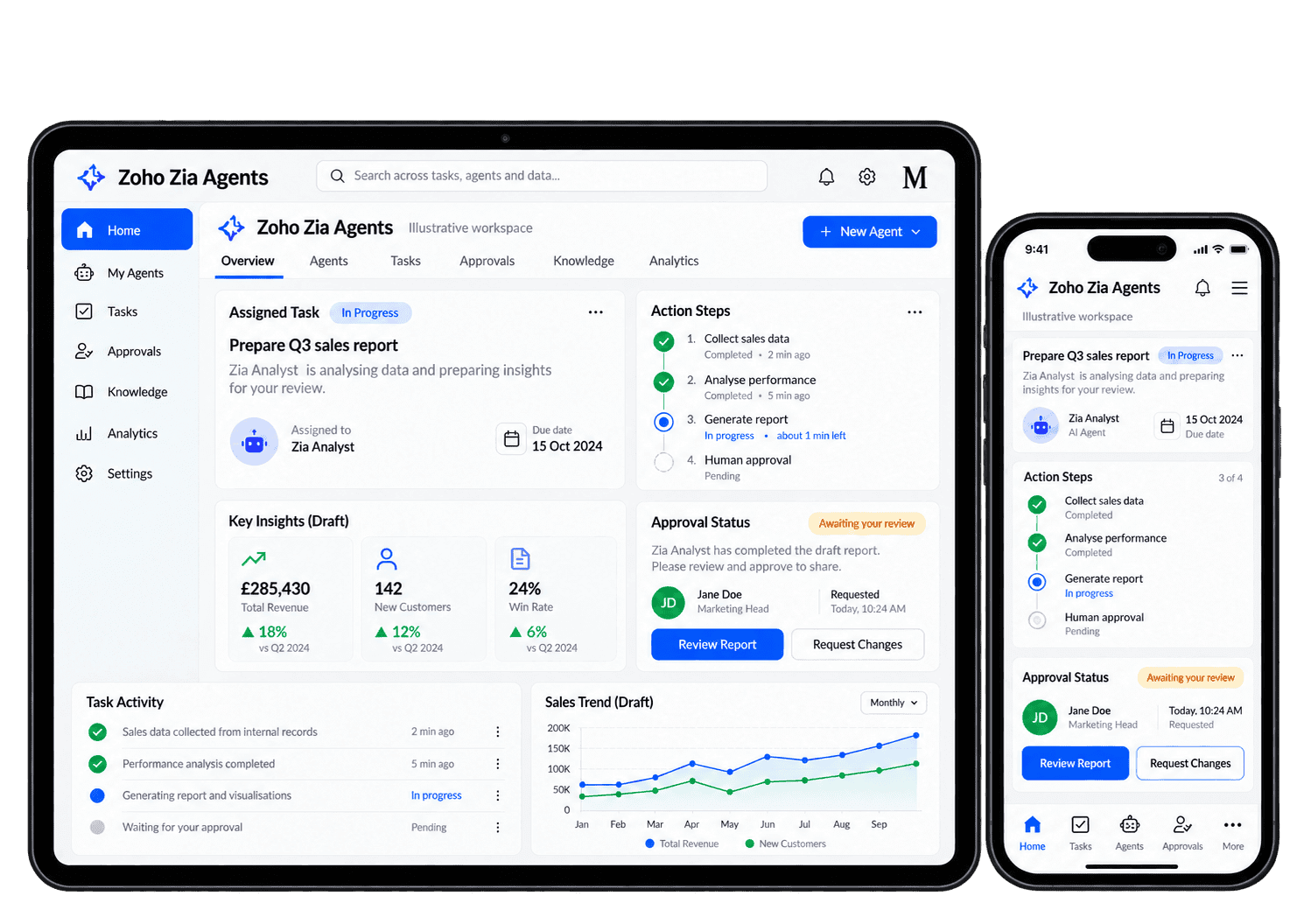
Put Zia Agents to Work on Focused Tasks
These are use cases we can assess and configure where supported. Availability depends on your applications, account, model and tools; each scenario needs testing before the agent is allowed to act in production.
-
Knowledge assistance
-
Enquiry preparation
-
Response drafting
-
Task coordination
-
Service triage
-
Meeting support
-
Record checks
-
Cross-app handovers
Help staff find reliable answers in approved business information, with a clear route to a person when the source does not resolve their question.
- Define the knowledge sources in scope.
- Test answers against the underlying material.
- Provide a handover when information is missing.
For example, an employee asks how to request an equipment replacement. An agent can use the approved internal guide to prepare an answer and identify the team responsible for the next step. We check the answer against the guide and test a question it cannot resolve. The employee receives the correct next step, while unsupported questions reach the responsible team for review.
Prepare incoming enquiries with the authorised context a consultant needs, highlighting missing details so a named person can review the request and decide its next step.
- Define the information needed for the next step.
- Check record matching and missing details.
- Keep qualification within agreed boundaries.
For example, a new enquiry contains a company name and a broad request for help. An agent can prepare the available context and highlight the details the consultant still needs. The consultant checks the company match and the missing details before responding. Qualification stays with a person, and uncertain context is flagged rather than used to make a customer decision.
Give staff a useful first response to review, using approved guidance and customer context while keeping responsibility for the final message with the team.
- Use approved guidance and the available context.
- Check facts, tone and recipient details.
- Separate drafting from authorised sending.
For example, a customer asks for an update on an outstanding request. An agent can prepare a response using the authorised record and approved service guidance. The responsible team member checks the facts, recipient and wording before sending. We test missing information as well, so the draft makes uncertainty clear and does not imply work has finished when the record shows otherwise.
Turn an agreed next step into a supported task action, checking the related record, owner, date and returned result so follow-up is visible and repeated requests stay manageable.
- Confirm the tool and intended destination.
- Validate ownership, dates and related records.
- Check completion and repeated-request behaviour.
For example, a reviewed enquiry needs a follow-up next week. Where the required task tool is supported, an agent can prepare or create the agreed task with a named owner and due date. We verify the related record and returned result, so the team can locate the action and repeated requests do not create competing tasks. The owner can confirm the task before the next review.
Help the service team organise incoming requests by their purpose and urgency, with uncertain or sensitive cases reaching the people responsible for reviewing them.
- Define categories and escalation conditions.
- Test uncertain and unusual enquiries.
- Retain human review for sensitive cases.
For example, incoming service requests include routine questions and an urgent complaint. An agent can suggest categories within the agreed scope and flag cases requiring human assessment. The service owner reviews urgent or unclear cases before deciding priority. We test difficult requests and handovers so a suggested category never quietly replaces the team's decision.
Support suitable meeting preparation and scheduling tasks, with an organiser checking participants, times and approval before invitations or diary changes.
- Verify available calendar and meeting tools.
- Check participants, timing and account access.
- Require suitable approval for invitations.
For example, an account owner wants to prepare a customer review meeting. Where supported tools are available, an agent can gather relevant context and propose the next scheduling step. The organiser confirms the customer, participants and proposed time before any authorised scheduling action. We check the returned result so the team can identify a failed or incomplete booking.
Identify missing or inconsistent details against an agreed business checklist, so record owners can review gaps before information reaches the next stage of work.
- Agree the fields and checks in scope.
- Distinguish missing data from valid exceptions.
- Escalate consequential changes for approval.
For example, a delivery handover is missing the customer’s agreed contact and completion date. An agent can compare the record with a defined checklist and identify the gaps for its owner. The owner checks whether each omission is genuine or an allowed exception. Any consequential change follows the approval route, keeping a suggested correction separate from an accepted update.
Coordinate a defined handover across supported applications, giving each step a verified result and a named person to review failures or unresolved actions.
- Map identifiers and required information.
- Verify permissions at each step.
- Plan partial-failure handling and safe retries.
For example, an approved customer request needs a task in another application. We define the record references, permitted action and receiving owner before configuring supported tools. We test a missing reference and partial completion, then agree who checks the returned result. The receiving team gets one identifiable task, while unresolved steps stay visible for review.
Evaluate Results Before Expanding the Agent
We agree practical measures and review the evidence available in your setup. Evaluation includes the quality of the answer, the correctness of actions, the work required to review results and the cost of running the agent.
Task Completion
Check whether the agent achieved the defined result in the intended application or process.
Answer Quality
Compare responses with approved sources and record unsupported or incorrect details.
Action Accuracy
Verify record selection, field values and the outcome of any supported write operation.
Human Review
Measure the effort needed to correct outputs and check that approvals happen at each agreed review point.
Escalation Quality
Check whether uncertain cases reach the right person with enough context to continue.
Failure Patterns
Review failed calls, partial results and repeated requests to improve how the agent recovers.
Usage & Cost
Compare model usage and relevant service limits with the practical benefit delivered by the agent.
Rollout Readiness
Use evidence from the pilot to decide whether the agent should be refined, expanded, paused or stopped.
Agents Connected to Your Business Tools
An agent’s usefulness depends on the information and operations it can access. We assess supported tools for your Zoho CRM and other workflows, with access limited to the role being designed.
We review how Zia Agents fit alongside Zoho Zia, Zoho MCP and your wider Zoho One setup. Connections and actions must be supported and authorised; an agent does not automatically gain access to every application.

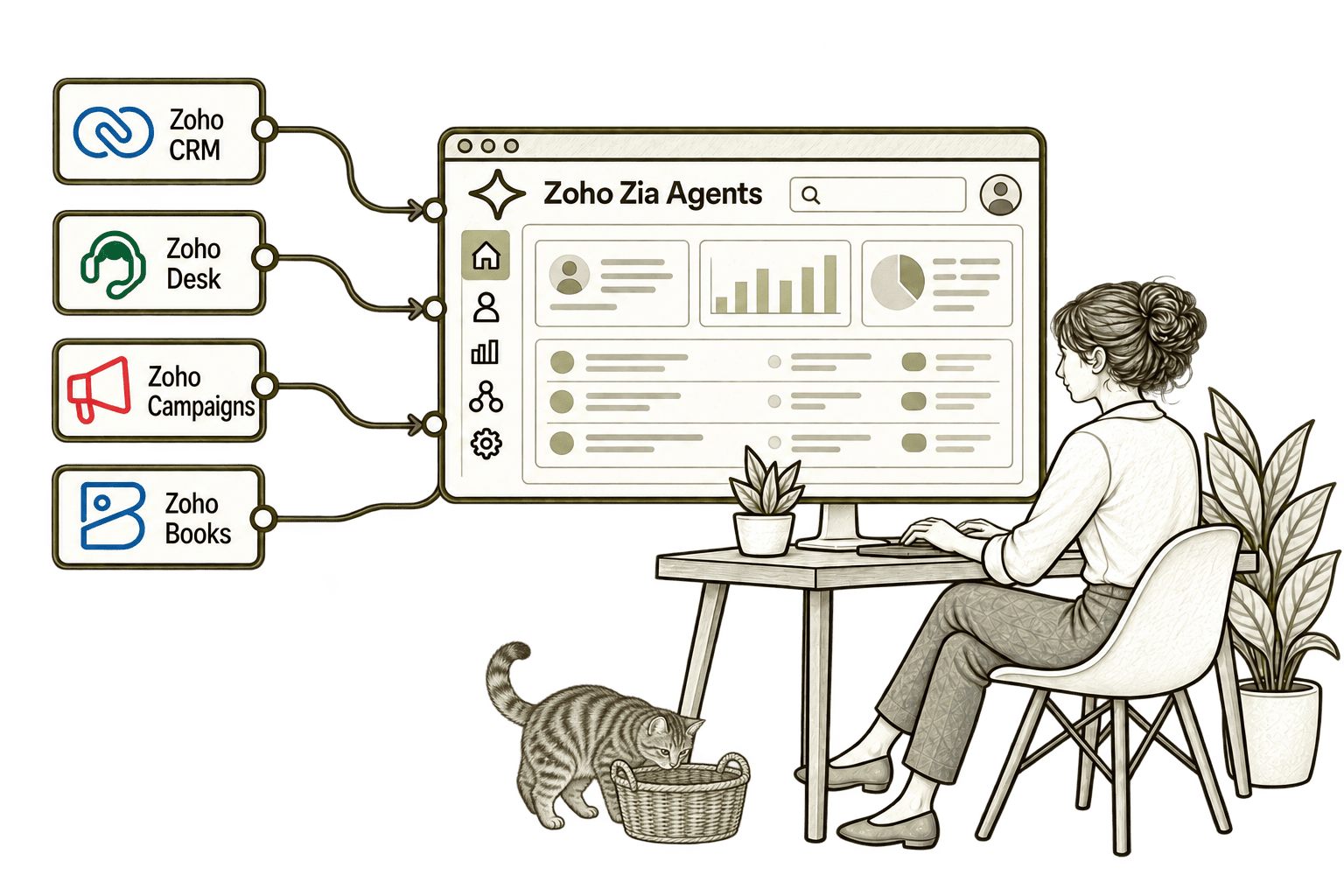
Routine sales administration takes time from customer work. A Zia Agent with selected CRM tools can assist with a defined task, while agreed review points keep staff involved.
Repetitive ticket tasks leave less time for difficult issues. A Zia Agent with selected Desk tools can assist with an agreed support task and route exceptions to the team.
Repeated campaign lookups slow marketing work. A Zia Agent with selected Campaigns tools can assist with supported tasks, while the team retains control of audiences and customer-facing changes.
Repeated finance lookups take time from review. A Zia Agent with selected Books tools can assist with supported administrative tasks, with sensitive changes sent through agreed checks.
Start With One Useful, Bounded Agent
We recommend a clear task with manageable consequences and a measurable result. A focused pilot provides evidence for the next step before more tools, data or responsibilities are added.
Starting Fresh
We map the task, check available agents and tools, and choose an appropriate model configuration. The first pilot tests instructions, knowledge and controls on representative scenarios.
Already Using Zia Agents
We review the agent’s role, source information, permissions and results. Improvements focus on the causes of unreliable behaviour, with testing before changes reach production.
A Clearer Starting Point
Our Business Systems & Operations Audit can identify suitable agent use cases and the process or data improvements needed first.
We distinguish work that benefits from an agent from tasks better handled through conventional automation, stronger validation or clearer responsibilities.
What a Zia Agents Engagement Includes
Discovery & Role Definition
Agree the agent’s task, users, business result and conditions for human escalation.
Capability & Model Review
Check available agents, tools, deployment options and model or service requirements.
Knowledge & Instructions
Prepare relevant sources and instructions with clear exclusions and source ownership.
Tools & Controls
Configure authorised tools and test the boundaries around access and consequential actions.
Pilot & Evaluation
Review representative cases, action results, exceptions, effort and usage costs.
Rollout & Maintenance
Train owners and users, then agree monitoring, change control and pause procedures.
Scope depends on the agent’s role, knowledge sources, supported tools, model and deployment requirements. We agree deliverables, ownership and evaluation criteria before implementation.
Different Businesses. Different Agent Responsibilities.
We design agents around the task and its consequences. Sensitive information, professional responsibilities and customer-facing actions shape the boundaries and review needed.
Assess information and drafting assistance with confidentiality controls and professional review.
Support selected operational tasks with verified references and clear exception handovers.
Evaluate bounded assistance while retaining human responsibility for claims decisions.
Recruitment & Workforce Agencies
Assess preparation and coordination tasks with accuracy checks and fair treatment controls.
Keep financial and regulated actions within defined permissions and approval requirements.
Property & Housing Associations
Support suitable record and communication tasks with verified details and authorised actions.
Assess programme and administration assistance with clear data access and accountability.
Support project work with verified ownership, technical review and recovery procedures.
Why Mason & Co
We combine enterprise architecture, Zoho implementation, integration, AI and automation. For Zia Agents, we define a practical role, test the complete workflow and make ownership explicit, so deployment is supported by evidence rather than a convincing demonstration.
Senior-led consultancy
Work directly with senior consultants who understand your business process and technical delivery.
UK-based, international delivery
Work with our UK-based team across locations, with delivery planned around your working hours.
Architecture + implementation
Connect business design with practical configuration and integrations that support everyday work.
Zoho + AI + automation
Connect Zoho, AI and automation where they solve a clear problem and improve your daily processes.
Not Sure Whether Mason & Co Is the Right Fit?
Tell us what you want to implement, improve or fix. We will discuss whether we can help and recommend a sensible next step based on what you share.
Your Questions Answered
What are Zoho Zia Agents?
Zia Agents are AI agents configured to perform defined tasks using instructions, relevant knowledge and supported tools. We assess the available capabilities and deployment options for your account, then test a focused role before wider use.
Can you use a pre-built agent or create a custom one?
Yes. We can assess a suitable agent from the Agents Store or configure a custom agent through Agent Studio. Either approach needs a review of its instructions, knowledge, tools and controls against your actual business requirements.
Can an agent take actions in our applications?
Where supported tools and permissions allow it, an agent can perform operations rather than only produce text. We test record selection, approval requirements and completion checks before enabling consequential actions.
Do Zia Agents always use Zoho-hosted models?
No. Current options include Zoho-hosted models and supported external providers. Availability, processing terms and usage costs depend on the configuration. We review the actual model and service arrangement rather than assuming all data remains within Zoho.
How do you manage access and human approval?
We select the tools and authorised access needed for the role, configure available guardrails and verify approval enforcement in the actual workflow. We also establish human escalation, monitoring and a way to pause the agent. Instructions alone are not a guarantee that a control is enforced.
How long does a Zia Agents implementation take?
Timing depends on the role, source information, tool integrations and deployment controls. We define a manageable pilot and acceptance criteria first, then use its results to plan wider rollout.
How do agents differ from Zia features and MCP?
Zia covers Zoho’s broader AI capabilities. Zia Agents are configured around tasks and can use supported tools to carry out work. MCP provides a standard connection for compatible AI systems to access exposed tools. They can complement one another but serve different roles.
Which Routine Task Could a Zia Agent Help With?
Tell us about the task, the applications involved and the decisions your team must retain. We will assess a focused Zia Agents pilot, including review, escalation and checks on completed actions.
30 minutes. No charge. No obligation.