





























Free 30-minute consultation | UK-based senior consultants

Not Sure Where to Start?

Zoho One works best when CRM, finance, operations, workforce and reporting are designed to work together.

If your current setup feels fragmented, overly manual or difficult to manage, we can help identify where the real problem sits.

Practical AI That Improves How Your Business Works

We help businesses use AI where it improves real operational work — not as a separate experiment.

Our approach combines Zoho, automation, reporting and governed AI so every solution is connected to real processes, reliable data and measurable outcomes.

Integration & Automation Make Your Systems Work Together

Stop copying information and chasing routine handovers. We design integration and automation using Zoho Flow where supported connections fit your business process.

We connect Zoho and external applications around the work, with agreed mappings, ownership and exception handling. You do not need Zoho CRM or Zoho One to use this service.

✓ Implementation & improvement   ✓ UK-based senior consultants   ✓ Free 30-minute consultation   ✓ Clear scope & pricing before work begins

The Gaps Between Systems Create More Work

Separate systems leave people to copy data and chase updates. An enquiry, approved order or completed task can stall when the next application never receives the right details.

We scope Flow around clear triggers, record rules and next actions. Testing data and recovery steps prevents duplicate updates and makes failed handovers visible to a responsible owner.

Repeated Data Entry

Staff copy information between applications, creating avoidable work and opportunities for errors.

Missed Handovers

An event in one system fails to reach the colleague or application responsible for the next step.

Conflicting Records

Different systems hold different versions of the same information without clear ownership or matching rules.

Silent Failures

A connection stops working and nobody knows which records need attention or how to recover them.

Three Ways We Can Help

Connect a disconnected process, improve unreliable automation or map a wider system handover. We start with the business outcome and check the applications involved before agreeing the build.

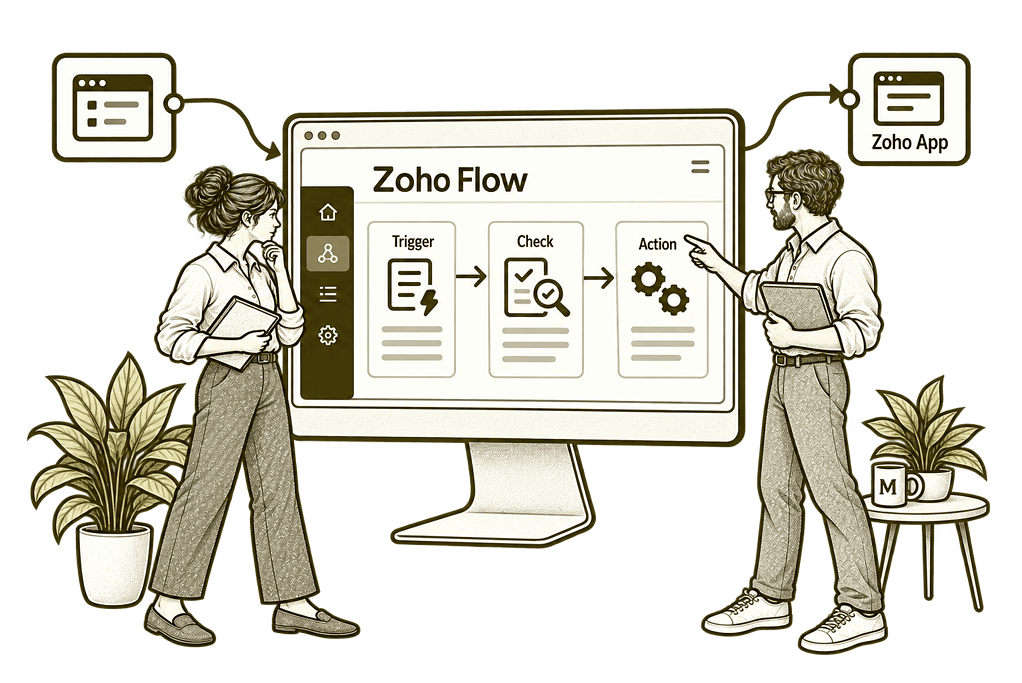
Mason & Co sketch illustrating build a new integration in Zoho Flow.

Build a New Zoho Flow Integration

Connect a defined process between supported applications, with agreed data rules and responsibilities.
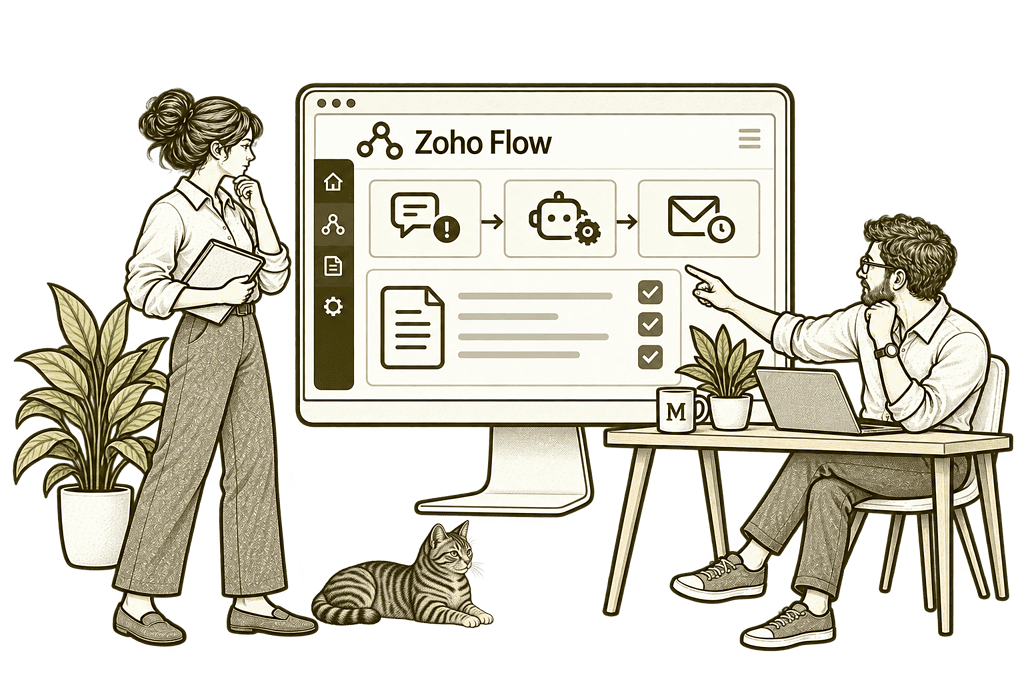
Mason & Co sketch illustrating improve existing automation in Zoho Flow.

Improve Existing Automation

Review flows that fail, duplicate records or no longer support the way your business works.
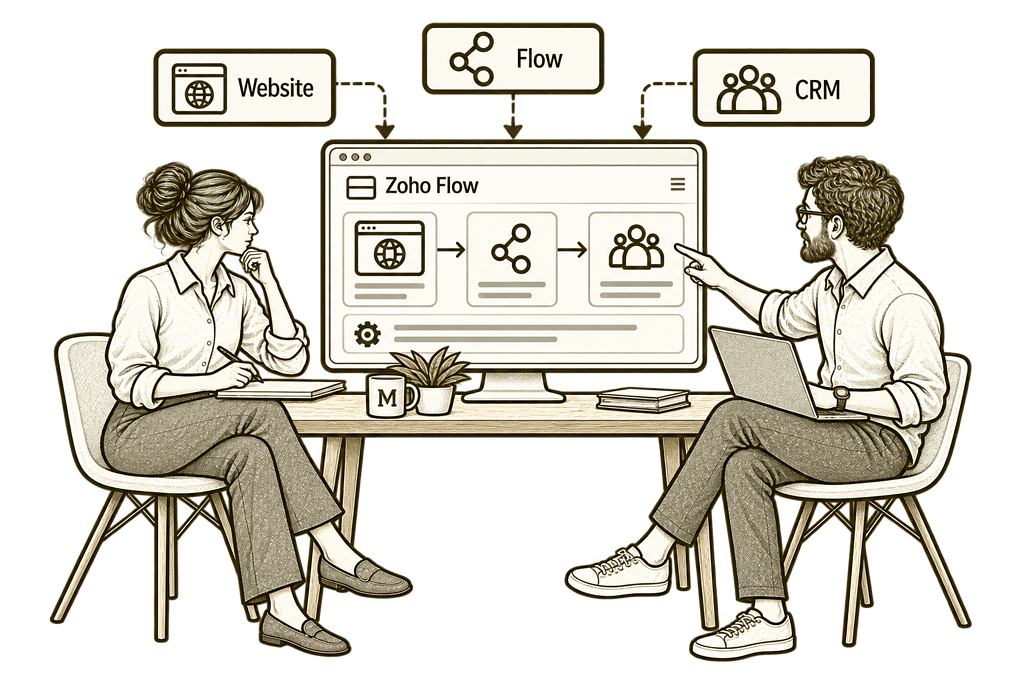
Mason & Co sketch illustrating plan your connected systems in Zoho Flow.

Plan Your Connected Systems

Map wider dependencies and prioritise the connections that remove the most useful manual work.

Automation Designed Around the Whole Handover

We define what should trigger the process, which records should change and how people handle exceptions. The connection is tested as part of the working process.

Process & Trigger Design

Map the event, conditions and intended outcome so each automation has a clear business purpose.

Connector & API Review

Check the specific actions available and identify where a native connection, webhook or API is appropriate.

Record Matching & Mapping

Agree identifiers, field mappings and ownership so updates reach the intended record and destination.

Exceptions & Recovery

Define what happens when information is missing, a connection fails or an event is received more than once.

Testing & Launch

Test representative events and failure cases, then introduce the connection with agreed operational checks.

Documentation & Support

Explain the flow, access requirements and responsibilities so the team can operate and maintain the setup.

From New Enquiry to an Owned Next Step

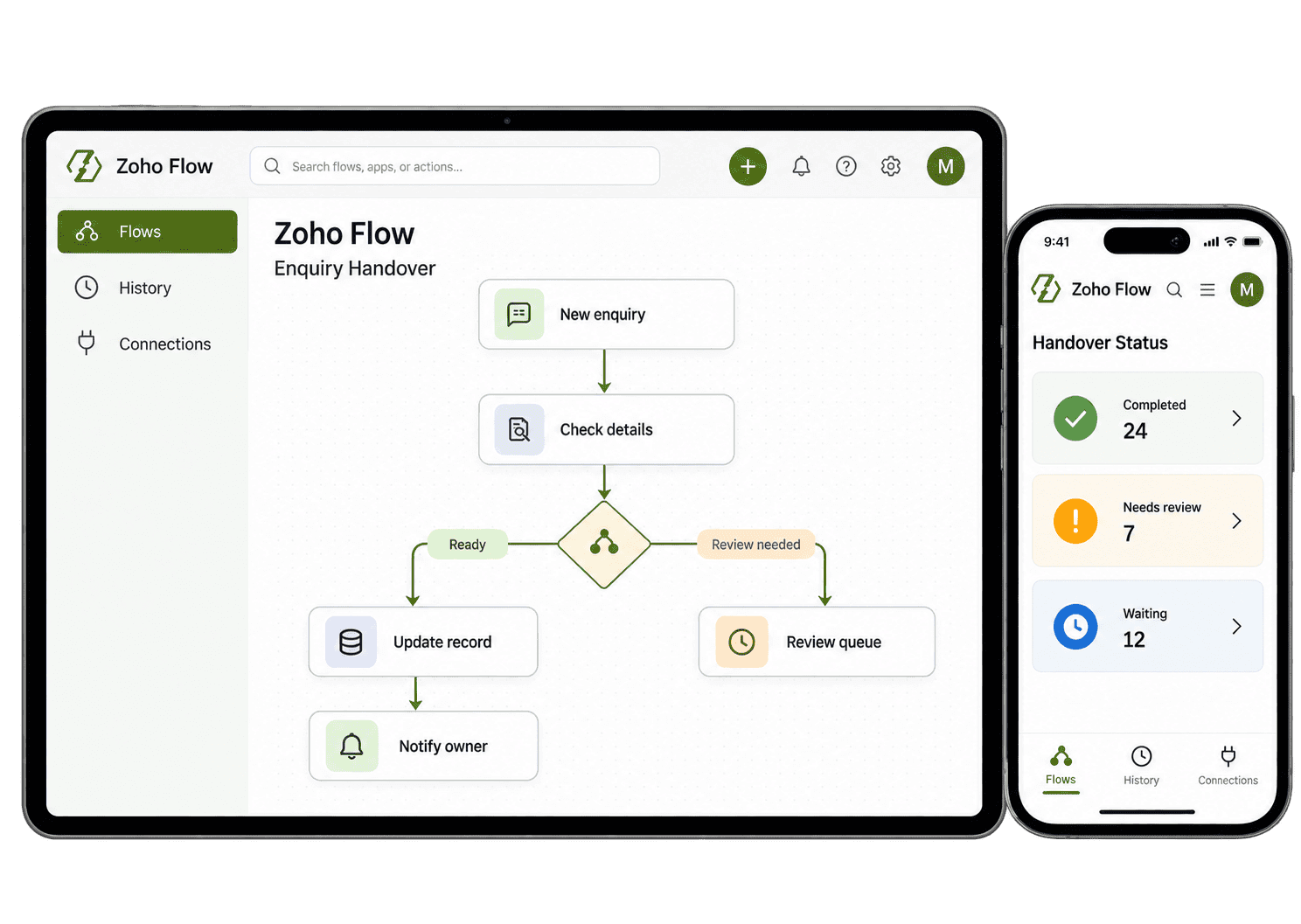
A website enquiry arrives. The automation checks the required information, looks for an existing customer record and creates or updates the agreed record in the destination system. It assigns the next action and alerts the responsible person.

If the record cannot be matched or a connection fails, the exception is surfaced for review. This is an illustrative handover: the actual route depends on your systems, permissions and connector support.

Illustrative flow process concept on tablet and phone.

Practical Handovers We Can Design With You

Choose a process that creates repeated manual work. These examples show where a controlled connection can help people complete the next step.

Route a new enquiry to the right queue through a supported connection, checking the required fields, record match and assignment so the receiving team has a useful next step.

  • Confirm the source event and required fields.
  • Agree matching and assignment rules.
  • Route incomplete submissions for review.

For example, a website submission needs to reach the sales team. We map the supported form event, check the required information and create or update the agreed destination record. The owner receives a useful next action instead of another unassigned notification. We test missing fields and repeat submissions too, so the agreed queue contains useful enquiries and someone can resolve exceptions.

Keep agreed customer details consistent between systems, with a clear source for each field and tested matching rules so updates do not overwrite another team's valid work.

  • Define the system owning each field.
  • Agree identifiers and permitted updates.
  • Test conflicting and incomplete records.

For example, a customer changes their billing contact. We define where that change should originate and which fields can be updated elsewhere. Record matching and conflict rules help the next team receive the intended update without overwriting information maintained by another system. Conflicting values reach a named reviewer, and we test a repeat event to check that it does not undo a valid change.

Turn an approved sale into a clear delivery handover, with the receiving team's information, owner and next action agreed before the workflow starts.

  • Define the event that starts delivery.
  • Map the details the receiving team needs.
  • Check repeat events and required approvals.

For example, an accepted engagement needs an operational record and responsible delivery lead. We agree the trigger, destination fields and assignment rules so the receiving team has the information needed to act, with incomplete handovers surfaced for review. We also test a repeated sales event and missing scope details, so delivery receives one useful handover with unresolved items clearly assigned.

Move approved business events into the finance process, checking customer matches and required details while retaining the team's financial review steps.

  • Define the authorised source event.
  • Confirm customer and transaction matching.
  • Retain required financial review steps.

For example, approved completed work needs to reach finance. We map the supported action and relevant details, check the customer match and preserve any required review. Finance receives a traceable handover rather than relying on staff to retype details from an email. Missing references are returned to the originating team for review, with a clear record of what finance has received and what remains outstanding.

Connect a supported document completion event to the next business action, with record links, permissions and failure notifications checked before launch.

  • Confirm the relevant completion event.
  • Map record links and agreed statuses.
  • Check access and failure notifications.

For example, a signed document should move an agreed request forward. We assess the supported signing event and destination action, retain a link to the relevant record and test permissions so the team can continue from the correct completion status. The document owner can check completion and resolve an interrupted handover without assuming that a signature alone completed every later action.

Send useful notifications when someone has a defined action to take, with clear recipients, relevant details and working links to the records they need.

  • Agree recipients and actionable content.
  • Use conditions to reduce unnecessary alerts.
  • Test links and escalation responsibilities.

For example, a request reaches a point where a manager must decide. We map the event and send the agreed information to the responsible person, with a record link and clear next step, rather than broadcasting every record change to the whole team. The alert includes the request reference and decision required. We test unavailable recipients and agree how an unanswered request is escalated.

Give failed or unusual events a clear route to a person, keeping incomplete information available for review before an automation changes the wrong record.

  • Identify missing and conflicting inputs.
  • Define review queues and responsible owners.
  • Test recovery and repeated submissions.

For example, an event arrives without the identifier needed to match a customer. We define a review route that preserves the information and alerts the owner. The team resolves the exception before the automation updates an unintended record. Once the reference is corrected, the owner checks the intended destination and follows the agreed recovery steps, avoiding a blind rerun of the whole workflow.

Agree how the team checks workflow runs and restores failed handovers, with clear support ownership, recovery steps and records of what needs attention.

  • Review available history and error information.
  • Document recovery steps and credentials.
  • Agree ongoing support and change ownership.

For example, an application's access token expires and a handover fails. We agree who checks the run information, restores the connection and reviews affected records. Recovery is tested with representative cases so the team understands what needs to be done after launch. We check whether any records reached the destination before retrying, so restoring access does not create duplicate work.

Keep the Automation Understandable and Supportable

Agree the checks and ownership needed after launch. Monitoring and recovery arrangements are scoped to the process, the applications and the support you need.

Execution Visibility

Use available run history and agreed checks to understand what happened to a process event.

Failure Ownership

Assign responsibility for checking failed runs and deciding which records need recovery.

Missing-Data Routes

Handle incomplete input through agreed review paths before it reaches the next business step.

Repeat-Event Handling

Agree matching and duplicate safeguards appropriate to the receiving application's behaviour.

Access Management

Document connection ownership and the steps needed when permissions or credentials change.

Volume & Limits

Assess run volumes, quotas and application limits before relying on a connection for daily work.

Human Review Points

Keep consequential decisions with the right people where the process needs judgement.

Change Control

Review field, process and application changes so existing integrations can be updated deliberately.

Connect Zoho and External Applications

Zoho Flow can orchestrate supported cloud applications, including Zoho and external services. We assess available connectors, webhooks and APIs against the exact events and actions you need.

The scope may include CRM, finance, bespoke Creator apps or external tools already used by your team. You can start with an external-system process without adopting Zoho CRM or Zoho One.

We recommend a native integration or another approach when that is a better fit. Connector availability alone does not guarantee the required operation is supported.

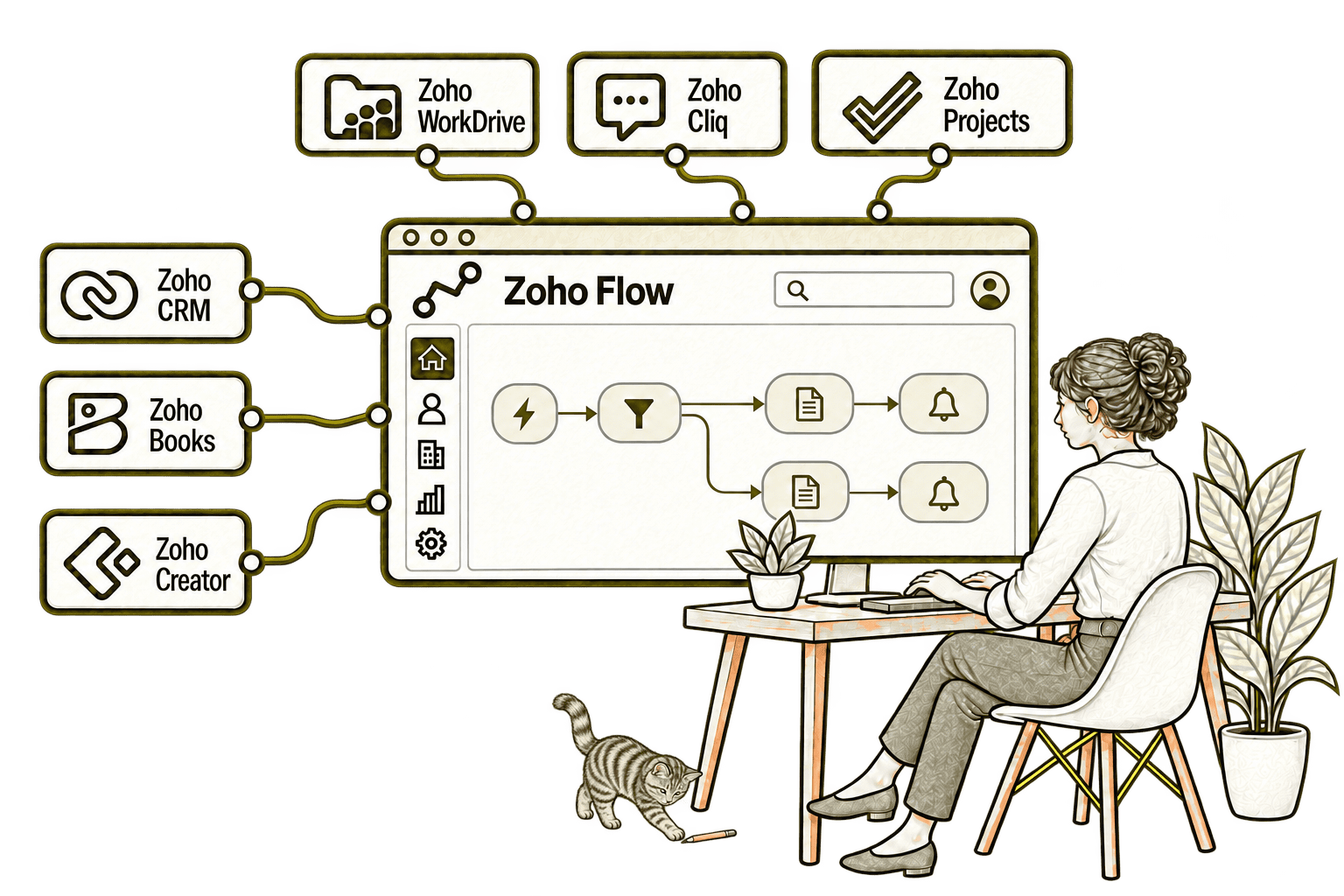
Zoho Flow connected applications with a small, softly shaded olive-grey Kiwi tabby in the background

Wherever You’re Starting, the Design Matters

Missed follow-ups, duplicate work and conflicting reports can have more than one cause. We examine the process and systems together before recommending a new configuration or integration.

Starting Fresh

We map the customer journey and agree the records, roles, actions and reporting you need before configuring CRM. This gives implementation a clear scope and reduces rework.

Already Using Zoho CRM

We review how people use the current setup, identify the causes of friction and prioritise improvements. Useful existing work is retained, with changes focused on what needs fixing.

A Clearer Starting Point

Not sure whether the problem is the process, CRM configuration, data quality or an integration? Our Business Systems & Operations Audit helps establish what is happening and where to start.

You receive a structured view of the main issues and recommended priorities, giving you a practical basis for deciding what to improve next.

What an Integration Engagement Includes

Process and outcome

Map the handover, responsible people and measurable problem the automation should solve.

Feasibility and access

Confirm triggers, actions, permissions, connector support and application limits.

Mapping and build

Define record matching, field mappings and conditions before configuring the flow.

Testing and recovery

Test normal events, incomplete data, repeat events and connection failures.

Controlled launch

Agree the rollout, monitoring responsibilities and working guidance for the team.

Support and change

Document the setup and agree how errors, credentials and future changes are handled.

Scope, subscriptions, run volumes and ongoing support are agreed before implementation. Any custom functions or API work are assessed separately against the applications involved.

Different Businesses, Different Handover Needs

These are examples to explore during discovery. Each integration is scoped to your actual systems, working rules and access requirements.

Legal & Claims

Route intake information and agreed case updates between supported systems.

Logistics & Distribution

Coordinate order events, delivery updates and operational exceptions.

Insurance & Loss Adjusting

Connect agreed case milestones with follow-up tasks and team notifications.

Recruitment & Workforce

Move approved onboarding information into the next team’s working system.

Finance & Lending

Support controlled record handovers with agreed human review points.

Property & Housing

Connect service requests with contractor actions and status updates.

Charities & Not-for-Profit

Route programme enquiries and coordinate agreed supporter-data updates.

Construction & Engineering

Connect approved site requests with operational and finance handovers.

Why Mason & Co

We consider the business process and technical connection together. You work with senior consultants who define ownership, data rules and operational exceptions alongside the automation itself.

Senior-led consultancy

Work directly with senior consultants who understand your business process and technical delivery.

UK-based, international delivery

Work with our UK-based team across locations, with delivery planned around your working hours.

Architecture + implementation

Connect business design with practical configuration and integrations that support everyday work.

Zoho + AI + automation

Connect Zoho, AI and automation where they solve a clear problem and improve your daily processes.

Not Sure Whether Mason & Co Is the Right Fit?

Tell us what you want to implement, improve or fix. We will discuss whether we can help and recommend a sensible next step based on what you share.

Your Questions Answered

No. We can assess a process involving external applications and use Zoho Flow where its supported connectors and operations fit. You do not need to adopt Zoho CRM or Zoho One to use this service.

No single connector covers every application or operation. We confirm the exact trigger and actions required, available APIs or webhooks, permissions and plan limits before agreeing feasibility.

A CRM workflow manages events within that application’s capabilities. An integration service considers the handover across systems, including record matching, destination actions, errors and operational ownership. We use the simplest appropriate approach.

Yes. We review the current logic, run history, mappings and dependencies before agreeing changes. We test the intended process and relevant failure cases before returning it to routine use.

We agree exception handling, visibility, responsible owners and recovery steps during scoping. The available mechanisms depend on the applications and process; ongoing monitoring or support is included only where agreed.

Where needed, we assess custom Deluge functions in Zoho Flow and supported API or webhook connections. The technical work, access requirements and maintenance responsibilities are agreed before implementation.

Book a free consultation and describe the repeated task or missed handover. Bring the applications involved and an example of the desired outcome so we can identify a focused integration review or build.

Which Handover Between Your Systems Needs to Work Better?

Your team may be copying records between applications, chasing missed updates or working around unreliable integrations. The systems may be Zoho, other platforms or a mixture of both.

Tell us which applications are involved and what should happen between them. We will assess the required connections, ownership and exception handling, then identify a practical starting point for Zoho Flow.

30 minutes. No charge. No obligation.