











































Zoho MCP Connect AI to Your Business Tools
Let an AI assistant work with selected business tools. We configure Zoho MCP around defined tasks and actions, with appropriate permissions for each connected application.
We check client compatibility and the tools available, separate retrieving information from making approved changes, and test how your team reviews and owns the resulting work.
✓ Business use cases & design ✓ UK-based senior consultants ✓ Free 30-minute consultation ✓ Clear scope & pricing before work begins
Why AI Connections Need More Than a Connector
An AI assistant can understand a request yet lack context. Without suitable tools, people still copy information and complete the actual business process by hand.
We scope MCP around a focused workflow and clear authority. Testing records, tools, access, approvals and exceptions defines what the assistant may do within your business process.
Disconnected Context
Teams copy information into an assistant because it cannot retrieve the relevant business records.
Too Much Access
Broad tool selection exposes more information or actions than the intended task actually needs.
Unclear Approval
Users cannot distinguish requests that read records from actions that change them or contact others.
Fragile Workflows
Partial failures and repeated requests can leave conflicting updates without clear recovery steps.
Three Ways We Work With Zoho MCP
Build a focused connection, improve an existing server or design a workflow across supported applications. We confirm the tool catalogue and AI client compatibility before implementation.

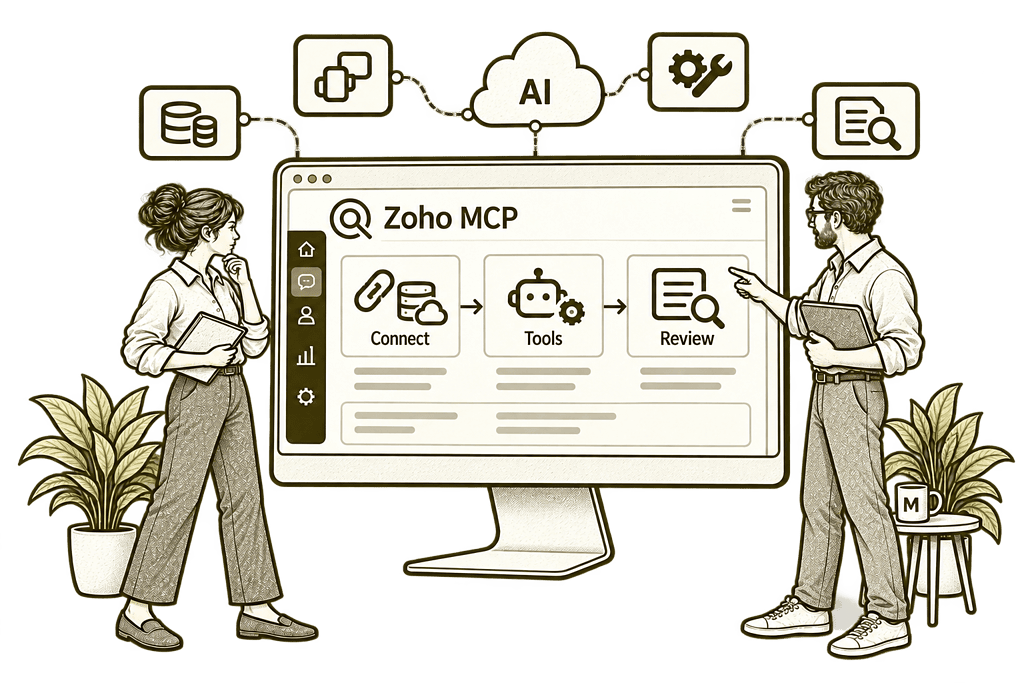
New Zoho MCP Implementation

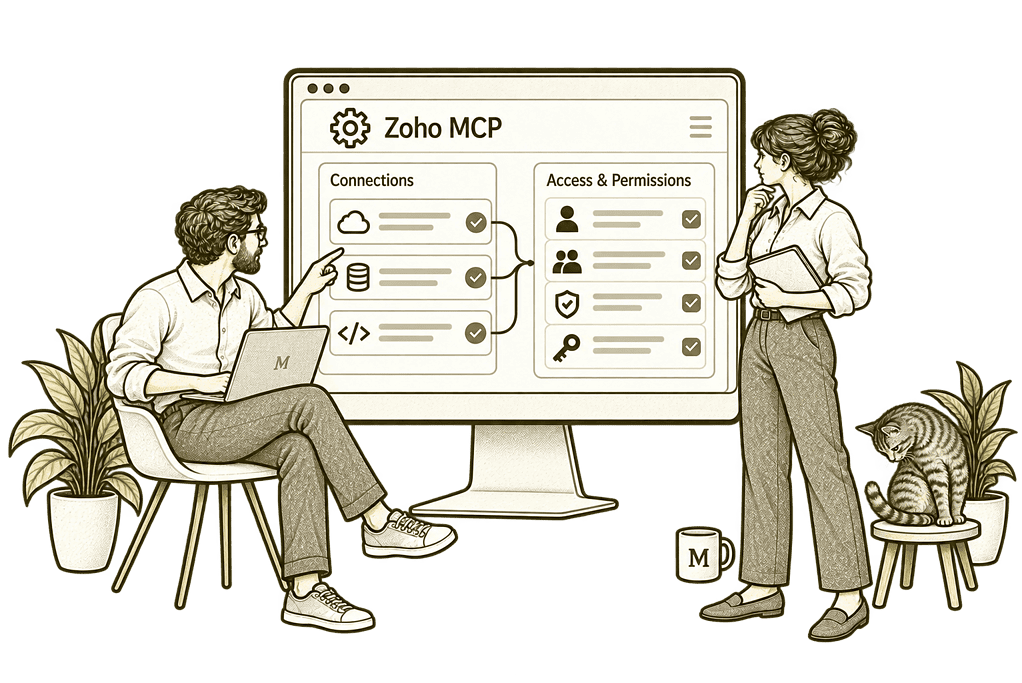
Review an Existing MCP Connection

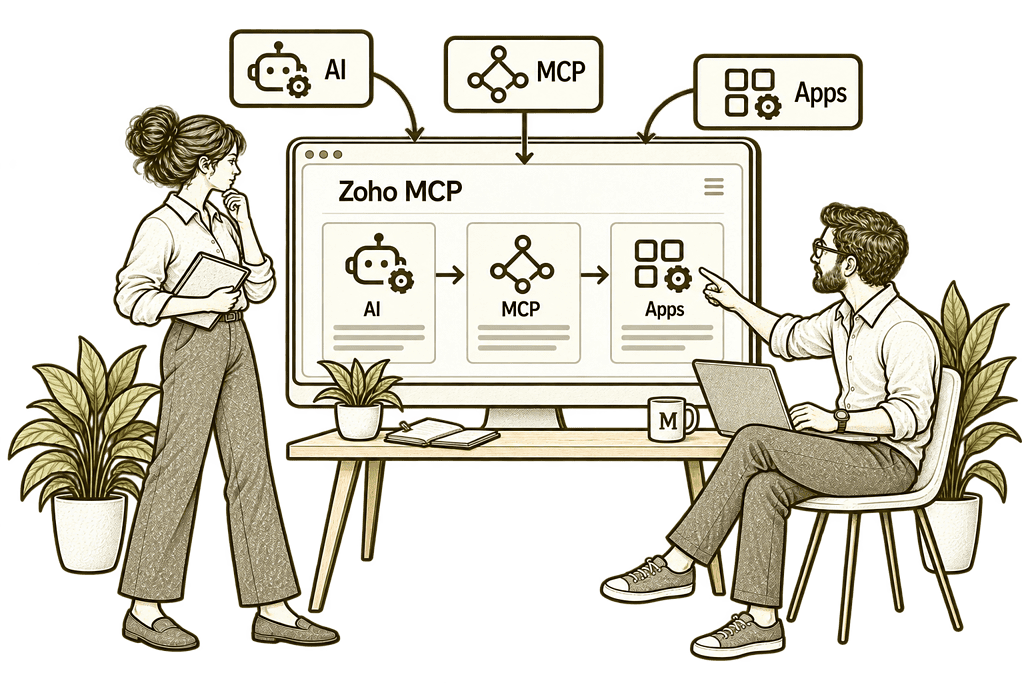
Connect AI Across Business Workflows
MCP Built Around Your Business Tasks
Model Context Protocol provides a standard way for compatible AI clients to use exposed tools. We turn that capability into a practical setup by defining the task, selecting the right operations and testing the complete user journey.
Workflow & Tool Design
Map the task and choose supported operations, separating information retrieval from record changes.
Authorised Connections
Configure the appropriate accounts and scopes, then test access with the intended user identity.
Client Configuration
Connect the server to a compatible AI client and verify its tool discovery and interaction behaviour.
Approval & Action Controls
Agree approval requirements and verify where they are enforced in the client or surrounding workflow.
Testing & Recovery
Test errors, partial completion and repeated requests so users know how to investigate and recover.
Ownership & Training
Train users and administrators to manage connections, review results and maintain the selected tools.
From a Business Request to a Controlled Action
A request such as checking an account and preparing a follow-up needs both relevant information and a clearly defined action. The AI client uses the tools exposed through MCP, subject to the connection’s access and application permissions.
We make the boundaries explicit: what can be read, what can change and what needs approval. Multi-step work also needs checks that the right record was selected and each intended action completed.

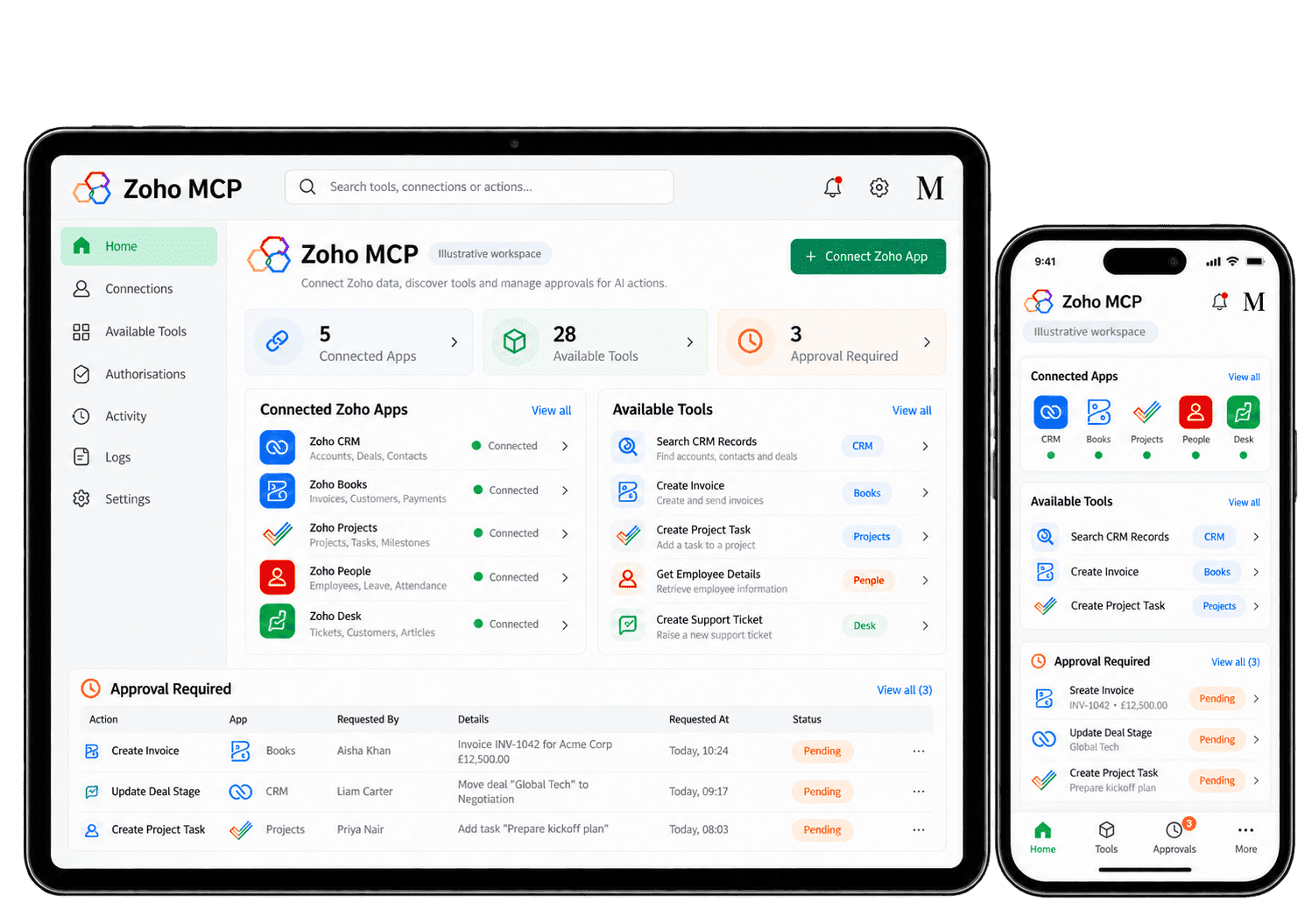
Make AI Connections Useful in Everyday Work
We assess these scenarios against the actual tools available for your applications and chosen AI client. Each workflow is tested with representative records before additional access or actions are enabled.
-
Record retrieval
-
Task creation
-
Record updates
-
Communication workflows
-
Project coordination
-
Cross-app handovers
-
Reporting assistance
-
Connection maintenance
Retrieve the authorised records needed for a business task, with identifiers and search results checked so the assistant works from the right customer context.
- Select supported search and retrieval tools.
- Use stable record identifiers where possible.
- Test access and ambiguous search results.
For example, a consultant needs the latest account context before a customer call. An AI client can use supported MCP tools to retrieve authorised records, with the customer reference checked before summarising the result. We test similar account names and restricted records. The consultant can trace the summary to the authorised result, with uncertain matches returned for review before another action.
Create a tracked next action through a supported tool, with ownership, timing and the related business record confirmed before the team relies on it.
- Confirm the supported create operation.
- Validate the owner, due date and related record.
- Check completion and prevent duplicate retries.
For example, a user asks an assistant to record a customer follow-up for Friday. Through a supported task tool, the workflow can create the action against the verified account with its agreed owner. The assistant checks the returned task reference and reports any failure. We test repeated requests too, so the user can find the intended follow-up without creating another copy.
Apply an approved change to the intended record, limiting updates to agreed fields and checking the result so users can understand what actually changed.
- Retrieve and verify the intended record first.
- Limit fields and validate the requested values.
- Require appropriate approval before execution.
For example, an account owner wants to correct a delivery date on an existing record. The assistant first retrieves the intended record, presents the defined change and follows the agreed approval process before using a supported update tool. The returned record is checked against the request, and the owner can see which field changed. Missing access or an uncertain match stops the update and leaves a clear review task.
Support message preparation and authorised sending through available tools, with clear checks for the recipient, final wording and any required approval before execution.
- Distinguish drafting from external sending.
- Verify recipients and the final message content.
- Enforce the agreed approval step before sending.
For example, a consultant asks an assistant to prepare an appointment confirmation. Supported tools can help assemble the relevant details, but the recipient and final wording are checked before authorised sending. The workflow reports whether sending completed and keeps failed steps visible. We test incorrect or missing addresses so a prepared draft cannot be mistaken for a delivered message.
Help users maintain existing project work through supported tools, keeping owners, statuses and related records aligned with the process the delivery team already follows.
- Confirm the project and relevant work items.
- Check ownership, status and update requirements.
- Reconcile results after the tools run.
For example, a project lead needs to update the owner of an outstanding task. The assistant identifies the correct project and work item before using any supported operation. The new owner and returned status are checked against the request. We test missing permissions and unresolved task references, leaving the project lead able to review the outcome before relying on it.
Connect agreed actions between supported apps, checking record references, required fields and recovery ownership before the workflow changes live records.
- Define the identifiers linking the records.
- Validate each application’s required fields.
- Handle partial completion and retry behaviour.
For example, a won customer opportunity requires a delivery task. We map the customer reference, agreed scope and receiving owner across the supported tools, then test each action and failure route. We check partial completion and repeated events, so the delivery owner can identify the created task and recover a failed step without repeating the entire handover.
Retrieve relevant information for a management question, with filters and definitions checked so the summary remains explainable against the source records it uses.
- Confirm the available retrieval or reporting tools.
- Check filters, time periods and definitions.
- Validate important figures against their source.
For example, a manager asks which customer follow-ups are overdue this month. An assistant can retrieve supported task information using agreed filters and prepare a summary. The manager checks dates, task ownership and exclusions against the source. We also test incomplete results, so the summary makes its limits clear and does not hide work that still needs review.
Keep connected workflows usable as tools and staff responsibilities change, with clear ownership of permissions, testing and removal of access that is no longer needed.
- Review tool changes and account permissions.
- Test revoked access and failed authorisation.
- Assign ownership for configuration and support.
For example, a staff member changes role and no longer needs a connected service. The connection owner reviews authorisation, removes the relevant access and tests that the old workflow cannot still retrieve or update records. Remaining workflows are checked with the relevant user roles, and support ownership is updated. The administrator can confirm which services still have a valid business purpose.
Verify the Connection and the Business Result
A successful tool call is not enough if it affects the wrong record or leaves the workflow incomplete. We agree evidence and checks for the intended result, using the logs and monitoring available in your actual setup.
Tool Availability
Confirm that the required operations are exposed and usable through the configured server.
Access Boundaries
Test the connection with the intended identity and check the records and actions it can reach.
Record Selection
Verify identifiers and resolve ambiguous matches before allowing consequential actions.
Action Completion
Check the result in the destination application rather than relying only on the assistant’s response.
Approval Behaviour
Test where approval is required and whether the configured client actually enforces it.
Failure Recovery
Review partial completion, failed calls and retry behaviour before wider rollout.
Workflow Benefit
Compare effort and outcomes on representative tasks with the existing business process.
Operational Ownership
Document who maintains access, investigates failures and approves configuration changes.
Connect Selected Tools Across Your Business
Zoho MCP exposes selected operations from supported services to a compatible AI client. We assess the tools relevant to your Zoho CRM, Zoho Projects and Zoho Mail workflows, rather than assuming every application function is available.
We also consider how the connection fits your wider Zoho One architecture and Zoho Zia plans. The chosen AI client coordinates tool use; account access, supported operations and workflow controls determine what it can actually do.

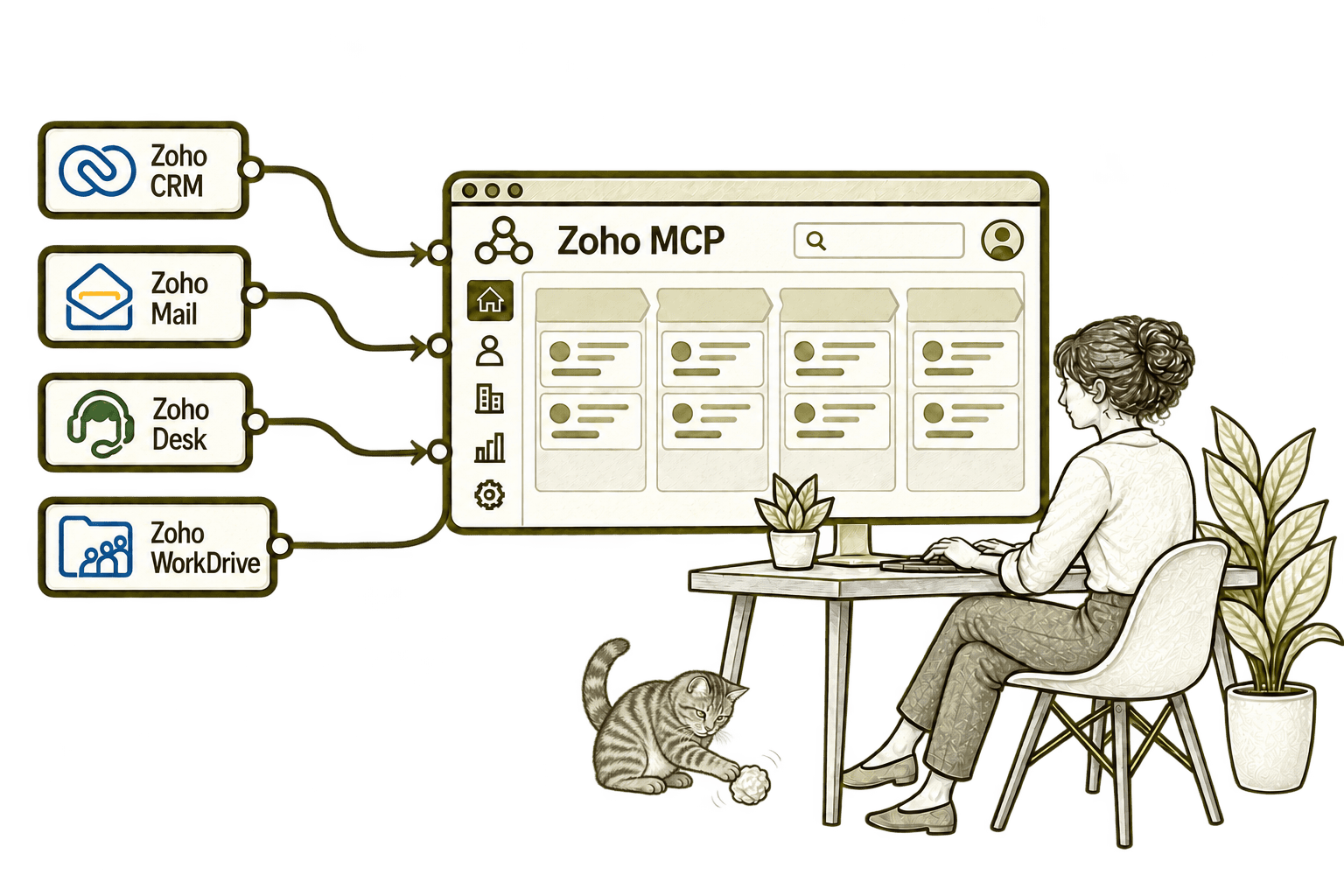
An assistant lacks context without CRM access. Zoho MCP exposes selected CRM tools to a compatible assistant, supporting agreed lookups and actions within authorised permissions.
An assistant cannot use email context it cannot access. Zoho MCP exposes selected Mail tools to a compatible assistant, supporting agreed email tasks within the user's authorised access.
An assistant cannot investigate a ticket without its details. Zoho MCP exposes selected Desk tools to a compatible assistant, helping it use authorised support information for an agreed task.
An assistant can miss a relevant business document. Zoho MCP exposes selected WorkDrive tools to a compatible assistant, enabling supported file searches within authorised access.
Start With a Focused, Testable Connection
Whether you are connecting AI for the first time or reviewing an existing server, we define the required task and access before expanding the tool set.
Starting Fresh
We choose a manageable workflow, confirm compatible clients and supported tools, then configure a limited pilot. Read-only tasks can provide a useful first proof point before write actions are introduced.
Already Using Zoho MCP
We review the server’s tools, authorised accounts and actual workflow behaviour. Improvements focus on access boundaries, record selection, approvals and recovery from failures.
A Clearer Starting Point
Our Business Systems & Operations Audit can clarify which processes would benefit from an AI connection and which need a different approach.
We examine the surrounding applications and responsibilities before recommending MCP, conventional integration or workflow automation.
What a Zoho MCP Engagement Includes
Discovery & Workflow Mapping
Define the business task, intended users and expected result before selecting tools.
Tool & Client Assessment
Check service support, exposed operations, client compatibility and licensing requirements.
Access & Connection Design
Agree authorised identities, required scopes and sensitive endpoint handling.
Configuration & Controls
Configure the server and client with verified approval and action boundaries.
Testing & Recovery
Test representative records, exceptions, partial completion and repeated requests.
Training & Maintenance
Document ownership, user guidance, access removal and configuration change procedures.
Scope depends on the selected services, available tools, chosen AI client and actions required. We agree deliverables, access responsibilities and acceptance checks before implementation.
Different Businesses. Different Connection Requirements.
The consequences of an AI action vary by sector and task. We design connections around the information required, the people responsible and the checks needed before records or communications change.
Retrieve relevant case information with restricted access and review before consequential updates.
Connect supported operational tasks with validated identifiers and clear exception handling.
Review claims access and require approval for actions affecting outcomes or client contact.
Recruitment & Workforce Agencies
Support recruitment tasks with verified records, clear permissions and approved communications.
Limit financial access and enforce appropriate review before supported write operations.
Property & Housing Associations
Coordinate suitable property tasks with confirmed records and authorised updates.
Connect programme and admin tools with clear limits on the information and actions available.
Support project tasks with verified ownership, status changes and recovery procedures.
Why Mason & Co
We combine enterprise architecture, Zoho implementation, integration, AI and automation. For MCP, we design the complete workflow: selected tools, authorised access, user approvals and evidence that the intended business result was achieved.
Senior-led consultancy
Work directly with senior consultants who understand your business process and technical delivery.
UK-based, international delivery
Work with our UK-based team across locations, with delivery planned around your working hours.
Architecture + implementation
Connect business design with practical configuration and integrations that support everyday work.
Zoho + AI + automation
Connect Zoho, AI and automation where they solve a clear problem and improve your daily processes.
Not Sure Whether Mason & Co Is the Right Fit?
Tell us what you want to implement, improve or fix. We will discuss whether we can help and recommend a sensible next step based on what you share.
Your Questions Answered
What is Zoho MCP?
Zoho MCP is a service for configuring Model Context Protocol servers with selected tools from supported applications. A compatible AI client can use those tools to retrieve information or perform operations, subject to the authorised connection and application permissions.
Does Zoho MCP work with every AI assistant?
The chosen client must support the required MCP connection method. Availability can depend on the client’s plan, configuration and supported authentication. We verify compatibility with your intended setup before implementation.
Can an AI assistant change records through MCP?
Yes, where suitable write tools are exposed and authorised. We separate retrieval from updates, creation or sending, and test record selection, approvals and completion checks before enabling consequential actions.
Does MCP automatically connect all our applications?
No. The required services and tools must be supported, selected and authorised. The client coordinates the calls, while cross-app workflows still need explicit mapping, validation and failure handling.
How do you control access and approvals?
We minimise the selected tools and authorised scopes, test actual access and establish approval requirements. Approval enforcement depends on the client and workflow configuration; MCP alone is not a guarantee of human review. We also review the AI provider’s handling of retrieved data.
How long does a Zoho MCP implementation take?
Timing depends on the supported services, number of tools, authentication requirements and workflow complexity. We agree a focused pilot and acceptance checks before expanding to additional actions or teams.
How does MCP differ from Zia and workflow automation?
MCP provides a standard connection for AI clients to use exposed tools. Zia is Zoho’s AI offering, while conventional automation runs defined processes. They may complement one another, but we choose the approach that best fits the task and required controls.
Which Business Tasks Should Your AI Assistant Connect To?
Tell us which applications and actions matter to your team. We will assess Zoho MCP compatibility, separate reading from changes and identify a practical connection with clear approval and access boundaries.
30 minutes. No charge. No obligation.