




























Free 30-minute consultation | UK-based senior consultants

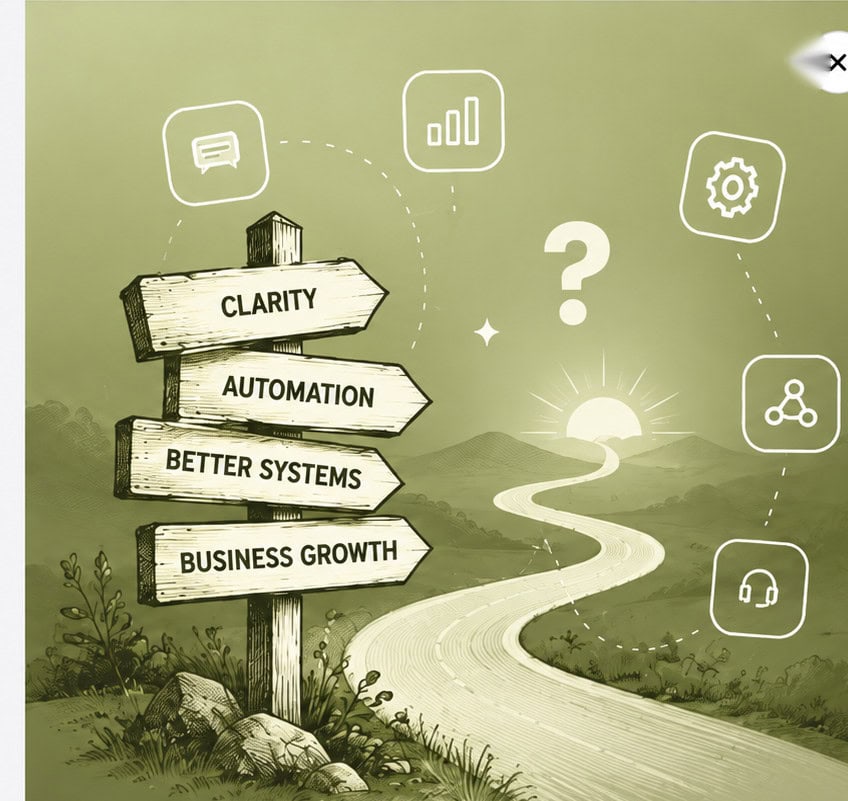
Not Sure Where to Start?

Zoho One works best when CRM, finance, operations, workforce and reporting are designed to work together.

If your current setup feels fragmented, overly manual or difficult to manage, we can help identify where the real problem sits.

Practical AI That Improves How Your Business Works

We help businesses use AI where it improves real operational work — not as a separate experiment.

Our approach combines Zoho, automation, reporting and governed AI so every solution is connected to real processes, reliable data and measurable outcomes.

OpenAI & ChatGPT
Useful AI for Everyday Work

Reduce time spent reading enquiries and preparing records.
We help your team assess where OpenAI can support work,
with relevant information, human review and clear ownership.

We design useful ChatGPT practices or API integrations,
define the access and checks each task needs to operate,
and test results before introducing changes to routine work.

✓ Business use cases & design   ✓ UK-based senior consultants   ✓ Free 30-minute consultation   ✓ Clear scope & pricing before work begins

Start With the Work That Takes Too Long

Repetitive drafting and information gathering slow teams. The details needed for a useful answer may sit across emails, documents and several separate business systems.

We shape OpenAI around a practical task and suitable information. Clear output-review expectations and usefulness tests address working gaps before we extend the approach.

Repeated Drafting

Staff write similar replies and summaries, leaving less time for meaningful customer conversations.

Scattered Knowledge

Useful information sits across separate documents and systems, making reliable answers harder to find.

Unclear Boundaries

Teams need clear rules for sharing information, checking outputs and approving changes to records.

Uneven Adoption

Some colleagues experiment confidently while others lack practical guidance for using AI in their work.

Three Ways We Can Help With OpenAI

Some businesses need a better way to use ChatGPT. Others need an application connected to their systems. We scope the work around your users, data and expected outcomes.

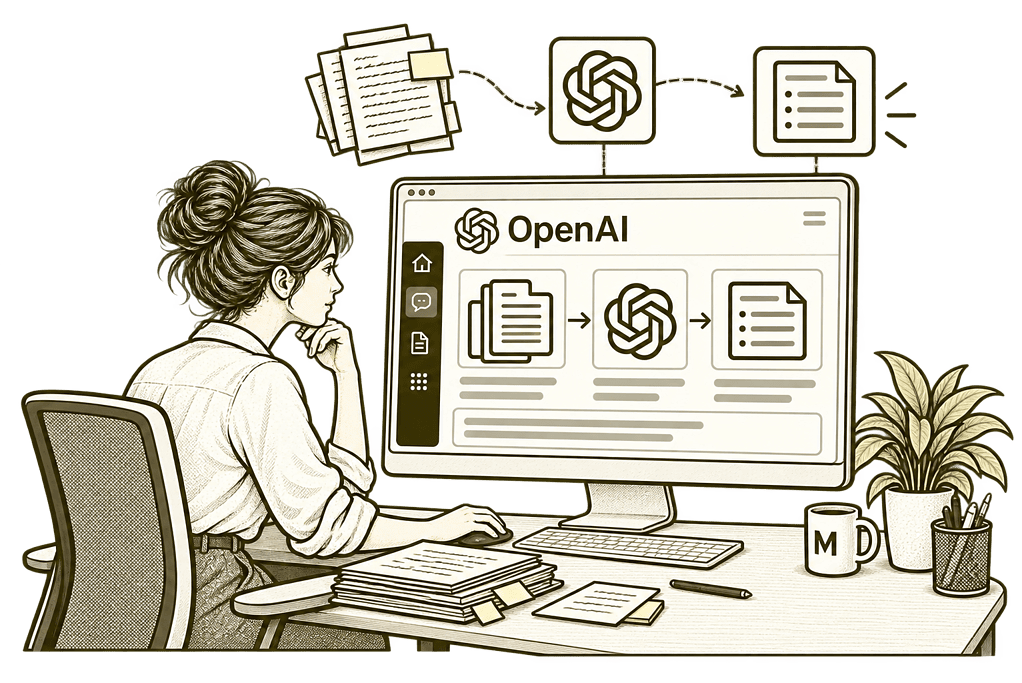
Mason & Co sketch illustrating make chatgpt useful with OpenAI integrations.

Make ChatGPT Useful

Develop repeatable ways to draft, summarise and find information, with source checks and a clear review process.
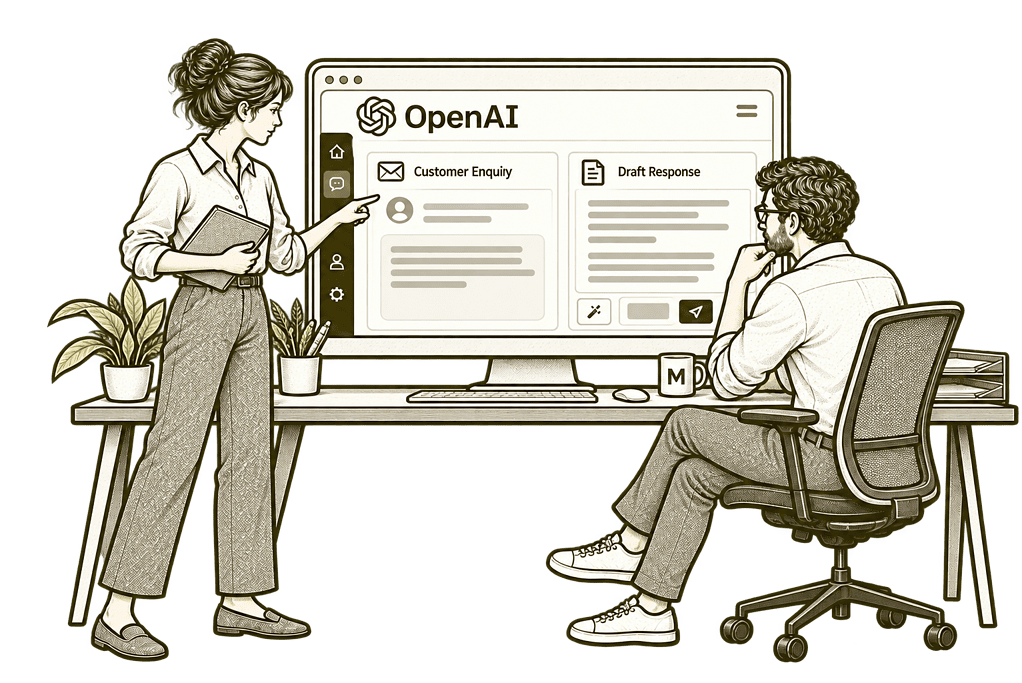
Mason & Co sketch illustrating connect a business process with OpenAI integrations.

Connect a Business Process

Scope an API or connector integration that reads approved information and proposes controlled business actions.
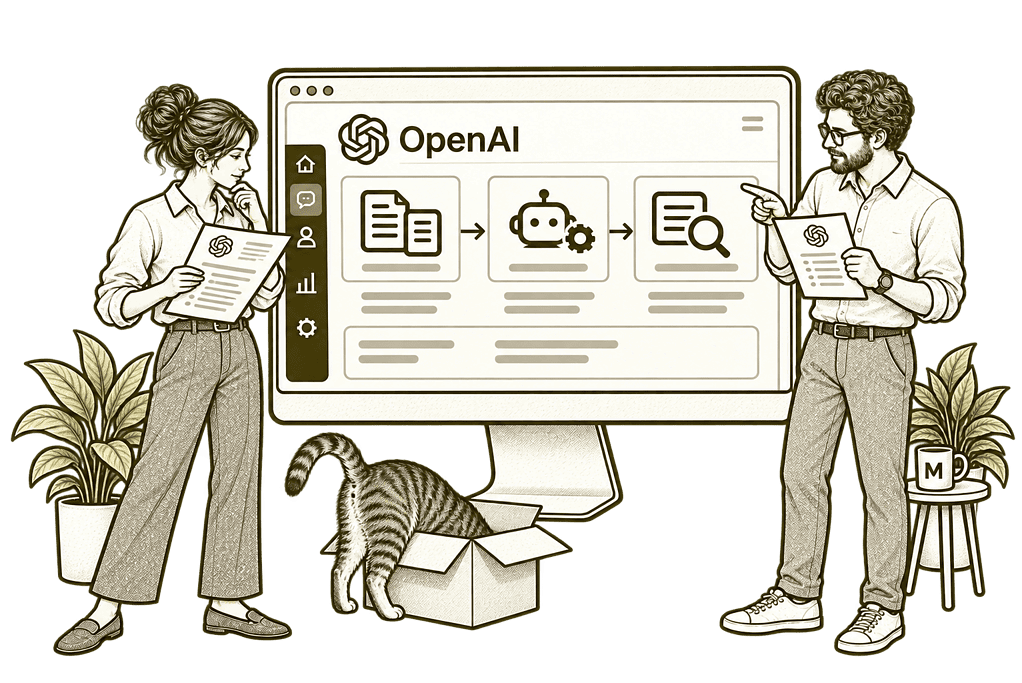
Mason & Co sketch illustrating prepare and support your team with OpenAI integrations.

Support Your Team

Set working rules, test real examples and train colleagues to use AI responsibly within their everyday tasks.

Choose the Right Route for the Job

ChatGPT is an application people use directly. The OpenAI API lets a developer add model capabilities to a separate application. A connector provides access to a particular system; its available actions and permissions must be checked.

ChatGPT Working Practices

Develop reusable instructions and review checklists for everyday writing, analysis and information tasks.

Approved Knowledge

Identify the documents and records people may use, with source references where the solution supports them.

System Integration

Assess supported connectors or API routes for your CRM, documents and other business systems.

Controlled Actions

Separate read access from write access, with clear approvals before consequential business changes.

Evaluation and Testing

Compare results against representative examples, including missing information, incorrect answers and unusual cases.

Team Adoption

Document how the workflow operates and help colleagues recognise when a person needs to take over.

One Clear View of Your Approved Sources

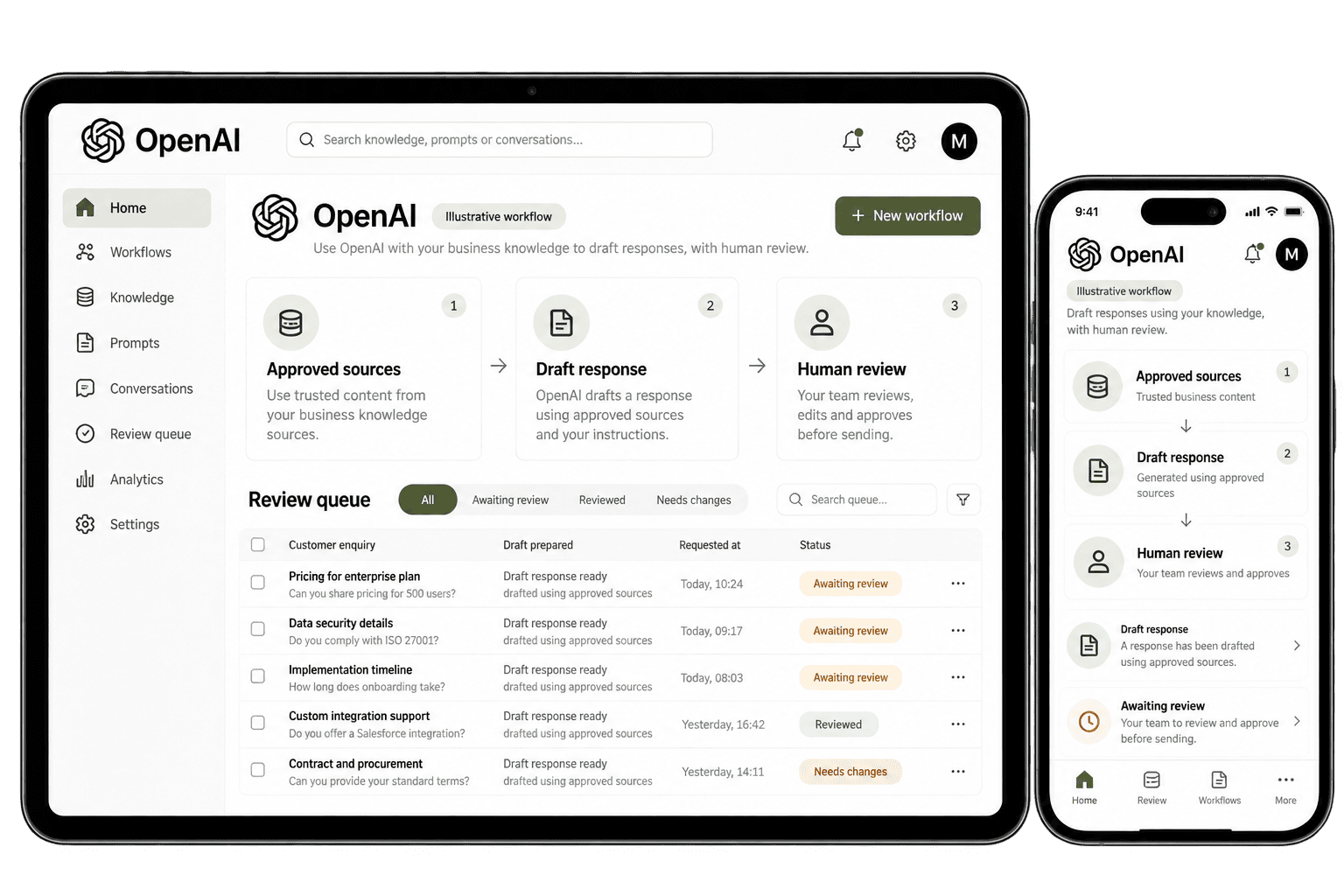
When someone asks for help with a task, the workflow should identify the approved information, the intended output and the person who checks it. We organise instructions, source access and review steps around those needs, so colleagues can work without repeatedly gathering the same context.

Managers can then see which outputs are useful, where corrections recur and which tasks need better information.

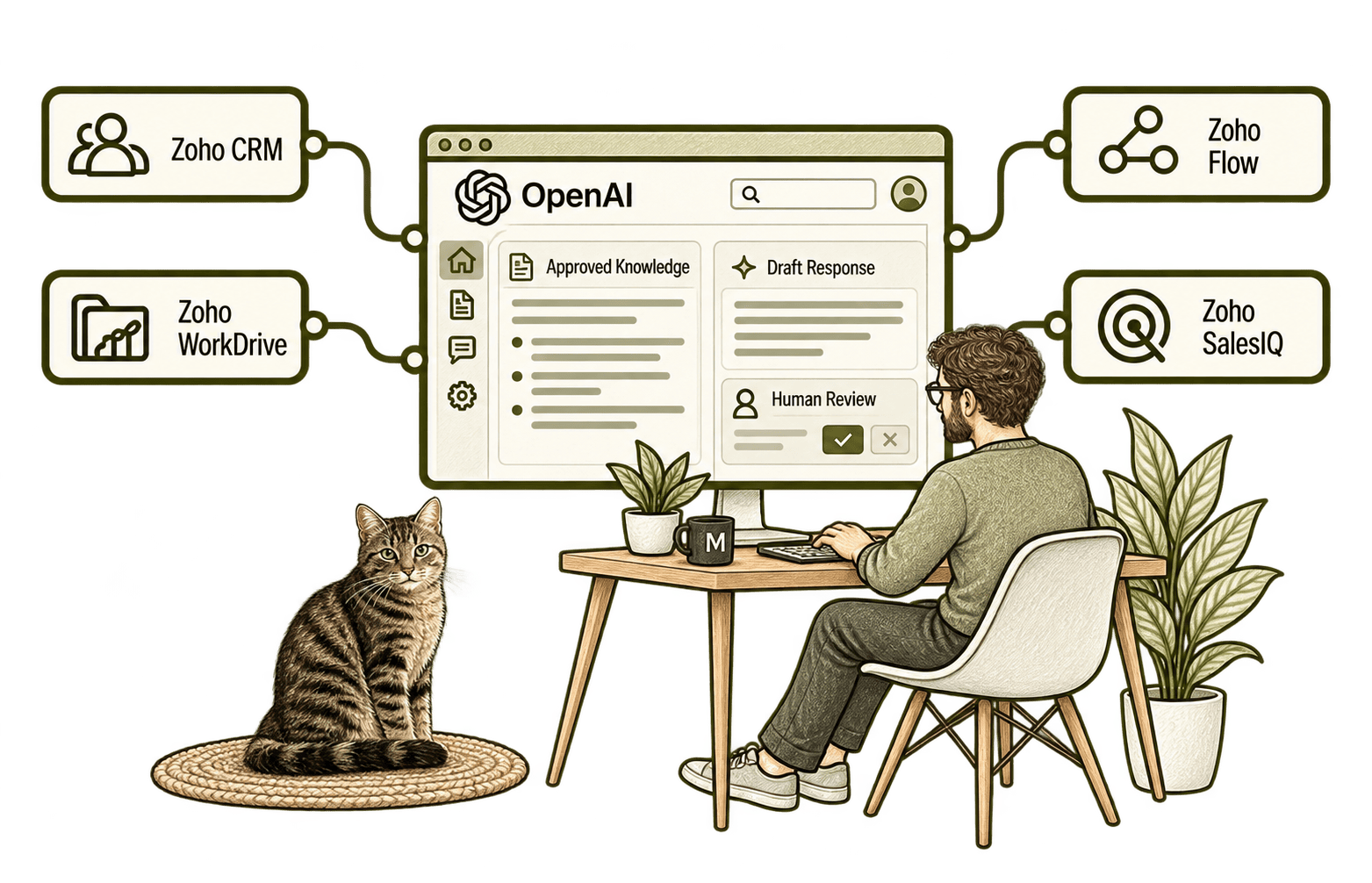
Illustrative OpenAI workflow on a monitor and mobile showing approved sources, a draft response and human review.

Use OpenAI Where Your Team Needs Direction

A long enquiry may need a summary. A routine reply may need a draft. A proposed system change may need a reviewer who can approve it. We configure OpenAI assistance around these practical tasks, with clear boundaries for information, actions and review.

Prepare a useful draft or summary from approved information, with clear instructions and a named reviewer checking facts, gaps and wording.

  • Agree the task, audience and output format.
  • Use only the data needed for this task.
  • Keep claims checking clear to reviewers.

A colleague needs to answer a long enquiry. We agree the instructions and source data, then test if the draft captures the key facts. They check the answer and any gaps before sending it, so responsibility stays clear. Clear roles protect customer trust and the reviewer can see where clarification is needed.

Give each task the approved information it needs, with source ownership, dates and access checked so staff can verify and identify guidance that needs updating.

  • List the files and data each task needs.
  • Check dates, owners and access to each source.
  • Test what happens when facts are missing.

For example, staff answer service questions. We agree which files the tool may use and test replies against those sources. A reviewer checks the facts and flags gaps, so staff know what needs a fresh check before they send an answer. Source owners can remove outdated guidance and update approved files.

Connect task to supported systems, agreeing what the workflow reads or changes and who handles failures before the team relies on an automated handover.

  • Verify the connector or API can support it.
  • Agree access, fields and an owner for changes.
  • Test system failures and unexpected replies.

For example, a draft needs facts from a record. We check the connection and its access before testing the handover. The owner checks results and deals with failures, so useful assistance fits the process without extra permission to update records or send messages. We test missing records and access failures as well.

Agree what the assistant may propose and what requires approval, with access limited to the task and a named person checking any consequential change.

  • Define what the workflow may propose.
  • Limit write access to agreed tasks.
  • Keep approvals and failures with named people.

For example, an assistant suggests an update after reading an enquiry. We check whether the integration supports it and agree who must approve the change. Staff record the request and outcome, so advice does not become an unchecked update or a message to a customer.

Test the workflow against representative and difficult cases, recording errors and editing effort so the owner can judge whether its answers are useful in daily work.

  • Agree sample cases and a useful baseline.
  • Test missing information and likely mistakes.
  • Record edits and assess what still needs work.

A team wants help with reports. We compare drafts with samples and ask reviewers to note errors. The owner uses evidence to decide what works, what needs fixing and whether the workflow is ready to use widely. The comparison also includes whether faster drafting creates more correction work.

Help staff practise the workflow on familiar tasks, with clear data limits and support so colleagues know when an answer needs checking or help.

  • Practise with tasks from daily work.
  • Explain data limits and review responsibilities.
  • Agree how staff raise issues and get support.

For example, staff have different levels of confidence with AI. We use familiar tasks to show where a person must check or decide. Feedback helps improve guidance and support, so adoption rests on a clear practice rather than expecting everyone to become an expert. 

Keep review within the normal task, with a person checking claims against approved sources and retaining responsibility for the final decision.

  • Name the reviewer for each output.
  • Compare key claims with approved source data.
  • Keep sensitive decisions with the right people.

For example, an assistant drafts a reply from approved records. A colleague checks facts, flags gaps and confirms the tone before sending it. We agree the handover, so faster drafting leaves a person responsible for the reply and its accuracy. The reviewer also checks that the draft answers the actual question.

Keep tasks clear after launch by recording sources, assigning failures to an owner and reviewing changes before extending access or supported actions.

  • Record tasks and sources behind each result.
  • Assign failed and unresolved requests.
  • Review changes before extending access.

A workflow drafts a reply and proposes a task. We check the tool, agree its review owner and test failures. The team sees what finished and what needs help, reducing repeat work without hiding a failed handover or an unapproved change. Failed steps are visible to the owner, who can check the results. succeeded.

Measure Results Before You Scale

Useful AI measures answer clear questions: are drafts accurate, do reviewers save time and which tasks still need edits? We agree the baseline, test real examples and review results around the decisions your team needs to make before extending a workflow.

Response checks

Check answers against approved sources and note errors, giving a clear view of what needs attention.

Reliability

Compare drafts across samples and test gaps or unusual cases before using a workflow for daily work.

Acceptance rates

Track accepted drafts and edits to show where assistance needs improvement.

Support visibility

Record support requests and problems so owners can see which workflows need help and review.

Usage patterns

Review workflows colleagues use OpenAI for and where they still need effective working instructions.

Data sources

Identify sources for answers and check that data is current, relevant and approved.

Team development

Compare team feedback and skills to see where useful training or clear guidance can help.

AI-assisted reviews

Use AI to organise test findings for review, while people check facts and decide what needs changing.

From a Customer Enquiry to a Reviewed Response

A service team receives an enquiry about an existing contract. An agreed workflow retrieves the relevant record and approved service information. OpenAI helps prepare a draft that separates confirmed details from unanswered questions. A colleague checks the sources, corrects the response and decides whether to send it. Any CRM update follows the permissions and approval rules agreed for that process.

This is an illustrative workflow we can scope with you. Reading records, changing records and sending messages are separate permissions; each depends on the selected product, integration and account access.

OpenAI connected with Zoho CRM, WorkDrive, Flow and SalesIQ, with approved knowledge and human review.

Wherever You’re Starting, the Design Matters

Repeated drafting, unclear answers and unused tools can have several causes. We examine tasks, information and working practices together before recommending a new AI workflow or integration.

Starting Fresh

We identify a task and agree the sources, users, outputs and review steps before introducing OpenAI. This gives the first pilot a clear scope and practical evaluation checks.

Already Using AI Tools

We review how staff use existing AI tools, find the causes of poor results and prioritise improvements. Useful working practices are retained, with changes focused on what needs fixing.

Not sure whether the problem is the task, source data, team practices or an integration? Our Business Systems & Operations Audit helps examine the wider systems before introducing more AI.

You receive a structured view of the main issues and recommended priorities, giving you a practical basis for deciding what to improve next.

How We Take an OpenAI Use Case Into Practice

Define the job

Agree the task, users and measurable outcome before selecting the technology or building a solution.

Check the information

Identify sources, access rights, data sensitivity and the records needed to complete the job.

Design the controls

Decide who reviews outputs, approves actions and handles incomplete or conflicting information.

Build a focused pilot

Configure the agreed application or integration and test representative cases with your team.

Review the evidence

Assess usefulness, quality, effort and cost before recommending wider rollout or a different approach.

Support real use

Provide guidance, ownership and an agreed improvement process as working practices and requirements change.

Product subscriptions, API usage and third-party integration costs are scoped separately. We check the selected service’s data handling and retention terms before using your business information.

Different Businesses. Different LLM Requirements.

The same model can support very different information tasks. A consultancy may prepare briefs and proposals; a distributor may summarise service enquiries; a recruiter may organise authorised records. We design OpenAI assistance around those differences and connect approved information where useful.

Legal & Claims Management

Prepare draft case letters and organise approved information, with source checks and professional review before use.

Logistics & Distribution

Summarise delivery enquiries and prepare draft replies from approved data, with review before any customer communication.

Insurance & Loss Adjusting

Organise approved claim data and summaries, keeping source checks and sensitive decisions with reviewers.

Recruitment & Workforce Agencies

Prepare role briefs and organise approved candidate data, with human review before messages, updates or decisions.

Financial Services & Lending

Summarise financial records and draft replies, keeping access checks and sensitive decisions with reviewers.

Property & Housing Associations

Organise repair requests and tenant updates from approved data, with clear review before replies are sent.

Charities & Not-for-Profits

Prepare funding summaries and supporter messages from approved material, with checks and review before publication.

Construction & Engineering

Summarise project notes and draft handovers from approved records, with a colleague checking details before they are shared.

Why Mason & Co

We look at the whole business process, including the systems around it and the people responsible for the result. Our role is to turn a promising AI idea into a defined, testable piece of work with an accountable owner.

Business first

Start with the work your team needs to complete and the outcome that matters.

Architecture and delivery

Consider the systems, information and controls around the workflow alongside its practical implementation.

Clear responsibilities

Agree who checks the output, approves actions and owns the process after the pilot.

A sensible next step

Use evidence from a focused review or pilot to decide what deserves further investment.

Your Questions Answered

OpenAI is the company and platform provider. ChatGPT is one of its applications. The OpenAI API is a separate route for building capabilities into software; subscriptions and access should be checked for the route you need.

Potentially, through a supported connector or API integration. We first verify the actions available, required account permissions and field mappings. A connection that can read data does not automatically have permission to create records or workflows.

Only where an explicitly scoped workflow permits those actions. We define review and approval points, restrict access and test the process. A drafting use case can operate without any permission to send or update records.

That depends on the product, contract, settings and integration. We review data sensitivity, access, retention and the applicable provider terms before deciding what information belongs in the workflow.

We use representative examples and agreed success criteria. Review covers factual accuracy, source use, missing information, inappropriate actions and the time saved. Staff retain responsibility for accepting outputs.

We choose an appropriate model during scoping and testing, based on the task, quality, speed and cost. The page does not depend on one model name or assume every product provides the same features.

Bring one repetitive task and a description of the information involved. We will discuss whether ChatGPT working practices, an integration or a readiness review is the sensible next step.

Where Could OpenAI Help Your Team Save Time?

You may want help drafting responses, summarising information, reviewing enquiries or connecting AI to your business systems. You may already use ChatGPT and want a clearer way to manage the work.

Tell us about one repeated task, the systems involved and the result you need. We will help assess whether ChatGPT working practices or an OpenAI integration could improve it, with appropriate review and controls.

30 minutes. No charge. No obligation.