









Zoho CRM
That Works for
Your Business
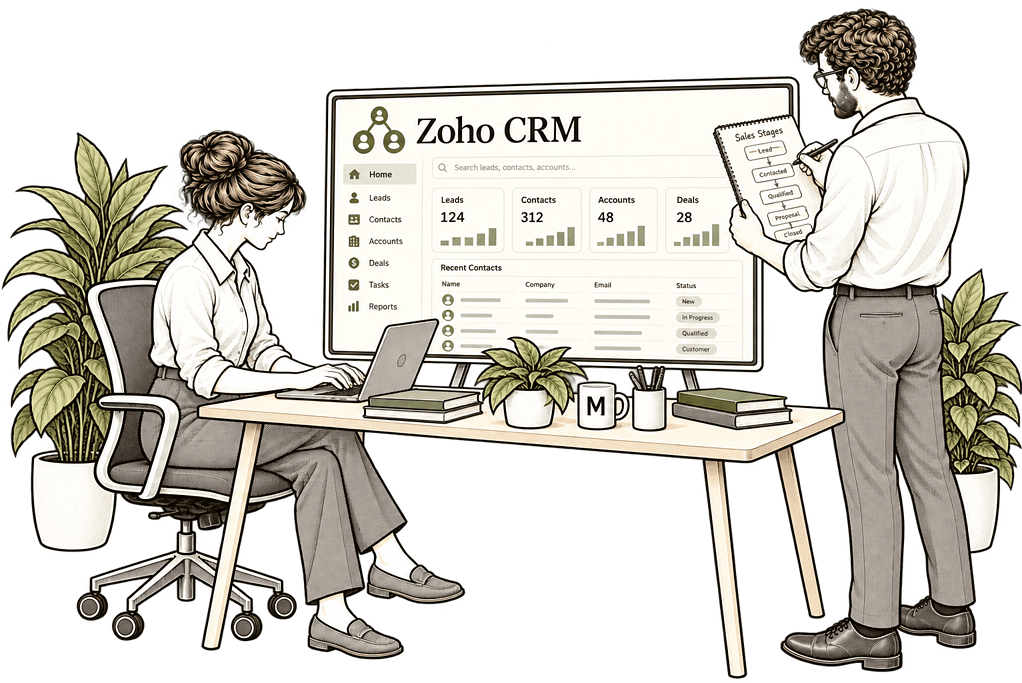
Know who owns each enquiry and what needs to happen next. We design Zoho CRM around how your business sells, follows up and serves customers throughout the relationship.
We improve records, workflows and customer handovers, connecting CRM with the systems your team already uses so people can see each opportunity and their next action.
✓ Clear sales pipeline ownership ✓ Consistent customer records ✓ Timely follow-up workflows ✓ Connected sales & service data
Why Zoho CRM Often Falls Short
A CRM becomes difficult when its setup no longer fits the work. Fields multiply and sales stages mean different things, while automated actions become harder for teams to follow.
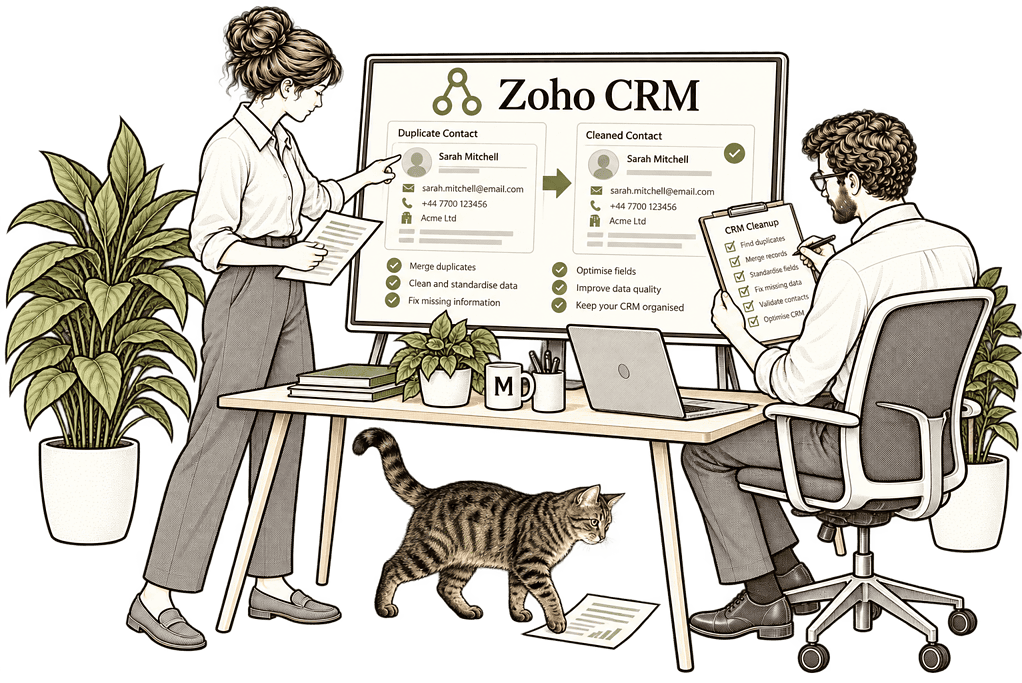
We review CRM processes, data and configuration together. We identify the causes of repeated entry, unreliable reports and spreadsheet workarounds, then agree changes that fit your team.
Unclear Sales Process
Poor Data Quality
Low User Adoption
Limited Visibility
Three Ways We Work With Zoho CRM
You may need a new CRM, a better existing setup or a connection between systems. We start with the business problem and scope the work around it.
New Zoho CRM
Implementation

Fix and Optimise
Existing Zoho CRM

Connect CRM With
Your Other Systems
CRM Built Around Your Business
We start by understanding who receives an enquiry, how it is qualified, who follows it up and what happens when the customer agrees to proceed. That gives us the foundation for a CRM your team can use in its daily work.Sales Process Design
Workflow Automation
Data Migration
System Integrations
Reporting & Analytics
Adoption & Training
One Clear View of Your Customer Journey
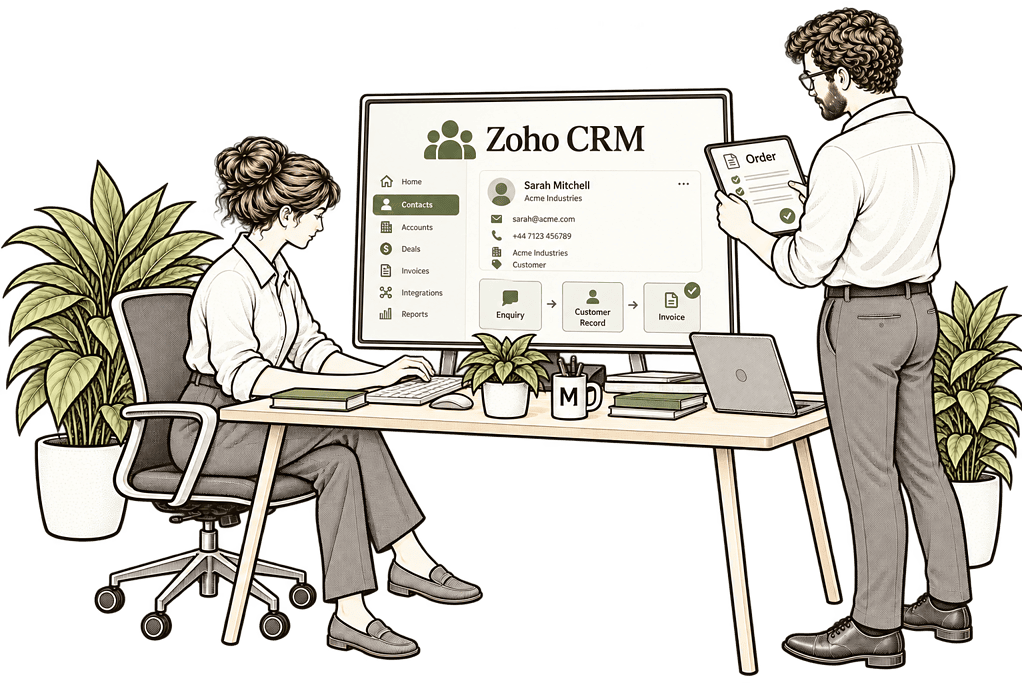
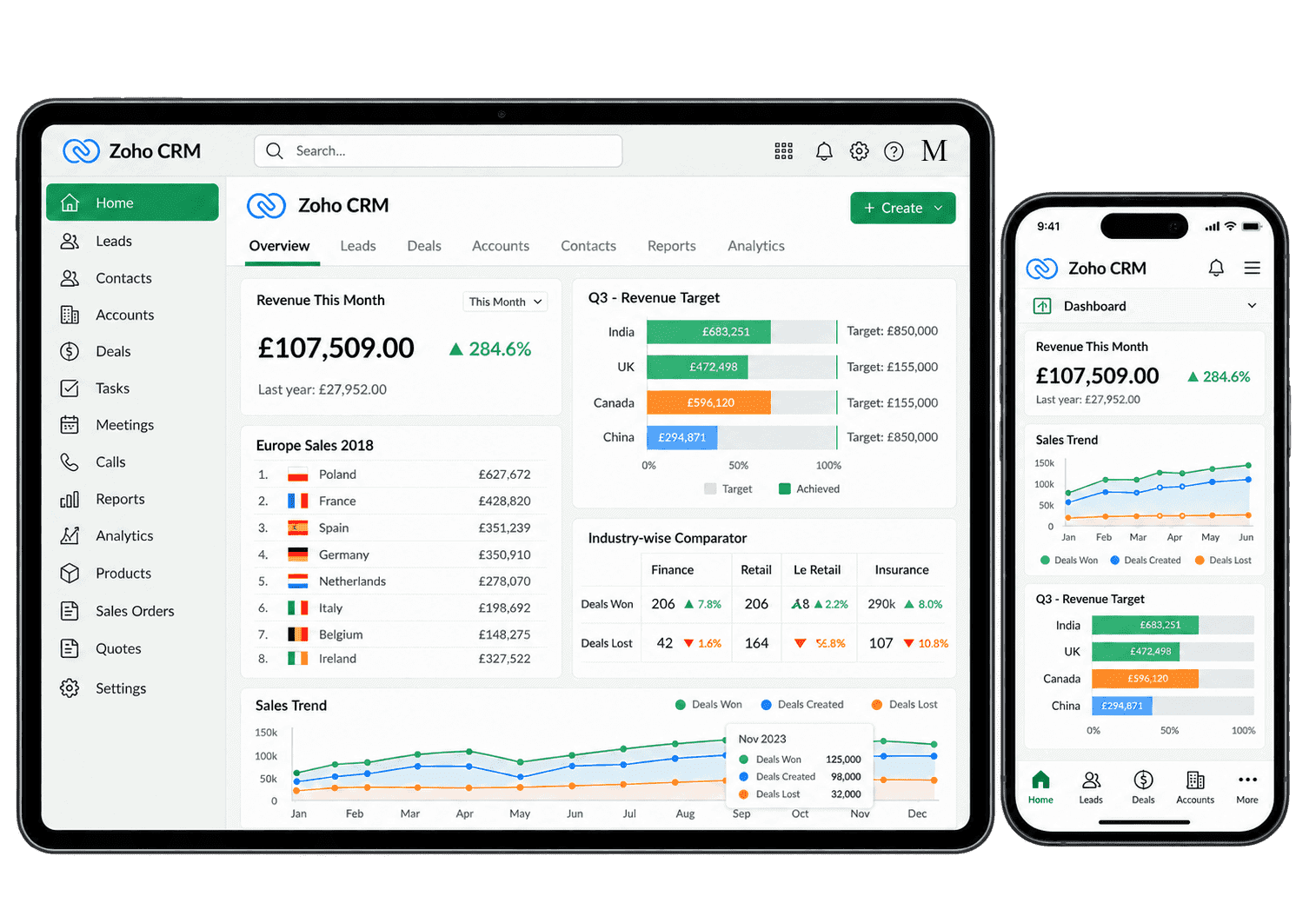
When someone opens a customer record, they should be able to see the latest conversation, the current opportunity and the next action. We organise layouts, views and dashboards around those everyday needs, so users can act without searching across spreadsheets and inboxes.Managers can then see where deals are moving, where follow-up has stalled and which opportunities need support.
Automate the Work That Shouldn’t Be Manual
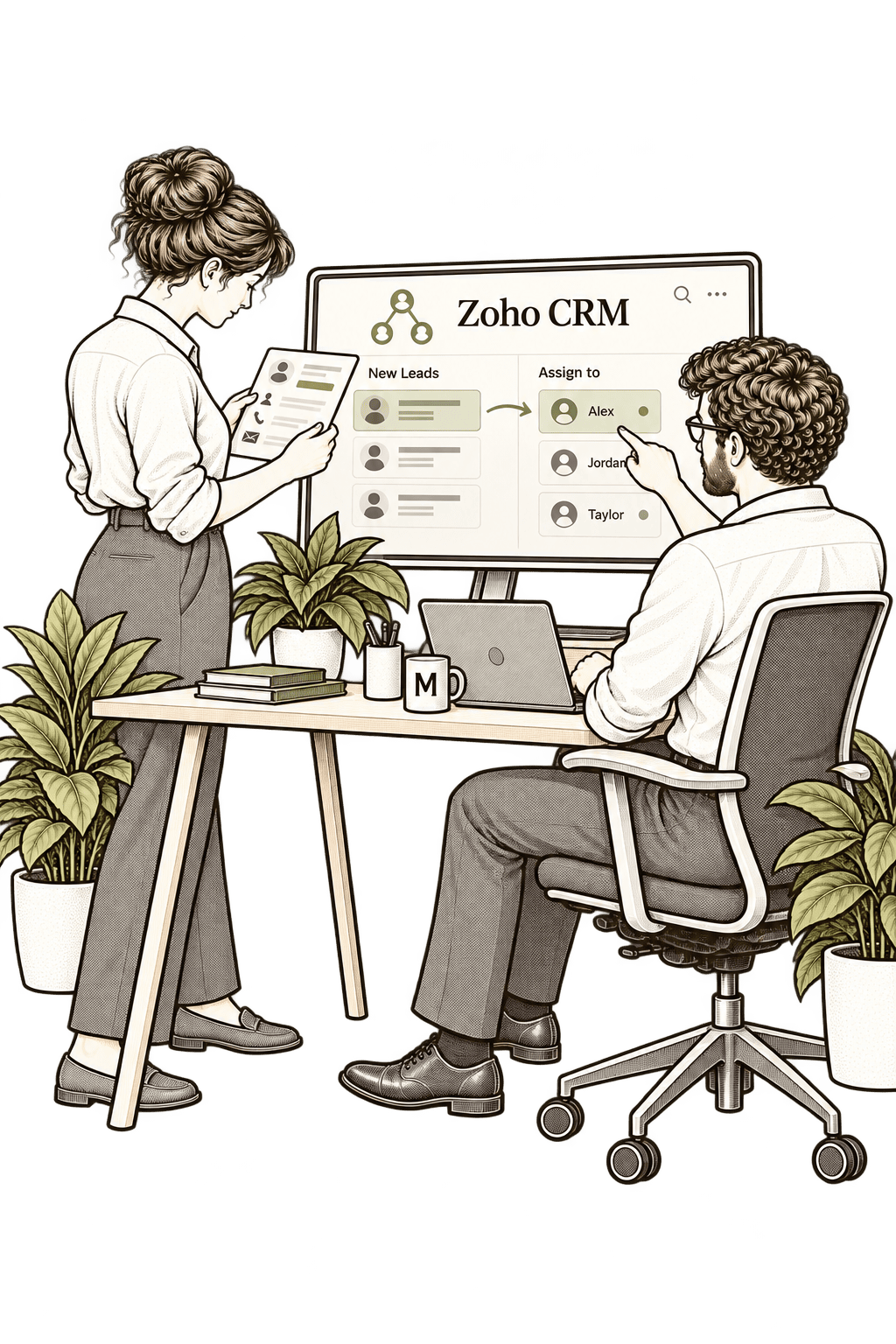
A new enquiry should reach the right person. A sent quote should have a follow-up. A pricing exception should reach the manager who can approve it. We configure CRM automation around these practical steps, with clear rules for ownership, timing and exceptions.Route enquiries to a sales owner and create the first follow-up task. We agree how territory, service and workload affect sales ownership.
- Confirm routing rules; identify a fallback owner.
- Define the next action; check shared enquiry queues.
- Allow cover during absence; review first-response times.
For example, a website enquiry can reach the colleague responsible for that service or region. CRM keeps the enquiry and next action together so a salesperson can see what needs a response and take ownership.
Plan follow-up around the sales cycle and each prospect’s response. Messages follow the deal’s context rather than a fixed sending habit.
- Establish useful intervals; stop after opt-outs.
- Check changed deals; pause after a customer reply.
- Handle bounced messages; review sequence performance.
For example, a prospect requesting details receives an introduction followed by a call task. The account owner reviews timing, replies and changes so each follow-up stays relevant to the prospect’s next decision.
Move opportunities forward only when the required sales work is complete. Each stage should represent a customer milestone, not an admin shortcut.
- Define stage criteria; check essential fields.
- Review blocked records; control authorised overrides.
- Explain unmet requirements; track stage change history.
For example, an opportunity may need a confirmed requirement, value and named contact before proposal. We test missing details and rejected transitions, so managers see which records need correction before the sales process continues.
Route discounts and other commercial exceptions to the authorised manager. An exception follows the limits agreed for its value and business risk.
- Establish approval limits; identify the reviewer.
- Document each decision; plan reviewer absence cover.
- Escalate overdue decisions; tell requesters the outcome.
For example, a salesperson requests a discount beyond the approved limit. CRM routes the request to the responsible manager with the proposed terms. The salesperson checks the recorded decision and approved terms before making a commitment to your customer.
Notify sales colleagues when an event needs action rather than another update. Alerts explain the event and link to the deal that needs attention.
- Select priority events; test escalation timing.
- Avoid repeated alerts; send only actionable context.
- Choose the delivery channel; assign an alert response owner.
For example, a high-value opportunity has an overdue follow-up. We define alert recipients, escalation timing and stopping rules so completed tasks no longer generate unnecessary follow-up messages.
Update agreed CRM fields when a defined sales action has actually occurred. Changes should reflect a business event, with a clear source of truth.
- Choose a clear trigger; map the target fields.
- Test changed records; protect verified information.
- Check for repeated triggers; record the reason for changes.
For example, completing qualification updates the lead status and records the date. Qualification can update status and key dates, with documented rules explaining why the CRM information changed.
Examine essential details at the right stage without slowing initial enquiries. Checks are placed where the missing detail matters to the sales process.
- Validate key details; describe missing values.
- Test common exceptions; check country and date formats.
- Prevent conflicting entries; explain correction steps.
For example, a proposal-stage opportunity must include an estimated value and expected close date. Keep initial capture simple, later require the details needed for useful proposals and pipeline reporting.

Reporting You Can Actually Trust
Useful CRM reports answer specific questions: which deals are stuck, which follow-ups are overdue and how much of the pipeline is likely to close? We agree the definitions behind each measure and build dashboards around the decisions your managers need to make.Pipeline health
Sales Forecasting
Conversion rates
Revenue visibility
Sales activity
Lead sources
Team performance
AI-assisted insight
CRM Works Better When the Rest of the Business Is Connected
Winning a deal is often the start of work elsewhere. Finance may need customer and billing details, delivery teams may need a handover, and support teams may need the relationship history.We connect CRM with the relevant Zoho One applications and external systems, defining what information moves, which system owns it and how errors are handled. This reduces re-entry and helps each team work from the information it needs.
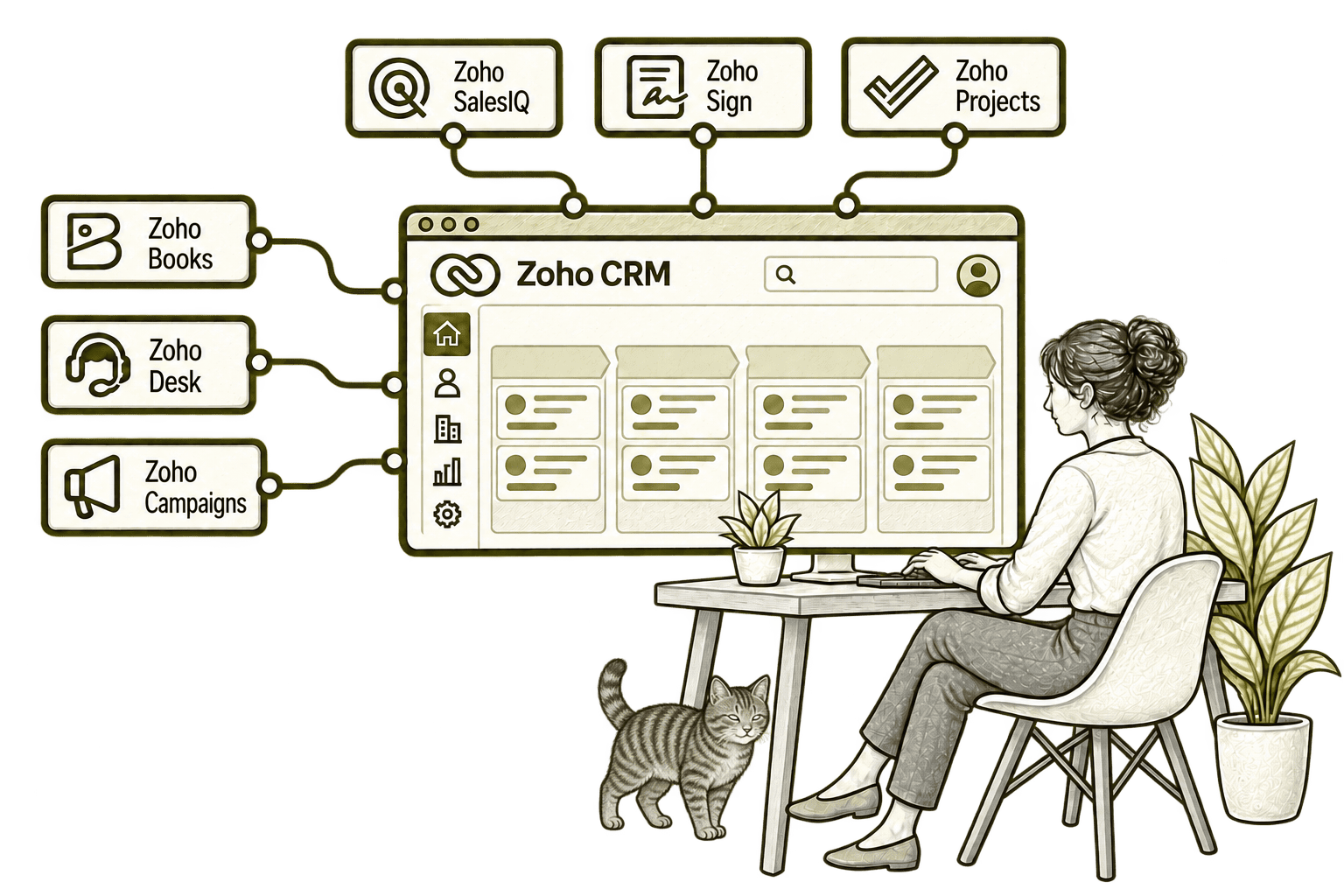
Separate sales and finance records mean retyping and awkward payment queries. Connecting CRM with Books aligns agreed customer details and brings invoice information into sales conversations.
A hidden support issue can make a renewal awkward. Connecting CRM with Desk brings relevant tickets into the customer record, helping sales and support agree the next step.
Separate contact lists become outdated. Connecting CRM with Campaigns brings selected contacts into mailing audiences, helping marketing use current details and respect subscription preferences.
A useful website chat can be lost after the visitor leaves. Connecting SalesIQ with CRM records relevant contact details and conversation context, giving sales a clearer starting point for follow-up.
Contracts sent outside CRM are harder to track. Connecting CRM with Sign lets sales request signatures from the customer record and follow document progress alongside the deal.
Sales can lose sight of delivery after a deal closes. Connecting CRM with Projects links customers to project work, helping sales see progress and coordinate the handover.
Wherever You’re Starting,
the Design Matters
Missed follow-ups, duplicate work and conflicting reports can have more than one cause. We examine the process and systems together before recommending a new configuration or integration.
Starting Fresh
We agree the minimum records, sales stages and ownership needed for a useful first release, then test the enquiry-to-handover journey.Already Using Zoho CRM
We review how people use the current setup, identify the causes of friction and prioritise improvements. Useful existing work is retained, with changes focused on what needs fixing.What a Zoho CRM Engagement Includes
01
Discovery & Process Mapping
Understand how your team works, where tasks stall and what the CRM needs to support.
02
Architecture & Data Design
Agree the records, relationships, permissions and system responsibilities.
03
Data Migration & Cleansing
Organise and map existing information, with checks before and after migration.
04
Automation & Integrations
Configure the agreed actions and connections, then test normal and exception scenarios.
05
Reporting & Dashboards
Build reports around agreed definitions and the questions managers need answered.
06
Training & Optimisation
Help users adopt the setup, support rollout and refine it as practical needs emerge.
The scope depends on your starting point and priorities. We agree the work required rather than including every possible feature.
Different Businesses. Different CRM Requirements.
The same CRM can support very different customer journeys. A consultancy may track enquiries and proposals; a distributor may manage repeat accounts; a recruiter may focus on employer relationships. We design the CRM around those differences and connect specialist systems where needed.Legal & Claims Management
Track legal enquiries and referral contacts, using documented ownership and appropriate system links.
Logistics & Distribution
Track customer accounts and sales opportunities, with defined ownership and appropriate system links.
Insurance & Loss Adjusting
Track client relationships and referral sources, with defined ownership and appropriate system links.
Recruitment & Workforce Agencies
Track employer accounts and new business enquiries, with defined ownership and relevant system links.
Financial Services & Lending
Track customer enquiries and sales relationships, with agreed ownership and appropriate system links.
Property & Housing Associations
Manage property contacts and stakeholder relationships, using ownership and appropriate system links.
Charities & Not-for-Profits
Track donor contacts and funding relationships, with explicit ownership and appropriate system links.
Construction & Engineering
Manage client relationships, bids and project contacts, using ownership and appropriate system links.
Why Mason & Co
We combine Zoho implementation with enterprise architecture, integration, AI and automation. We look at how CRM fits into the wider business, then turn that design into a working setup your team can use.Senior-led consultancy
Work directly with senior consultants who understand your business process and technical delivery.
UK-based, international delivery
Work with our UK-based team across locations, with delivery planned around your working hours.
Architecture + implementation
Connect business design with practical configuration and integrations that support everyday work.
Zoho + AI + automation
Connect Zoho, AI and automation where they solve a clear problem and improve your daily processes.
Your Questions Answered
Can you improve an existing Zoho CRM setup?
Do we need Zoho One?
Can you migrate data from another CRM?
Can Zoho CRM integrate with non-Zoho systems?
Can you help with automation?
Give Every Sales Opportunity a Clear Next Step
Explore a practical starting point for Zoho CRM, whether you need a new setup, better adoption or improvements to workflows and connected applications.