





























Free 30-minute consultation | UK-based senior consultants

Not Sure Where to Start?

Zoho One works best when CRM, finance, operations, workforce and reporting are designed to work together.

If your current setup feels fragmented, overly manual or difficult to manage, we can help identify where the real problem sits.

Practical AI That Improves How Your Business Works

We help businesses use AI where it improves real operational work — not as a separate experiment.

Our approach combines Zoho, automation, reporting and governed AI so every solution is connected to real processes, reliable data and measurable outcomes.

Zoho Creator Business Apps Built Around Your Work

Give your team a clearer way to work beyond spreadsheets. We design Zoho Creator apps around your business process, with the records, forms and approvals people need.

We improve existing apps and assess portals or new workflows, connect the people and systems involved in each handover, and define a manageable first release with clear ownership.

✓ Implementation & improvement   ✓ UK-based senior consultants   ✓ Free 30-minute consultation   ✓ Clear scope & pricing before work begins

When Your Process Has Outgrown the Spreadsheet

Spreadsheets become harder to manage as a process grows. Requests arrive by email, staff maintain separate lists and managers spend time chasing the latest work status.

We design Creator around your process and responsibilities. Appropriate access, clear approvals and exception handling support a focused first release that your team can test and use.

Scattered Records

Separate files and email threads leave staff unsure which details are current or complete.

Manual Chasing

People chase approvals and updates because the next step and responsible person are unclear.

Software Gaps

Standard applications handle part of the process, leaving important work in disconnected spreadsheets.

Limited Visibility

Managers struggle to see open requests, stalled work and the actions needed to move forward.

Three Ways We Work With Zoho Creator

Build a new application, repair an existing one or explore an industry-specific workflow. We agree the business problem, users and scope before recommending a solution.

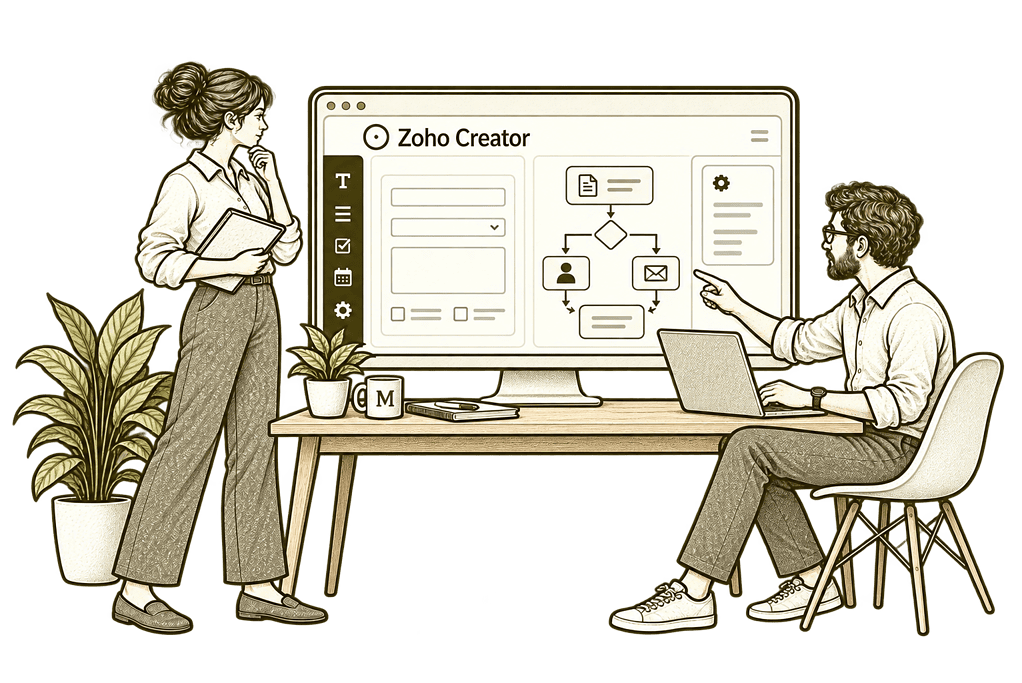
Mason & Co sketch illustrating build a new creator app in Zoho Creator.

Build a New Creator App

Replace a specific spreadsheet or manual process with an application designed around your team's work.
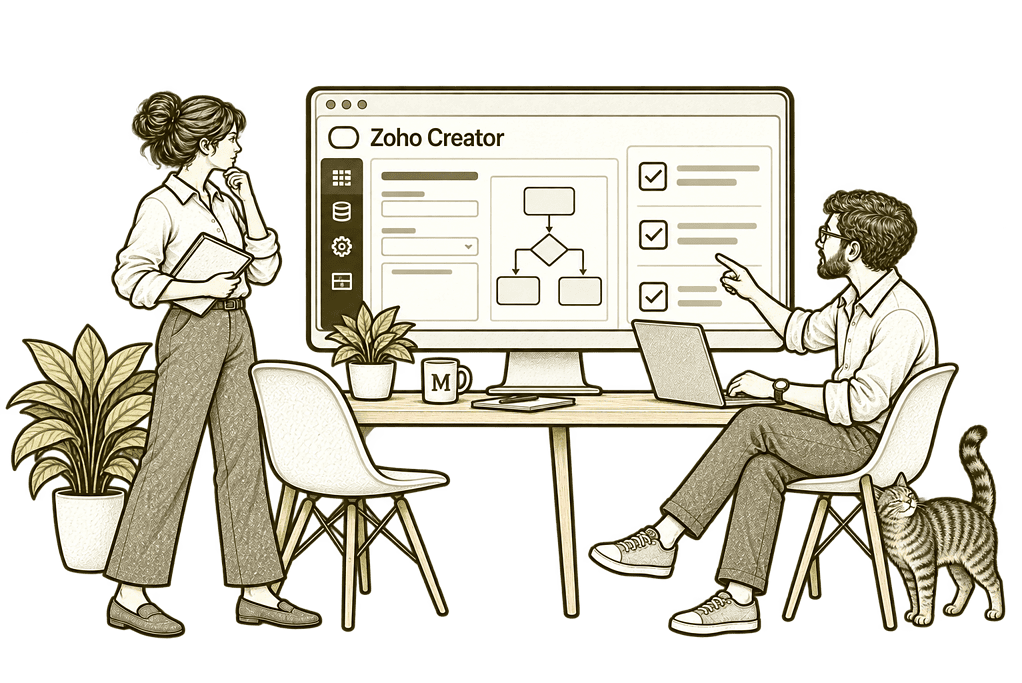
Mason & Co sketch illustrating improve an existing app in Zoho Creator.

Improve an Existing App

Review a Creator app that is difficult to use, unreliable or no longer fits your business process.
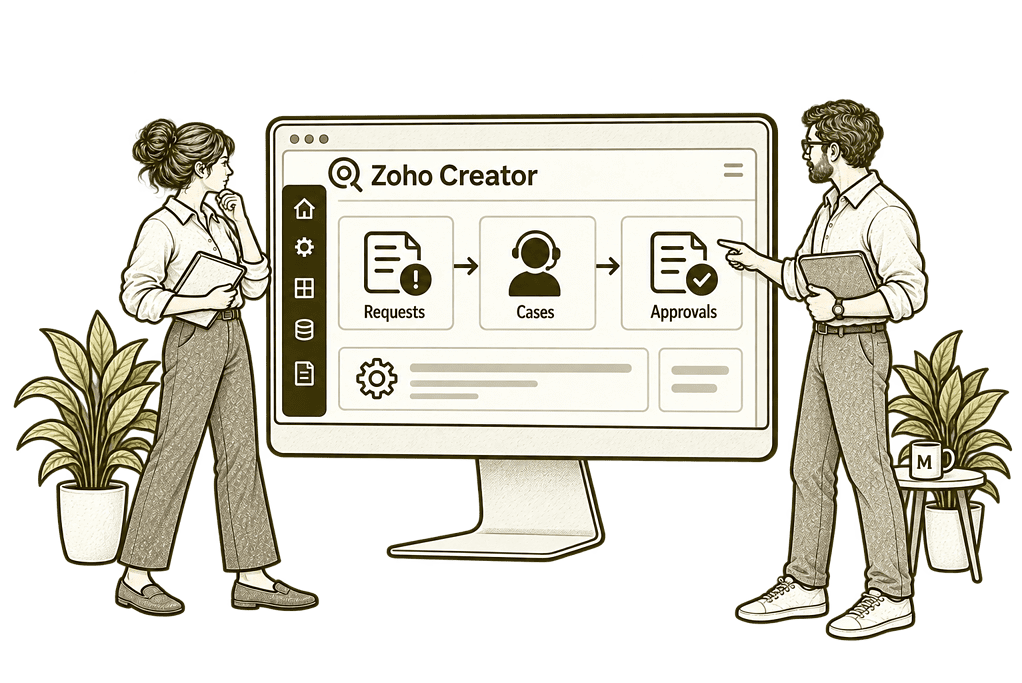
Mason & Co sketch illustrating explore industry workflows in Zoho Creator.

Explore Industry Workflows

Scope a bespoke operational solution for your sector, with the records and controls your users need.

A Business Application Needs More Than a Form

We design the records, rules and working experience together, so the application supports the people who use it and the systems it needs to connect with.

Process & App Design

Map the real workflow, define a manageable first release and design the application around its users.

Forms & Shared Records

Capture useful information with structured forms and related records that support everyday work.

Workflows & Approvals

Define responsibilities, validation and approval steps so people know what should happen next.

Portals & Mobile Use

Scope appropriate external access and mobile working, then test the experience for each user role.

Connections & Reporting

Link supported systems and design reports around the operational questions your team needs answered.

Repair & User Adoption

Review existing apps, address agreed problems and help staff use the improved process with confidence.

From Incoming Request to a Clear Outcome

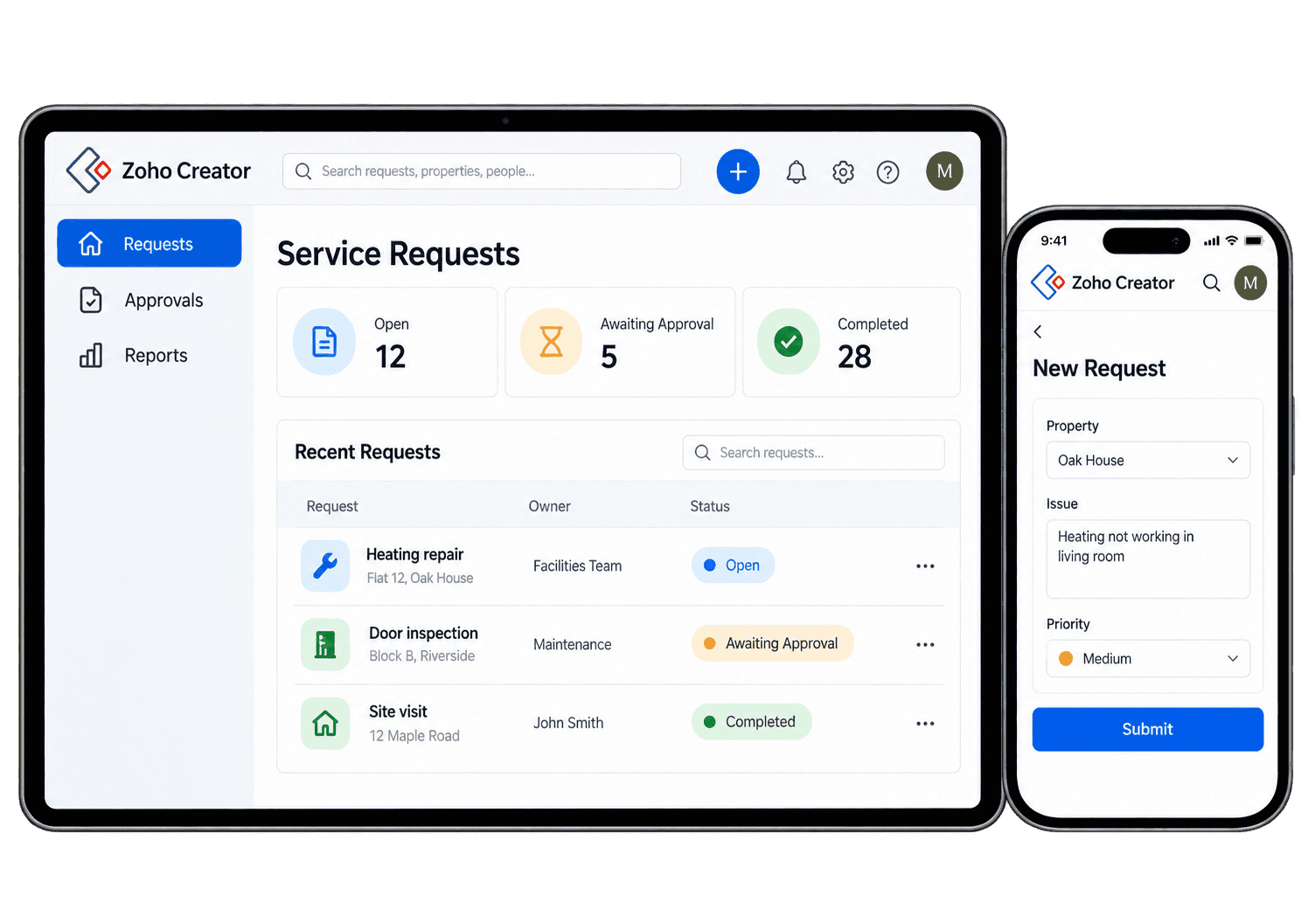
A property team receives a maintenance request. The app captures the property and issue, checks the required information and assigns the work. A manager approves any agreed spend, the person completing the job records the outcome and the team can see what remains open.

This is an illustrative workflow we can scope with you. The application, permissions and integrations are designed around your actual process.

Illustrative creator process concept on tablet and phone.

Practical Ways a Creator App Can Support Your Team

Start with the work people need to complete. These examples show how forms, rules and shared records can support a process from beginning to end.

Capture the information needed to assess a request, with clear required fields, categories and ownership so the team can review incomplete submissions and begin useful work.

  • Agree required information and validation.
  • Define categories and responsible teams.
  • Test incomplete and duplicate submissions.

For example, a maintenance request needs a property, issue and contact before the team can act. We design the intake form and review queue so staff can check the information, assign an owner and progress the request from a shared record. We test missing details and repeated submissions before launch. A request that needs clarification stays visible to its owner rather than disappearing into email.

Route decisions to authorised people using agreed conditions and limits, recording the outcome so requesters understand what happens next and staff can review outstanding work.

  • Agree approval conditions and limits.
  • Define approvers and alternative routes.
  • Test rejection and resubmission cases.

For example, a purchase request requires a manager's approval before work begins. We agree the decision rules and record the outcome so the requester knows what happens next and staff can see which requests are still waiting. We test rejection, revised amounts and resubmission as well. The decision history helps the manager understand what changed and whether another approval is needed.

Keep related records and decisions together as a case progresses, with clear stages, owners and completion checks so each colleague can continue from the previous handover.

  • Define stages and required records.
  • Assign owners and next actions.
  • Agree completion and closure rules.

For example, a service case moves between intake, assessment and delivery. We define the records and responsibilities at each stage so the receiving colleague can understand the case, complete their action and leave a clear outcome for the next person. The case history stays with the shared record, and each stage has a clear completion check before responsibility moves to another colleague.

Give customers or partners access to the records and actions they need, with portal roles tested so external participation supports the process without exposing unrelated work.

  • Scope the information users may see.
  • Define permitted submissions and updates.
  • Test each portal role before inviting users.

For example, a client needs to submit documents and check a request's progress. We scope a portal that exposes only the agreed records and actions, with access tested against representative users rather than sharing the internal team's whole application. We test a client who should have no access to another customer's records, then agree who handles invitations, account changes and questions after launch.

Help staff capture information away from a desk through concise forms and useful views, tested on their devices with the access and connectivity they need.

  • Map the field-working environment.
  • Design concise forms and useful views.
  • Test devices, connectivity and permissions.

For example, a site colleague needs to record an inspection outcome while visiting a property. We design the form around that task and test the supported mobile experience, including any connectivity requirements, before agreeing how the team will use it. The office team can review the submitted inspection and follow up missing details from the same record, rather than asking staff to retype notes after a visit.

Find the causes of problems in an existing Creator app, reviewing its records, scripts and workflows before agreeing repairs and testing the changes.

  • Review data, scripts and dependencies.
  • Agree the repair or redesign scope.
  • Test changes against real use cases.

For example, an app has accumulated workarounds and staff no longer trust its reports. We review the record structure and workflows, identify the agreed causes and test improvements against representative cases before changing the team's live process. We agree how current users will work during the change and check the affected reports, so fixing one workflow does not create an unexplained problem elsewhere.

Connect Creator records with the systems that own the wider process, agreeing matching rules and testing missing information, failures and repeated events.

  • Agree the source of each data item.
  • Confirm supported connections and permissions.
  • Test matching, failures and repeat events.

For example, an approved operational request needs an agreed update in CRM. We define the record match, fields and trigger, then test missing and repeated events so the handover supports the process without creating unintended duplicate work. An incomplete match goes to a named reviewer. The receiving team can see which request was processed and which one still needs attention.

Launch the application with checked starting records, user guidance and a clear switch-over plan, including named owners for support and exceptions.

  • Prepare and validate initial records.
  • Train users on the agreed workflow.
  • Define support ownership and launch checks.

For example, a team is replacing a shared spreadsheet. We check the initial data, test the application with key users and agree when to switch over. The team receives working guidance and knows who will handle questions or exceptions after launch. We retain an agreed route for unresolved records and early user questions, then review actual use before making further changes.

Give Managers a Useful View of the Work

Agree the decisions each report should support. We build views from the application’s records and rules, with access appropriate to each person’s role.

Open Requests

See requests waiting for
action and who should act
on the next step.

Approval Queues

Review outstanding decisions
and identify approvals
holding up the wider process.

Workload by Owner

See how work is distributed
and where support or
reassignment is needed.

Ageing & Delays

Identify records that have
stayed open longer than your
agreed working targets.

Missing Information

Spot incomplete records so
the team can resolve gaps
before progressing the work.

Completed Outcomes

Review completed work
against required outcomes
and process classifications.

Operational Exceptions

Flag unusual records
for human review so that
exceptions are not missed.

Management Trends

Compare agreed periods
and categories to see trends
in your app's activity.

Connect Your App With the Wider Business

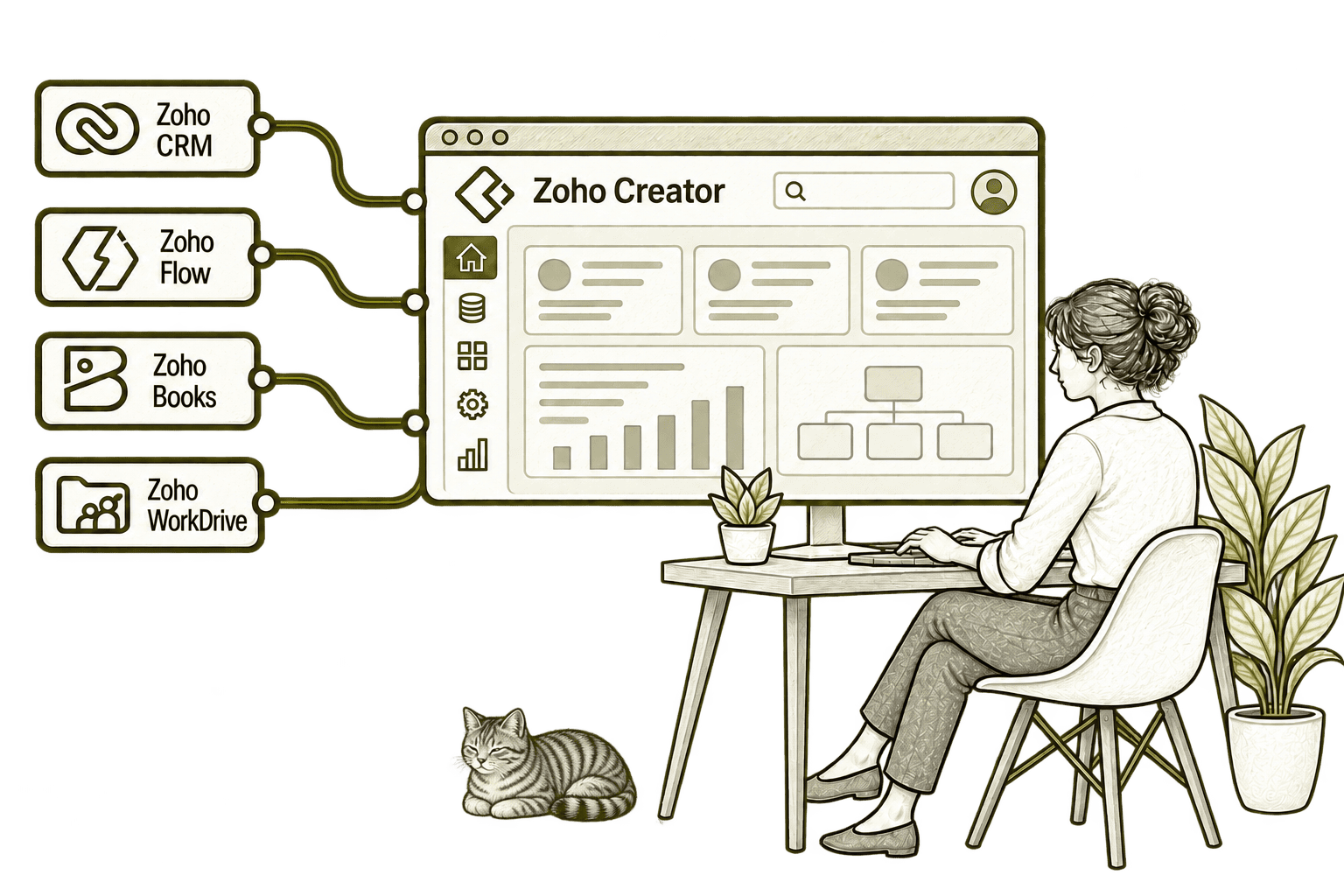
A Creator app can complement Zoho CRM, exchange agreed finance information with Zoho Books or support a wider Zoho One environment. For cross-system handovers, we also assess Zoho Flow and available APIs.

We confirm connector support, permissions and record ownership before promising a connection. Each system should have a clear responsibility for the data it maintains.

Zoho Creator connected applications with a small, softly shaded olive-grey Kiwi tabby in the background

Wherever You’re Starting, the Design Matters

Missed follow-ups, duplicate work and conflicting reports can have more than one cause. We examine the process and systems together before recommending a new configuration or integration.

Starting Fresh

We map the customer journey and agree the records, roles, actions and reporting you need before configuring CRM. This gives implementation a clear scope and reduces rework.

Already Using Zoho CRM

We review how people use the current setup, identify the causes of friction and prioritise improvements. Useful existing work is retained, with changes focused on what needs fixing.

A Clearer Starting Point

Not sure whether the problem is the process, CRM configuration, data quality or an integration? Our Business Systems & Operations Audit helps establish what is happening and where to start.

You receive a structured view of the main issues and recommended priorities, giving you a practical basis for deciding what to improve next.

What a Creator Engagement Includes

Discovery and scope

Agree the problem, users, success criteria and boundaries of the first release.

Records and permissions

Design the data structure, access roles and rules for changing key information.

Build and review

Develop forms, workflows and reports, then review them with the people doing the work.

Connections and testing

Test integrations, imports, error cases and permissions using representative records.

Training and launch

Prepare your users, document the agreed setup and plan a controlled launch.

Review and improvement

Review real use and agree any further changes through a clear support scope.

Application size, integrations, licensing and support are agreed during scoping. Existing apps are reviewed before we recommend repair, redesign or replacement.

Different Industries, Different Application Needs

These are examples of workflows we can explore with you, rather than a catalogue of ready-made products. Each solution needs its own discovery, design and testing.

Legal & Claims

Matter intake, supporting records and controlled review steps.

Logistics & Distribution

Delivery exceptions, operational requests and proof-of-completion records.

Insurance & Loss Adjusting

Case information, evidence collection and agreed approval stages.

Recruitment & Workforce

Onboarding requests, checklist records and operational handovers.

Finance & Lending

Application intake, document tracking and human review steps.

Property & Housing

Maintenance requests, inspection records and contractor coordination.

Charities & Not-for-Profit

Service requests, volunteer coordination and programme records.

Construction & Engineering

Site requests, inspection outcomes and subcontractor approvals.

Why Mason & Co

We connect application design with the way your business operates. You work with senior consultants who consider process ownership, user adoption and wider system handovers alongside the technical build.

Senior-led consultancy

Work directly with senior consultants who understand your business process and technical delivery.

UK-based, international delivery

Work with our UK-based team across locations, with delivery planned around your working hours.

Architecture + implementation

Connect business design with practical configuration and integrations that support everyday work.

Zoho + AI + automation

Connect Zoho, AI and automation where they solve a clear problem and improve your daily processes.

Not Sure Whether Mason & Co Is the Right Fit?

Tell us what you want to implement, improve or fix. We will discuss whether we can help and recommend a sensible next step based on what you share.

Your Questions Answered

Zoho Creator is a platform for building custom business applications with forms, records, workflows and reports. We help decide whether a bespoke app fits your requirements or whether an existing business application would be a better starting point.

Yes. We review the existing app, data structure, scripts, access and integrations before agreeing changes. The review determines whether targeted repairs, a redesign or a replacement would be appropriate.

This page describes bespoke services and potential industry workflows. It does not advertise a catalogue of finished products. Any sector-specific solution is scoped, designed and tested against your requirements.

Creator supports portal capabilities. We scope external users, available actions and access boundaries, then confirm the relevant licensing and test permissions before launch.

We assess supported integrations, APIs and Zoho Flow where appropriate. Feasibility depends on the applications, permissions and operations required, so the connection is confirmed during scoping.

Creator supports mobile application experiences. We design for the tasks and devices your staff use and check connectivity and any offline requirements before agreeing the solution.

Book a free consultation to discuss the process or existing app. We can help identify a focused first release, an app review or a wider business systems audit.

Where Could a Custom Application Make Work Easier?

You may have a process that spreadsheets no longer support, an existing Creator app that needs attention or a requirement for a portal. The first step is understanding how the work needs to run.

Tell us who uses the process, what information they need and where work gets stuck. We will help decide whether Zoho Creator fits and define a sensible first release or review.

30 minutes. No charge. No obligation.