











































Zoho DataPrep Make Your Data Work for You
Turn inconsistent records into data your business can use. We configure Zoho DataPrep to clean and combine information, with repeatable pipelines and agreed checks on the output.
We review source quality, preparation rules and exceptions, connect the prepared data with reports or operational tools, and reduce the need to rebuild the same spreadsheet fixes.
✓ Implementation & improvement ✓ UK-based senior consultants ✓ Free 30-minute consultation ✓ Clear scope & pricing before work begins
Why Data Preparation Often Becomes a Bottleneck
Teams repeat spreadsheet fixes before they can use data. Dates differ, duplicate records accumulate and names fail to match between otherwise connected systems.
We agree repeatable data rules and DataPrep checks. Clear joins and visible exceptions produce understandable results that represent the underlying work, rather than simply looking tidy.
Inconsistent Formats
Different dates, labels and field types make records difficult to compare and combine reliably.
Repeated Manual Work
Teams rebuild spreadsheet fixes each week instead of using a documented, repeatable process.
Unreliable Joins
Missing identifiers and mismatched records can distort totals when sources are brought together.
Hidden Data Errors
Invalid values and failed updates reach reports without a clear exception review or owner.
Three Ways We Work With Zoho DataPrep
Start a new data preparation process, improve an existing pipeline or connect prepared data with its destination. We define the source, business rules and acceptance checks before choosing the approach.

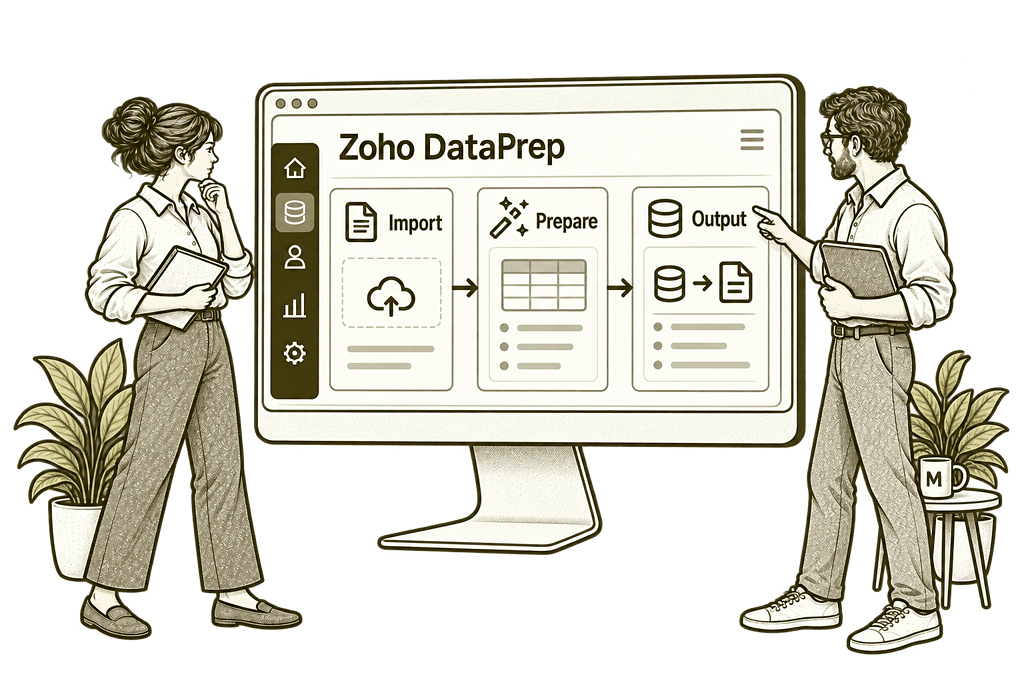
New DataPrep Implementation

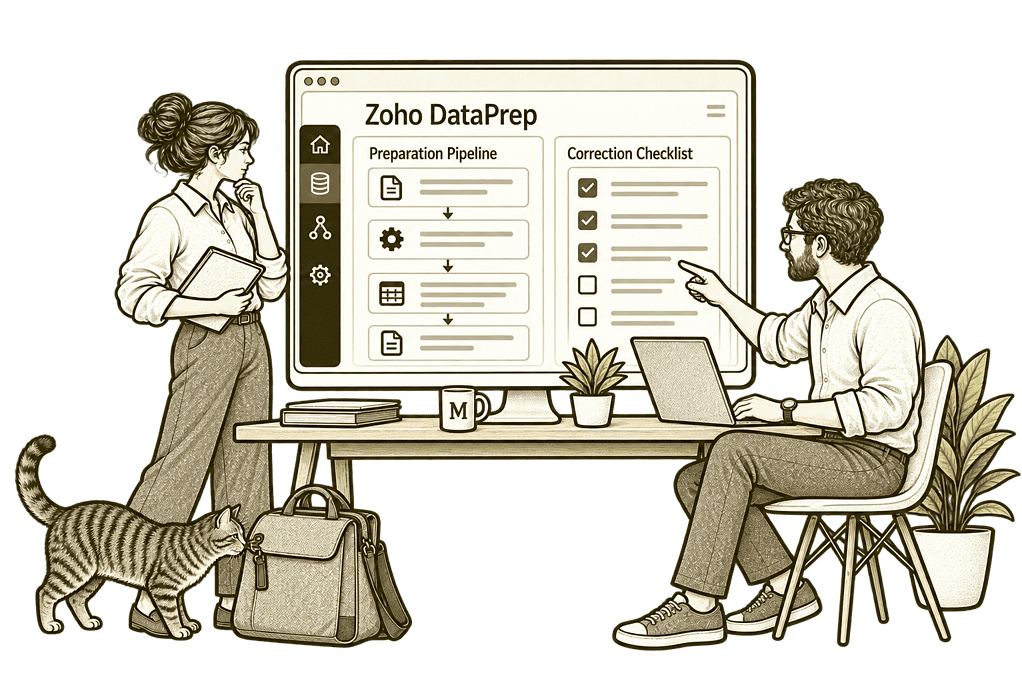
Fix and Optimise Existing DataPrep

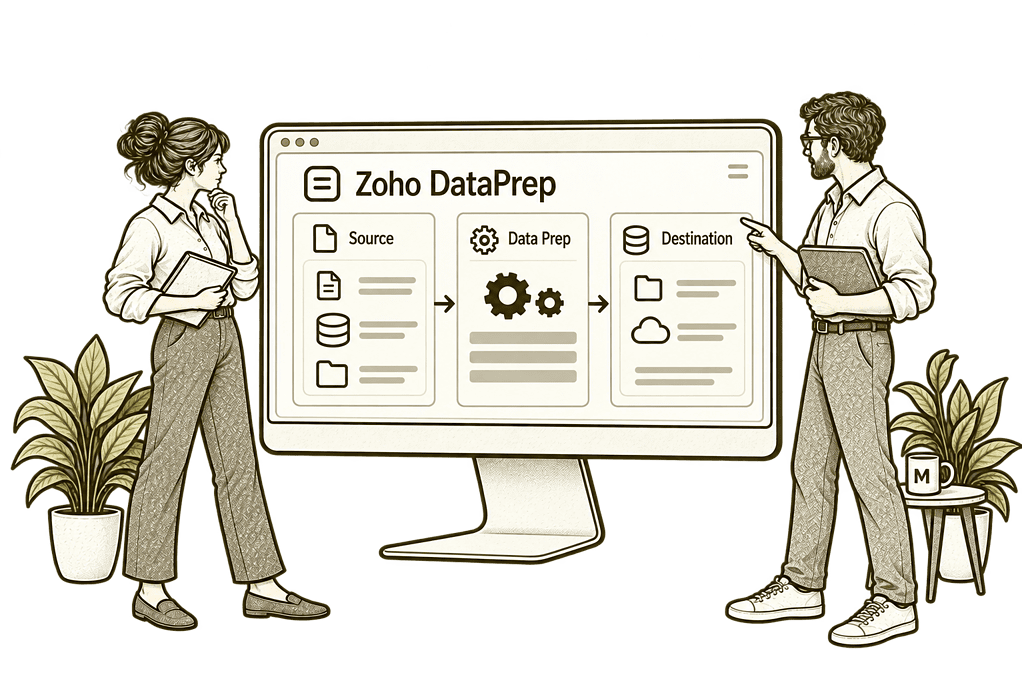
Connect Your Data Sources and Outputs
Data Preparation Built Around Your Business
We start with the decisions and processes your data needs to support. From source access to final output, every transformation should have a purpose, an owner and a way to check that it worked.
Source & Pipeline Design
Map the source records, refresh needs and output structure before building a visual preparation pipeline.
Cleansing Rules
Standardise formats and review duplicates using business rules that preserve the meaning of each record.
Combining Data
Join or append suitable datasets with agreed keys, record grain and checks for unmatched information.
Controlled Exports
Map prepared fields to supported destinations and validate changes before enabling scheduled delivery.
Quality & Reconciliation
Check required values, record counts and totals so errors can be investigated before data is relied on.
Training & Ownership
Show your team how to review outputs, manage exceptions and maintain documented preparation steps.
One Clear Process From Source to Usable Data
Reliable preparation starts with understanding where the information comes from and what each record represents. We map how data is imported, transformed, checked and handed over.
Your team should be able to trace an output back to its source, understand the rules applied and know what to do when a run produces unexpected results.

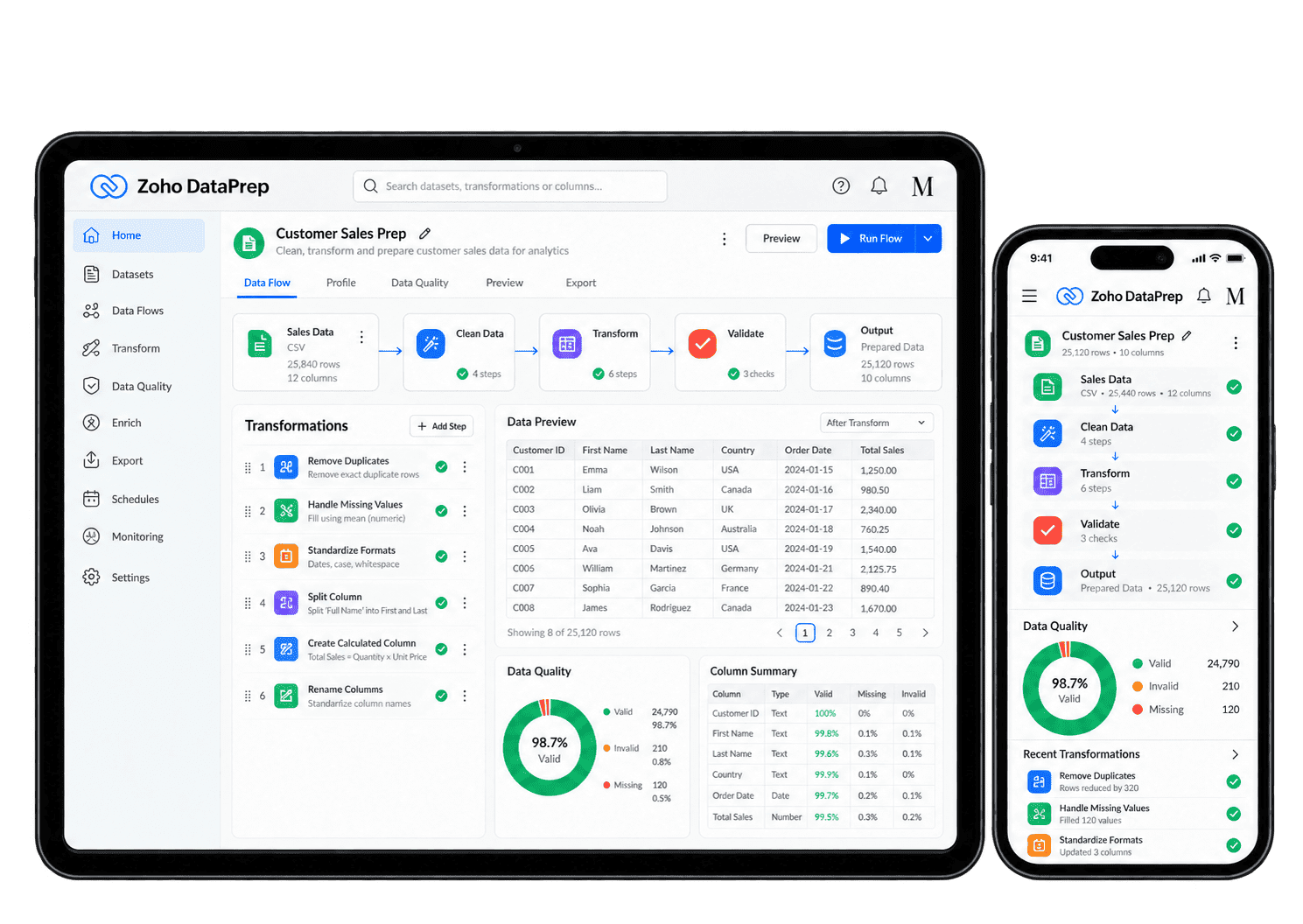
Make Data Preparation Repeatable
Replace recurring spreadsheet fixes with defined preparation steps. We test transformations on representative data, review exceptions and agree monitoring before scheduling a pipeline.
-
Source imports
-
Format standardisation
-
Duplicate review
-
Data joins
-
Transformation steps
-
Quality checks
-
Scheduled pipelines
-
Destination handovers
Bring the information required for an agreed business purpose into a repeatable pipeline, with source access, relevant fields and refresh ownership defined from the start.
- Confirm source access and supported import options.
- Select the fields and records each task needs.
- Agree refresh frequency and source ownership.
For example, sales and finance teams supply weekly exports for a management report. We confirm the supported import routes, required fields and source owners before building the pipeline. We test a missing export and changed column names, then agree who checks each run. The analyst can trace the prepared records back to their source and identify an incomplete refresh.
Make equivalent values consistent across source datasets so the resulting information remains understandable for reporting or operational handovers.
- Standardise date, text and numeric formats.
- Agree labels and valid values with the business.
- Review conversions that could change meaning.
For example, two source systems record dates differently and use different labels for the same service. We agree the intended meaning with their owners, then test standardisation rules on sample records before applying them. The owner checks a sample of converted dates and labels before approving the rule. Unclear values stay available for review rather than being silently assigned a new meaning.
Review repeated records against agreed identifiers and matching rules, with uncertain cases assigned to an owner before deciding which information should be kept or removed.
- Choose suitable identifiers and comparison fields.
- Review ambiguous matches and conflicting values.
- Define which record should be retained.
For example, two customer records share a name but have different account references. We agree which identifiers establish a genuine duplicate and who reviews uncertain matches before records are removed. The retained record and conflicting details are checked with the source owner. We test uncertain matches separately so records that only look similar remain available for a person to review.
Combine source datasets through agreed relationships and keys, checking that joins keep the right records without multiplying or losing important information.
- Agree the grain and join keys for each source.
- Check unmatched records and repeated keys.
- Reconcile counts and totals after the join.
For example, an analyst wants to combine invoice lines with customer records. We define the relationship and check whether either source contains repeated customer keys before joining them. We compare record counts and totals before and after the join, including unmatched rows. The analyst can explain which records were combined and which exceptions need attention.
Reshape source data for the way the next team needs to use it, with calculations and transformation rules documented and checked against representative records.
- Choose calculations and restructuring steps.
- Document business rules and derived fields.
- Check representative records and edge cases.
For example, operational exports contain several service columns that need to become a consistent reporting structure. We document the restructuring and derived-field rules, then check representative records with the source owner. The analyst can trace each derived value to its rule and original fields. We test missing values too, so the new reporting structure does not disguise gaps in the source data.
Check required fields, valid values and unexpected changes before data reaches its destination, with a source owner reviewing exceptions and deciding what needs correction.
- Check required fields and permitted values.
- Review invalid records and unexpected changes.
- Assign responsibility for resolving exceptions.
For example, a reporting dataset arrives with missing account references and unexpected status values. We configure agreed checks and identify the records requiring attention before they reach the next stage. The source owner reviews the exceptions and decides what should be corrected or excluded. We test the rules against valid unusual cases, keeping the quality check useful rather than rejecting every difference.
Refresh a tested preparation process at an appropriate interval, with supported scheduling, run monitoring and a clear owner for access problems or failed handovers.
- Confirm scheduling support and refresh requirements.
- Monitor failed runs and access changes.
- Plan safe reruns and duplicate prevention.
For example, a management dashboard needs refreshed source data each morning. Where your plan and connectors support scheduling, we configure the tested pipeline and assign an owner for failed runs. We check the last successful refresh and test a safe rerun. The report owner can tell whether the current figures include new data or still need an interrupted import to be resolved.
Transfer prepared records to a supported destination using agreed matching and mapping, with an owner who checks results and handles incomplete updates.
- Confirm supported export options and target fields.
- Validate updates in a safe test where possible.
- Reconcile results and record handover ownership.
For example, prepared customer data is due to enter a reporting workspace or supported operational destination. We agree field mapping and matching rules, test the available export and reconcile the result with its receiving owner. The owner reviews missing matches and rejected records before accepting the handover. We test a repeat export too, checking that the destination does not receive unintended duplicate records.
Prepared Data You Can Check and Trust
DataPrep prepares information for analysis and operational use. We define quality measures and reconciliation checks, then use appropriate reporting tools to show whether the resulting data meets the agreed requirements.
Record Counts
Compare source and output volumes to identify unexpected missing records or duplication.
Required Values
Review missing identifiers and mandatory fields before the output reaches its destination.
Format Consistency
Check that dates, categories and field types consistently follow the preparation rules agreed with data owners.
Duplicate Patterns
Track repeated records and ambiguous matches so removal rules can be reviewed.
Join Exceptions
Identify unmatched keys and repeated relationships that could distort combined datasets.
Pipeline Reliability
Review failed runs and refresh delays so the team knows when an output needs attention.
Output Reconciliation
Compare appropriate totals and sample records to confirm the prepared output is suitable.
Reporting Readiness
Deliver an agreed dataset to reporting tools with clear definitions and refresh expectations.
Better Data Across Your Connected Business
Finance, customer service and people teams may need different views of related information. We assess how source records can be prepared and combined without losing their context or ownership.
We connect supported sources and destinations according to the available connectors, APIs and plan. Zoho Analytics can support reporting on prepared datasets, while Zoho CRM handovers require carefully tested field mapping and update rules. We also review how DataPrep fits within your wider Zoho One setup.

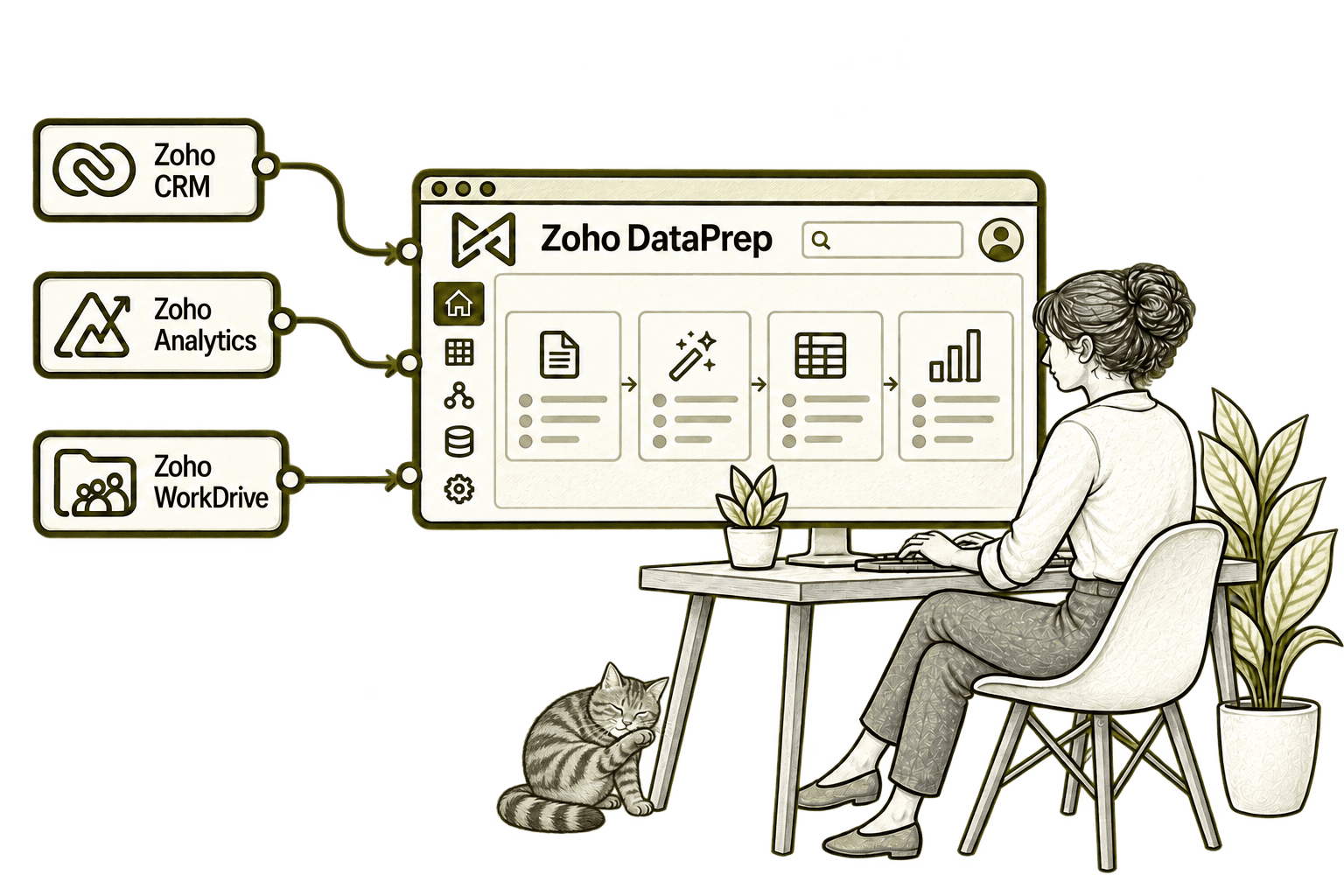
Inconsistent customer data creates extra sales administration. Connecting CRM with DataPrep supports agreed data preparation and transfer steps, helping staff improve record quality before use.
Inconsistent source data can make reports misleading. Connecting DataPrep with Analytics prepares and transfers agreed datasets, helping the team report from cleaner, more consistent information.
Shared data files can contain inconsistent formats. Connecting WorkDrive with DataPrep imports agreed files for cleaning and transformation, helping the team prepare a reliable dataset.
Wherever You’re Starting, the Data Rules Matter
Conflicting figures and repeated spreadsheet fixes may come from source quality, transformation rules or unclear definitions. We investigate the cause before changing the pipeline.
Starting Fresh
We map your sources and intended outputs, agree quality criteria and build a manageable first pipeline. Representative data is tested before schedules and exports are enabled.
Already Using Zoho DataPrep
We review your existing pipelines, transformation rules and failed runs. Improvements focus on the sources of unreliable output, with validation before changes are rolled out.
A Clearer Starting Point
Not sure whether the problem lies in source data, preparation steps or reporting definitions? Our Business Systems & Operations Audit provides a structured starting point.
We review how information moves through your business and recommend practical priorities before committing to a wider implementation.
What a Zoho DataPrep Engagement Includes
Discovery & Data Mapping
Agree sources, intended outputs, business definitions and the people responsible for the data.
Pipeline & Rule Design
Define import steps, transformations, quality checks and supported destination mappings.
Cleansing & Validation
Test formats, duplicate rules and joins against representative records and exceptions.
Scheduling & Handovers
Configure supported refreshes and exports with monitoring and safe rerun procedures.
Quality & Reconciliation
Agree acceptance criteria, compare counts and totals, and document output limitations.
Training & Improvement
Train owners to review exceptions, maintain rules and improve the process over time.
The scope depends on your sources, data volume, transformation complexity and destination requirements. We agree deliverables, responsibilities and acceptance checks before work begins.
Different Businesses. Different Data Requirements.
Every sector has its own definitions, access requirements and reporting needs. We design preparation rules around the records your team uses and the decisions the output must support.
Prepare matter and claims datasets with consistent references, dates and restricted access.
Combine shipment and operational exports with agreed identifiers, statuses and time periods.
Standardise claims and policy exports while checking matching rules and sensitive fields.
Recruitment & Workforce Agencies
Prepare candidate and placement records with consistent identifiers and controlled access.
Reconcile suitable financial datasets with explicit definitions and traceable preparation rules.
Property & Housing Associations
Combine property and tenancy exports using stable references and agreed reporting periods.
Prepare programme and donation data with clear categories and suitable controls over access.
Standardise project and cost exports with agreed codes, record grain and reconciliation checks.
Why Mason & Co
We combine Zoho implementation with enterprise architecture, integration, AI and automation. For DataPrep, that means understanding the source information, making transformation rules explicit and designing a dependable handover to the people and systems that use the result.
Senior-led consultancy
Work directly with senior consultants who understand your business process and technical delivery.
UK-based, international delivery
Work with our UK-based team across locations, with delivery planned around your working hours.
Architecture + implementation
Connect business design with practical configuration and integrations that support everyday work.
Zoho + AI + automation
Connect Zoho, AI and automation where they solve a clear problem and improve your daily processes.
Not Sure Whether Mason & Co Is the Right Fit?
Tell us what you want to implement, improve or fix. We will discuss whether we can help and recommend a sensible next step based on what you share.
Your Questions Answered
Can you improve an existing Zoho DataPrep setup?
Yes. We review your sources, pipeline steps, exceptions and intended outputs. We prioritise changes that address unreliable results or repeated manual work, then test them before rollout.
Do we need Zoho One to use DataPrep?
DataPrep is available through different licensing options. We check the current standalone and Zoho One entitlements, volumes and feature limits against your requirements before recommending a setup.
Can DataPrep prepare data from spreadsheets and other systems?
Yes, subject to supported connectors, formats and access. We assess each source, define the required fields and test cleansing and combination rules on representative data before scheduling imports.
Can you send prepared data back to operational applications?
Where the destination and your plan support it, we can design a controlled export or writeback. Matching rules, permissions, field validation and reconciliation must be tested before automated updates are enabled.
Can you automate data preparation?
Yes. A tested pipeline can run on a supported schedule. We also agree how failures, invalid records and access changes are handled, with safe reruns and a named owner for exceptions.
How long does a DataPrep implementation take?
Timing depends on the number of sources, data quality, transformation complexity and exports required. We define a manageable first scope and acceptance checks before agreeing a delivery plan.
What is the difference between DataPrep and Zoho Analytics?
DataPrep focuses on importing, cleaning, combining and preparing data. Zoho Analytics focuses on analysis, reports and dashboards. They can work together, with clear dataset definitions and refresh expectations between them.
Where Is Preparing Your Data Taking Too Much Time?
Tell us where your data comes from and what the output needs to support. We will review the quality issues, preparation rules and required connections, then identify a practical starting point with Zoho DataPrep.
30 minutes. No charge. No obligation.