





































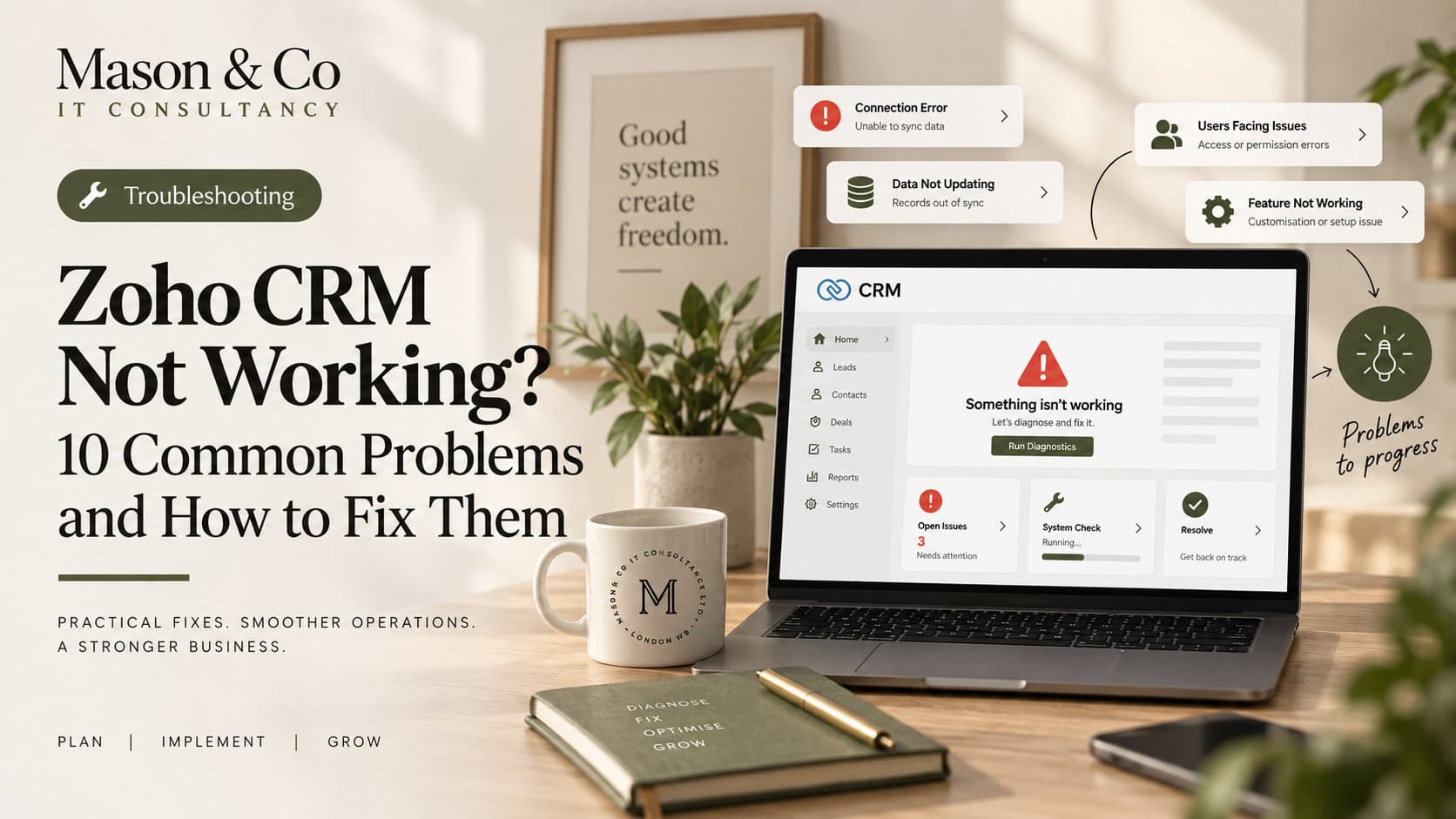
A poorly implemented CRM rarely looks completely broken. People can still log in, Leads and Deals still exist, emails still get sent and reports still produce numbers.
The problems usually become visible in day-to-day use. Teams maintain spreadsheets because CRM does not give them what they need, reports are not trusted, fields have unclear purposes, and certain workflows or configurations are avoided because nobody knows what else might depend on them.
At that point, the issue is not whether Zoho CRM works.
The issue is that the implementation has become difficult to understand, trust and change.
When an organisation inherits a poor CRM implementation, the natural reaction is often to start again.
Sometimes that is the right answer, but I would not make that decision until I understood what was already there.
Even poorly designed environments contain years of business knowledge. Fields reflect historical requirements, workflows encode rules, integrations connect other systems, and user workarounds often reveal where the original design no longer matches the business.
I would diagnose first, then decide what should survive.
Documentation is useful. Reality is more useful.
I would sit with the people who use CRM every day and follow the real process.
How does a Lead enter the business? What happens when it is qualified? Where do users leave CRM and open a spreadsheet? What do they enter twice? Which fields do they ignore? What do they not trust?
Those conversations usually reveal the problems quickly.
If several users have created different workarounds for the same process, that is a strong signal that the implementation needs attention.
Once the business process is clear, I would review the CRM configuration itself.
That includes modules, fields, layouts, pipelines, validation rules, workflows, Blueprint, assignment rules, custom functions, integrations, APIs, reports, dashboards, roles and permissions.
The goal is not to document everything for the sake of it.
It is to answer three questions:
- What exists?
- Why does it exist?
- What depends on it?
That last question is critical. A field that appears redundant may feed an integration. A workflow that looks unnecessary may update another system. A custom function nobody remembers may still support an important process.
Understanding those dependencies is what allows you to simplify safely.
It is tempting to start by making CRM look cleaner: hide fields, rearrange layouts and redesign dashboards.
Those things may improve usability, but they do not fix the architecture underneath.
I would start with the data model.
What is an Account in this organisation? What constitutes a Lead? When does a Lead become a Deal? Which information belongs to the customer and which belongs to the transaction? Which system owns the definitive version of each important data object?
Those are business architecture questions, not simply configuration questions.
If the answers are unclear, CRM will remain unclear too.
One of the most damaging CRM problems is not duplicate records. It is duplicate authority.
Customer information might exist in CRM, a finance system, an operational application and a spreadsheet.
That is not necessarily wrong.
The important question is:
Which system is allowed to be right?
CRM may own the customer relationship. Finance may own invoices and payments. An operational application may own service delivery. Analytics may combine them.
Once those boundaries are clear, integrations become much easier to design and maintain.
Field sprawl is common in older CRM environments.
You may find several fields that appear to describe the same thing, some used by users, some by reports and others by automation.
For each questionable field, I would ask who uses it, what depends on it and whether another field already provides the same information.
Then classify it:
Keep. Consolidate. Replace. Retire.
The same discipline should be applied to automation.
For every significant workflow or function, understand its trigger, conditions, actions, dependencies, business purpose and owner.
The problem is often not a single workflow. It is the chain between several of them.
A Deal changes stage, a field updates, a function runs, another application receives data and another process starts. Each step may be valid, but the end-to-end flow still needs to be understood.
For important processes, document the whole business journey rather than only the individual automation components.
Sometimes the implementation is not simply poorly configured.
CRM may have gradually been given responsibilities that belong elsewhere.
Operational workflows, compliance processes, workforce activity, finance information, asset management and service delivery can all be added to CRM because the platform is flexible enough to support them.
But technically possible does not always mean architecturally appropriate.
If a process has its own users, lifecycle, data model and operational purpose, it may belong in Zoho Creator or another specialist Zoho application.
Fixing CRM can sometimes mean taking things out of it.
CRM remediation should not focus only on fields and workflows.
Access also tends to expand over time. Profiles are copied, temporary access becomes permanent and integration accounts gain more permissions than they originally needed.
I would review administrators, roles, profiles, sharing rules, field permissions, API users and inactive accounts.
The objective is not to restrict access unnecessarily.
It is to make access intentional.
The same caution applies to integrations. Before removing or repurposing an important field, check whether Zoho Flow, Analytics, APIs, functions or external applications depend on it.
A CRM clean-up should reduce risk, not create an incident.
There is a tendency during remediation to replace old complexity with new complexity.
More Blueprint. More validation. More functions. More automation.
Sometimes those are exactly the right tools.
But first ask whether the underlying process can be simpler.
Does a Deal genuinely need fourteen stages? Are forty fields all necessary? Do six approvals still provide meaningful control?
Technology often exposes process complexity.
It does not mean that complexity should automatically be preserved.
I would not try to remediate a mature CRM in one large programme.
A safer approach is:
- Stabilise — fix active failures and serious data issues.
- Understand — map the configuration, integrations and dependencies.
- Simplify — remove duplication and unnecessary complexity.
- Standardise — establish clear data, automation and integration patterns.
- Improve — introduce better processes, reporting and automation.
- Govern — put controls around future changes.
The final step matters most.
Without governance, the organisation will eventually recreate the same problem.
If I inherited an existing Zoho CRM tomorrow, I would want clear answers to a few questions.
Can we explain the purpose of every major module? Do we know which system owns important data? Can we explain our critical automations? Do we understand our integrations? Do users trust the data? Do management reports produce consistent answers? Can we make changes without worrying about breaking something unrelated?
If several of those answers are no, I would not start by adding more features.
I would fix the foundations first.
A successful CRM remediation should make the system simpler for the people using it and safer for the team maintaining it.
Users should not need spreadsheets to compensate for missing functionality or tribal knowledge about which fields are safe to change. The technology team should be able to evolve the platform without treating every request as a potential incident.
That is what good Zoho CRM architecture provides.
The objective is not to build the most heavily customised CRM possible. It is to create a Zoho CRM that people trust, understand and can continue evolving with confidence.
If your CRM needs a clearer structure, explore our Zoho CRM consultancy or request a free consultation to discuss a practical next step. 30 minutes. No charge. No obligation.