









































Zoho Connect Give Your Organisation a Shared Home
Bring company updates and knowledge into one intranet. We configure Zoho Connect around your people and teams, with spaces that make useful information easier to find.
We organise policies, conversations and shared resources, agree who maintains content and how staff can access it, and connect company knowledge with the way people work.
✓ Implementation & improvement ✓ UK-based senior consultants ✓ Free 30-minute consultation ✓ Clear scope & pricing before work begins
Why Internal Information Becomes Hard to Find
Internal information becomes harder to find as teams grow. Announcements remain in inboxes and guidance is scattered across files, team spaces and informal conversations.
We organise Connect around communication and shared knowledge. Clear content owners and publishing routines keep guidance current and trusted, reducing repeated questions and conflicting advice.
Scattered Updates
Announcements arrive through different channels, leaving staff unsure where to find the latest company information.
Unclear Guidance
Policies and working instructions lack visible ownership, making it harder to confirm which information is current.
Disconnected Teams
Departments use separate spaces without a clear structure for sharing working knowledge and context across the business.
Repeated Questions
Staff repeatedly ask for the same information because useful answers, current guidance and working resources are difficult to find.
Three Ways We Work With Zoho Connect
Create a new intranet, improve existing spaces or connect internal resources with wider systems. We agree audience needs and scope before configuring the solution.

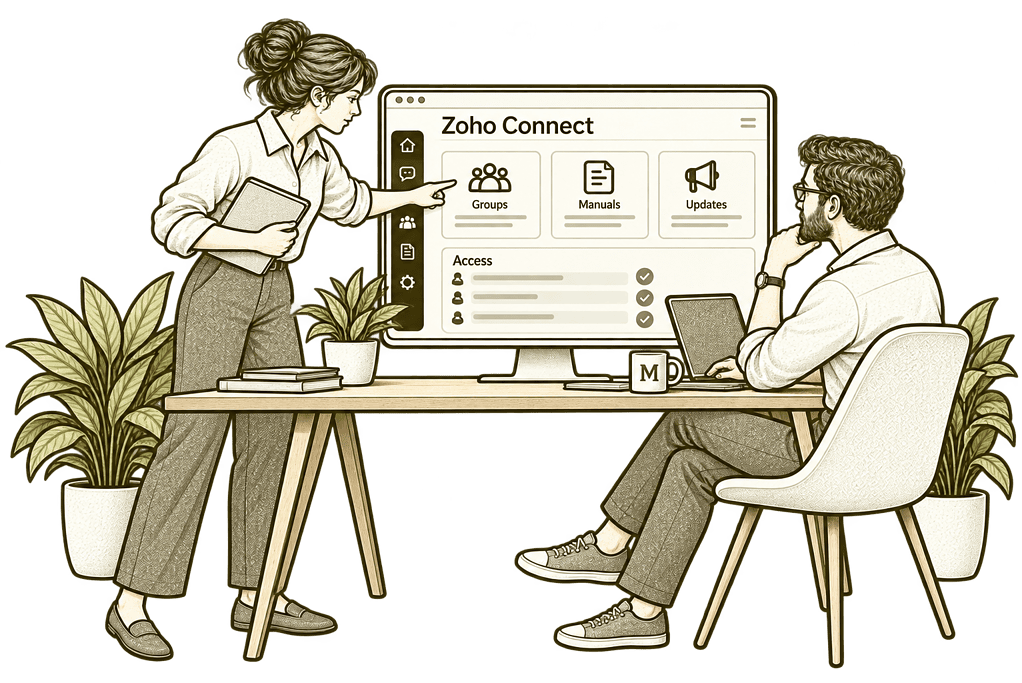
New Zoho Connect Implementation

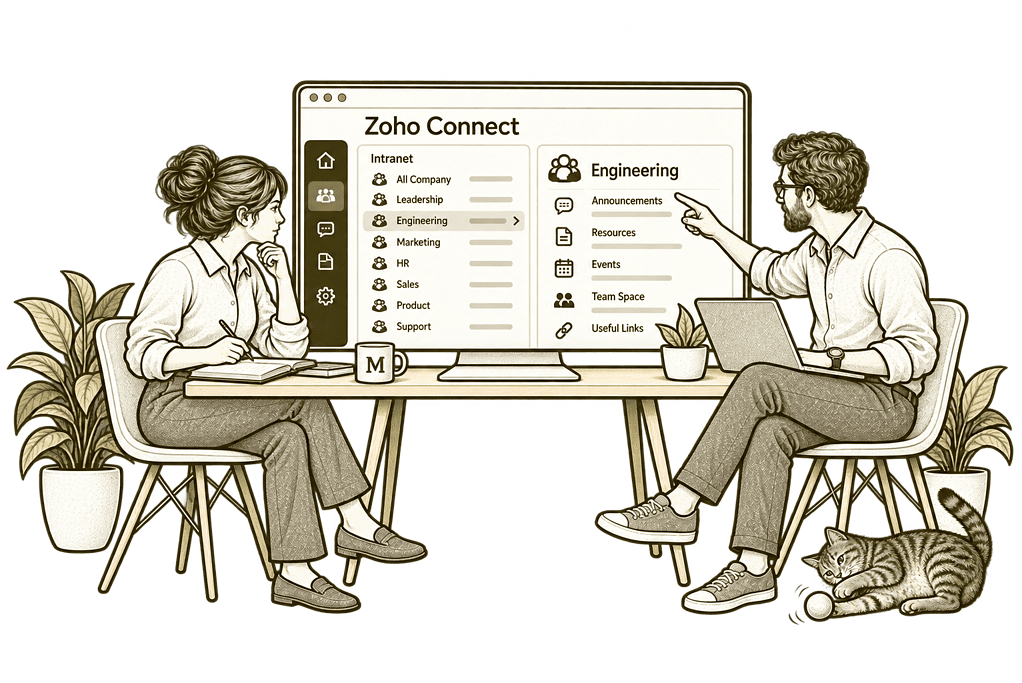
Improve Existing Zoho Connect

Connect People With Resources
An Intranet Built Around Your Organisation
We translate your teams, information needs and publishing responsibilities into a usable workspace. Groups, knowledge and permissions are designed together, with available features checked against your plan.
Space & Group Design
Define company and team spaces so staff know where relevant updates and discussions belong.
Publishing Workflows
Agree content owners and review routines so important information remains clear and current.
Content Preparation
Prepare guidance and resources, checking structure, accuracy and ownership before publishing.
System Connections
Scope relevant application links and handovers with supported features and appropriate permissions.
Access & Governance
Configure roles and membership with clear responsibilities for content and external access.
Training & Adoption
Help staff find resources and give publishers a practical process for maintaining the intranet.
One Clear Place for Company Knowledge and Updates
An employee finds an announcement, reads the relevant guidance and joins the appropriate team discussion. Content owners maintain the resources while questions and feedback help identify what needs improving.
We configure that journey so the intranet supports everyday work rather than becoming another collection of outdated pages.

Make Internal Communication Easier to Maintain
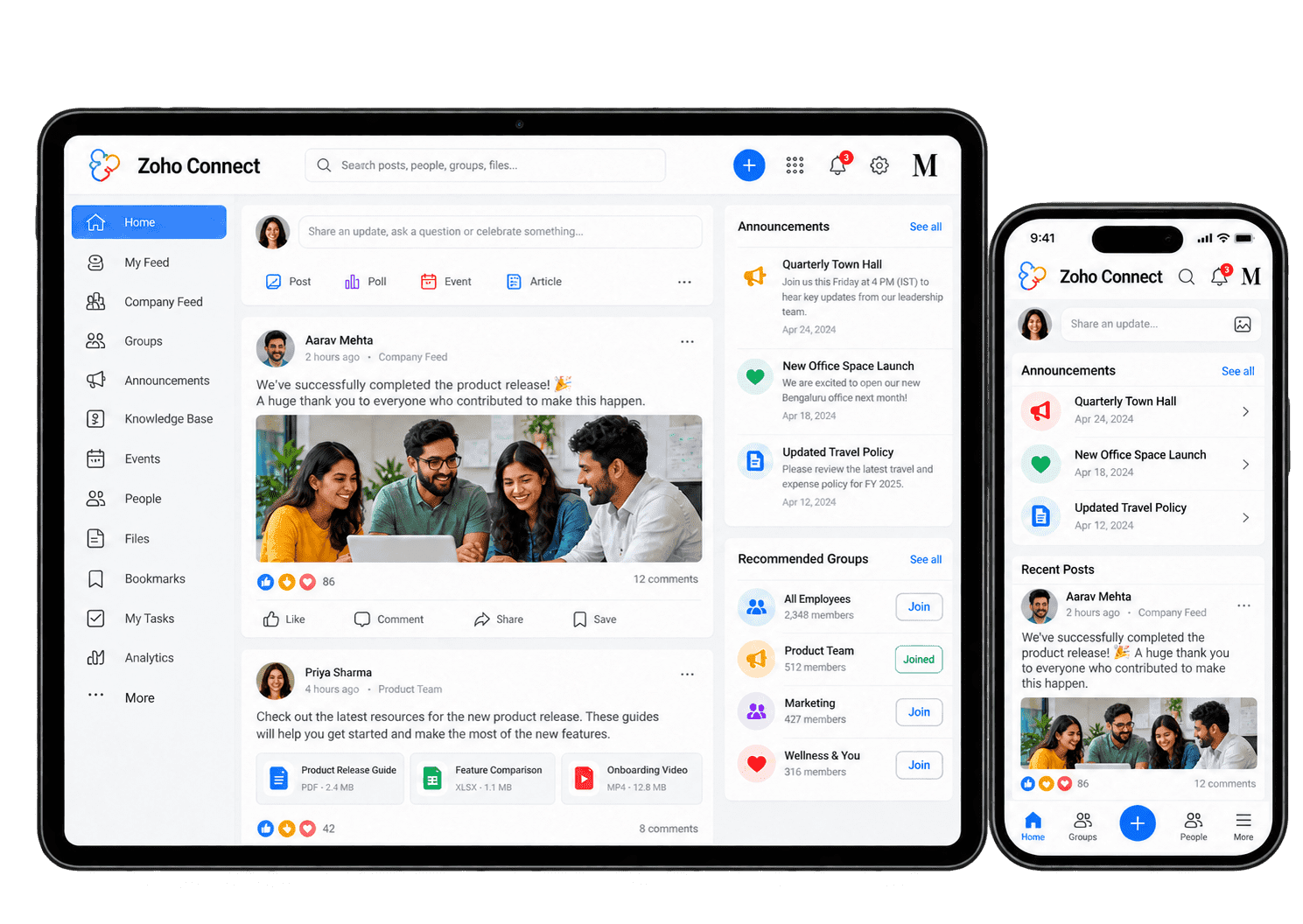
Zoho Connect supports feeds, groups, manuals and discussion spaces. We configure the relevant features and test publishing and employee journeys before launch.
-
Company Updates
-
Team Groups
-
Knowledge Manuals
-
Forums & Questions
-
Events & Town Halls
-
Feedback & Ideas
-
Tasks & Boards
-
Membership Lifecycle
Give important company announcements a clear destination and publishing owner, so staff can find current news and the approved guidance explaining what changes for them.
- Agree audiences and publishing owners.
- Configure relevant feed options.
- Test visibility and update practices.
For example, HR publishes a change to a company policy. We agree the audience, responsible publisher and location of the approved guidance before configuring the update process. Staff can find the current version and ask questions in the agreed place. The policy owner checks responses and updates the guidance when an explanation needs clarification.
Organise shared spaces around each team’s responsibilities so staff know where local discussion belongs and where official guidance is maintained.
- Define group purposes and membership.
- Configure appropriate permissions.
- Test relevant team journeys.
For example, a regional team needs a space for local updates while shared company guidance stays central. We define the group’s purpose, membership and owner, then test access using representative staff. Staff know which space to use for local discussion and where to find the approved company position. Group owners review membership when people change teams.
Make approved working instructions easier to find through organised manuals, with a responsible owner and review routine for the information employees use in everyday tasks.
- Agree topics, chapters and content owners.
- Prepare and review guidance before publishing.
- Test access and finding information.
For example, new employees repeatedly ask how to request equipment or submit expenses. We organise approved instructions into a maintained manual, with a named owner for each topic. Staff can find the relevant steps and contact, while review responsibilities keep the guidance current as the underlying process changes. The manual owner checks the answer and updates unclear instructions, keeping new starters directed to current guidance.
Give staff a shared place for relevant questions, with moderation and answer ownership clear so repeated queries lead to useful guidance rather than competing informal replies.
- Check forum visibility and audience scope.
- Agree categories and moderation responsibilities.
- Test question and response journeys.
For example, several teams ask the same question about a new working process. We assess the available forum and audience visibility, agree moderation ownership and test the response journey. An assigned moderator checks the answer and links it to the approved guidance. Later readers can find the response and see where an unresolved question should go.
Organise company sessions around a clear purpose, checking available event tools, host responsibilities and follow-up questions before inviting the audience.
- Assess available event and town-hall features.
- Agree hosts and audience responsibilities.
- Test participation and follow-up.
For example, leadership wants a structured session to explain an organisational change. We assess the available event or town-hall features, agree the host and audience, and define how questions and follow-up guidance will be handled. The host reviews unanswered questions after the session and assigns any promised follow-up. Staff can find the agreed explanation without relying on an informal account.
Collect employee ideas through a clear review route, agreeing privacy and response ownership so contributors understand how a suggestion becomes a decision or next action.
- Assess available feedback features.
- Agree privacy and response responsibilities.
- Test collection and follow-up.
For example, employees suggest improvements to a recurring internal process. We configure suitable collection options and agree who reviews submissions, how privacy works and how decisions are communicated. The review owner records the decision and explains the next step to contributors. Useful ideas can progress without implying that every suggestion has already been approved.
Turn agreed team actions into visible work through available tasks and boards, with owners and review dates clear so a useful discussion leads to an identifiable outcome.
- Assess available task features.
- Agree ownership and completion expectations.
- Define boundaries with wider project systems.
For example, a team discussion identifies three actions for improving its internal guidance. Where the available board features fit the task, we record owners and completion expectations alongside the workspace. Each action receives an owner and a review date through the available task tools. The team can see which guidance changes are complete and which still need a decision.
Keep intranet membership aligned with staff roles, with named administrators managing joiners, team moves, external access and removal when people leave.
- Agree joiner and leaver responsibilities.
- Configure relevant roles and membership.
- Test external access and removal.
For example, an employee moves department and later leaves the organisation. We agree who updates group membership and removes access, then test the relevant controls and external participation boundaries. Administrators check that previous groups are no longer accessible and that current membership matches the employee's role. Any unresolved access remains with a named owner.
Visibility Into Content, Access and Participation
We agree useful review practices using available information and staff feedback. Participation figures do not by themselves demonstrate engagement, and feedback should not be described as anonymous unless the configured behaviour has been verified.
Content Ownership
Review published resources and responsible owners so guidance has a clear maintenance process.
Review Dates
Maintain agreed content-review records so outdated guidance can be identified and updated.
Group Membership
Check membership against current responsibilities and identify access changes requiring action.
Announcement Review
Assess available update information and staff feedback to improve important communications.
Open Questions
Review unanswered discussions and assign responsibility for an appropriate response.
Feedback Actions
Track actions from staff feedback, recognising that responses may not represent every employee.
Task Status
Review team board actions and assigned ownership so responsibilities and follow-up remain clear.
Access Exceptions
Identify membership or visibility issues and give administrators a clear next step.
Connect Your Intranet With the Wider Business
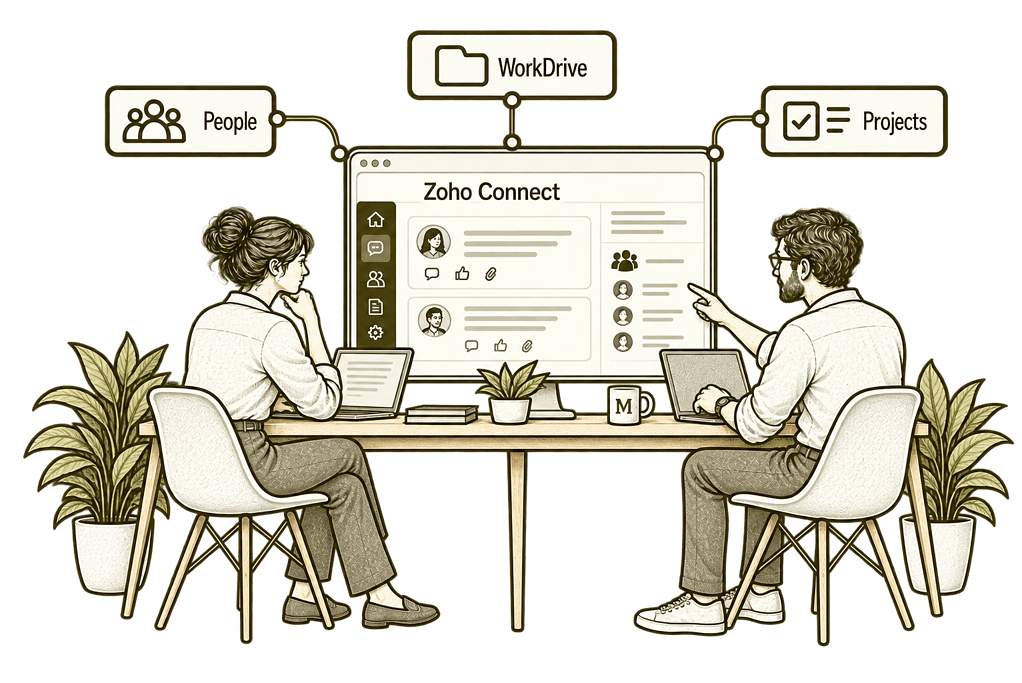
The intranet should guide staff to the right resources. We scope relevant connections and working boundaries with Zoho Cliq, Zoho WorkDrive and Zoho People.
The wider Zoho One ecosystem can support connected working. We check application behaviour and permissions so publishing a link or notification does not expose restricted records.

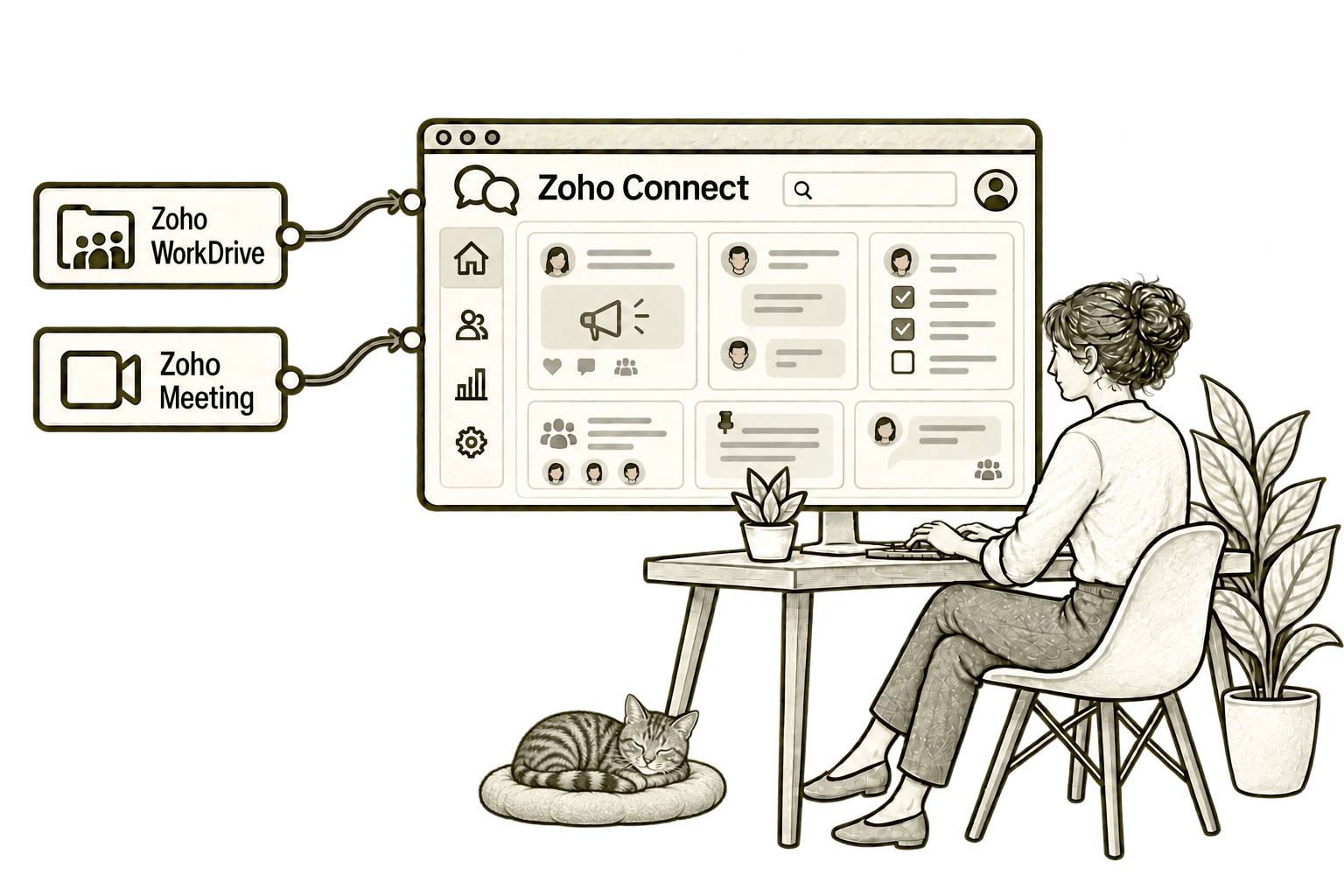
An internal update is less useful without its supporting document. Connecting Connect with WorkDrive lets teams share relevant files in their community, helping colleagues reach the right information.
A community discussion can stall in long message threads. Connecting Connect with Meeting lets colleagues start an online conversation from their group, helping them resolve the issue together.
Start With the Information Your People Need
Whether guidance lives in email, shared folders or an existing intranet, we begin with audiences, content ownership and everyday employee journeys.
Starting Fresh
We map company updates, team groups and priority guidance before configuring Connect. The first release gives staff useful resources and gives publishers clear responsibilities.
Already Using Zoho Connect
We review spaces, content, membership and permissions. Improvements focus on outdated guidance, repeated questions and structures that are difficult to maintain.
A Clearer Starting Point
If the issue spans communication, documents and HR resources, we help establish where to start.
Our Business Systems & Operations Audit can clarify the process gaps and recommended priorities.
What a Zoho Connect Engagement Includes
Discovery & Scope
Agree audiences, information needs and publishing priorities before defining the intranet scope.
Structure & Ownership
Map groups, guidance and publishing responsibilities with clear access and review rules.
Configuration & Content
Configure the agreed spaces and prepare priority resources with their responsible owners.
Connections & Testing
Test publishing, employee journeys and application access with representative users.
Training & Launch
Guide staff and content owners through their tasks and agree responsibilities for maintenance.
Review & Improvement
Review the working intranet and prioritise changes based on actual questions and staff feedback.
Scope depends on audiences, content readiness, required connections and your plan. We agree deliverables before work begins; your organisation approves published guidance, information access and feedback-handling practices.
Different Organisations. Different Internal Resources.
Intranet structure and permissions should reflect the information your people need. We adapt the setup to your operating model.
Organise internal guidance and company updates while protecting confidential client and employee information.
Support operational guidance and team updates with clear owners and access for distributed staff.
Publish approved business guidance with the information controls and review responsibilities your specialists require.
Recruitment & Workforce Agencies
Share agency knowledge and internal updates while keeping candidate records in controlled recruitment systems.
Support maintained internal resources with appropriate governance, permissions and content-review practices.
Property & Housing Associations
Organise office and team guidance with clear ownership, resource links and access for the people who need it.
Provide resources for staff and approved volunteers, with defined membership and publishing responsibilities.
Publish approved team guidance while keeping formal site, technical and safety records in their appropriate systems.
Why Mason & Co
We consider Connect as part of your wider employee and information experience. You work with senior consultants who assess content ownership, access and application boundaries alongside intranet configuration.
Senior-led consultancy
Work directly with senior consultants who understand your business process and technical delivery.
UK-based, international delivery
Work with our UK-based team across locations, with delivery planned around your working hours.
Architecture + implementation
Connect business design with practical configuration and integrations that support everyday work.
Zoho + AI + automation
Connect Zoho, AI and automation where they solve a clear problem and improve your daily processes.
Not Sure Whether Mason & Co Is the Right Fit?
Tell us what you want to implement, improve or fix. We will discuss whether we can help and recommend a sensible next step based on what you share.
Your Questions Answered
What is Zoho Connect used for?
Zoho Connect provides an intranet and collaboration space for company updates, team groups, manuals and discussions. We configure the relevant features around your organisation.
How does Connect differ from Zoho Cliq?
Connect focuses on shared organisational information and intranet spaces, while Cliq supports everyday team messaging. We agree their working boundaries so information is maintained in the appropriate place.
Can you organise our policies and guidance?
We structure agreed content into relevant resources and manuals with clear owners and review responsibilities. Your organisation approves the guidance before publication.
Can we control group and resource access?
Available permissions depend on the feature and plan. We check visibility carefully, including network-wide forums, and test representative users before publishing restricted information.
Can staff submit feedback and questions?
We assess available discussion and feedback features and agree moderation and response responsibilities. Privacy or anonymity is verified for the specific setup rather than assumed.
Can external people access our Connect workspace?
External access depends on the network, plan and configuration. We scope approved participants and test what they can view before inviting them.
How do we get started?
Book a free consultation to discuss your internal communication and resources. We will help identify whether you need a new intranet, improvements to Connect or a wider systems audit.
Where Is Company Information Becoming Hard to Find?
Tell us what employees need to find and how teams share information today. We will help define a useful Zoho Connect structure for company updates, team spaces and knowledge people can maintain.
30 minutes. No charge. No obligation.