





































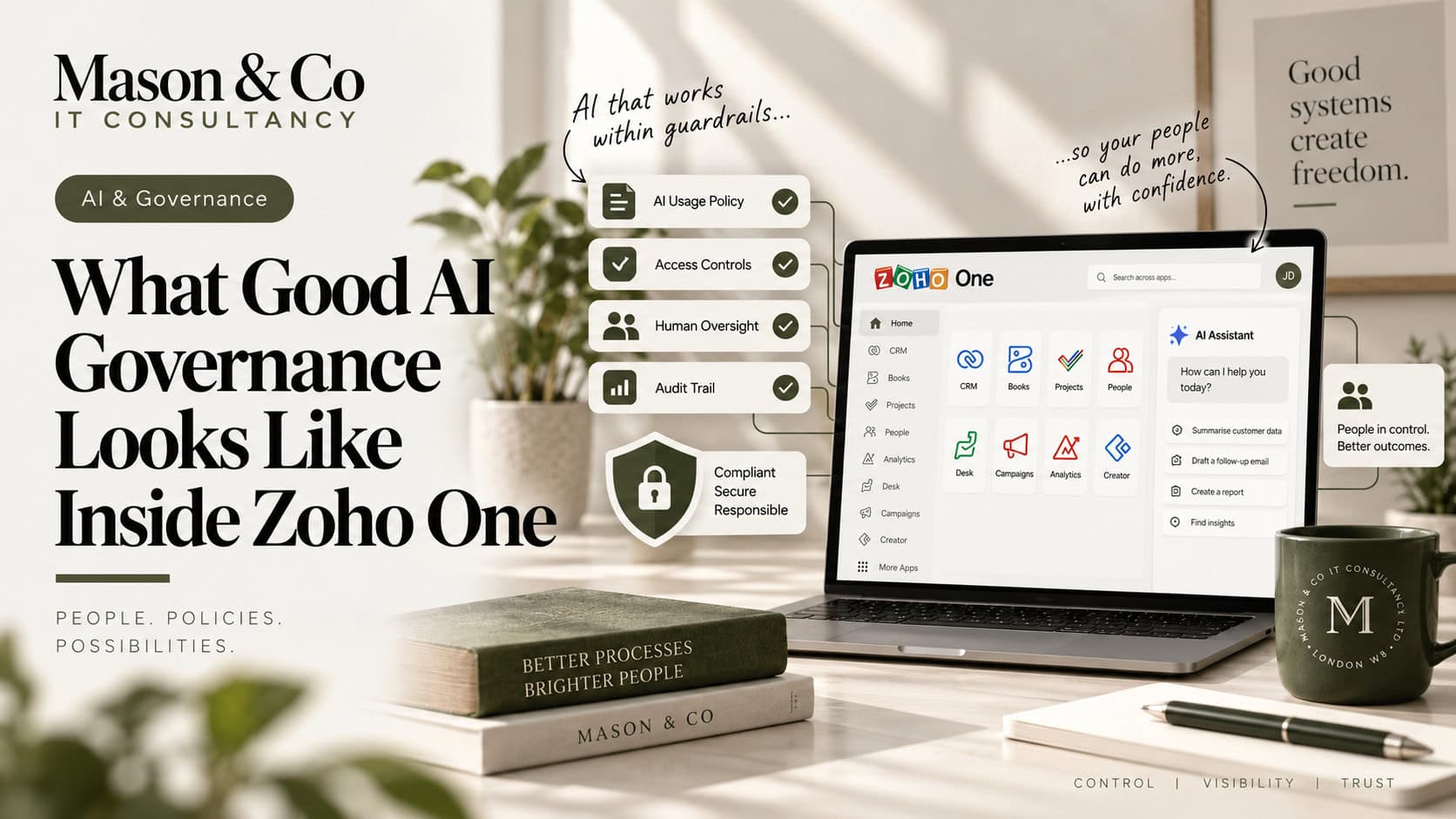
Zoho is increasingly embedding AI across CRM, Analytics, Desk, Creator, Recruit and other applications. That creates significant opportunities to improve how people work, make decisions and automate processes.
But as AI becomes more capable, governance cannot sit in a separate policy document somewhere outside the platform.
It needs to be built into the way Zoho One itself is designed.
The most useful questions are not simply whether AI is being used responsibly. They are:
What can the AI see? What can it do? Where does human judgement sit? And how do we know when something goes wrong?
Those are architecture questions as much as governance questions.
The first question should not be which AI capability is available.
It should be:
What decision or process are we trying to improve?
There is a significant difference between AI summarising a CRM account, recommending the next action on a Deal, changing a customer status or sending a communication automatically.
The technology may be similar, but the consequence is not.
I would broadly think about AI use cases in three levels:
- Low consequence: summarising, drafting, categorising or highlighting trends.
- Medium consequence: prioritising, scoring or recommending actions.
- Higher consequence: directly affecting people, money, access, eligibility or regulated decisions.
The higher the consequence, the stronger the control should be.
AI does not need access to everything simply because the data exists inside Zoho One.
If AI is operating inside CRM, I would want to understand which modules, fields and records it can access, which user permissions apply and whether sensitive information could be exposed unintentionally.
The same principle applies across Creator, Desk, Recruit, Analytics and other applications.
The model should be:
Minimum necessary access for the use case.
Not:
Give the AI broad access and control what users see afterwards.
That distinction becomes increasingly important as AI begins reasoning across multiple datasets.
Weak permissions become more significant when AI is introduced.
A user who could previously find information manually may now be able to ask an AI assistant for it directly.
Before enabling AI features broadly, I would review roles, profiles, field and record access, sharing rules, administrative permissions, API access and integration accounts.
This may not feel like AI work.
It is still one of the most important AI controls.
If access control is weak, AI governance will be weak too.
“Human in the loop” is useful only when the human intervention genuinely adds control.
If AI drafts an email and somebody reviews it before sending, that can be meaningful.
If AI makes a complex recommendation and the user simply clicks Approve every time, the human step may add very little.
The question should be:
Where does human judgement materially improve the decision?
For higher-impact use cases, that may mean reviewing before action, requiring explicit approval, showing the underlying data, allowing an override and recording the final decision.
The objective is not to put people back into every step.
It is to keep judgement where judgement matters.
Effective review starts with the evidence a person needs to assess the proposed action.
For an AI-drafted customer email, show the account details and source information alongside the draft.
Give reviewers context to challenge a recommendation, rather than presenting an approval button without explaining the proposed change and its consequences.
A useful check is:
Can reviewers explain and justify the proposed action?
For a sensitive update, show the current value, proposed change and supporting source. Reviewers can reject the action and record their reasons before work continues.
Test the review step with realistic errors before wider operational deployment.
Reviewers need authority to stop an incorrect action.
This becomes especially important as AI agents gain more capability.
There is a major difference between:
“Here is what I recommend.”
and:
“I have done it.”
An AI system that recommends an action is advisory.
An AI system that updates CRM, sends a message, creates a document, changes a workflow stage or triggers another process is operational.
Before allowing AI to act, I would want clear rules around what it can change, under which conditions, whether approval is required, whether the action can be reversed and how it is logged.
Technical capability should not automatically mean permission to act.
If AI contributes to an important business decision, there should be enough information to understand what happened afterwards.
That does not mean storing every technical detail.
It means being able to establish which AI capability was used, what record or process it affected, what output it produced, what action followed and whether somebody approved or overrode it.
This becomes particularly important in regulated environments.
“The AI suggested it” is not an adequate audit trail.
As organisations start deploying AI agents, prompts become part of the control environment.
A prompt may define what an agent is trying to achieve, what information it can use, which actions it can perform and when it should escalate.
For important use cases, those instructions should be treated more like application configuration than casual text.
That means clear ownership, testing, controlled changes and appropriate approval.
If changing a prompt can materially change how an enterprise process behaves, that prompt is part of the architecture.
This is one of the simplest governance principles.
If an existing process requires approval, AI should not silently bypass it.
If a user cannot normally access a record, AI should not expose it indirectly.
If a workflow requires mandatory information, an AI-triggered process should respect the same requirement.
If an action normally creates an audit event, an AI-generated action should do the same.
AI should operate inside the existing control environment, not create a parallel one.
AI adoption is not the same as AI governance.
The number of users, prompts or generated summaries may show whether a capability is being used, but they do not tell you whether it is working well.
More useful questions include:
How often are recommendations overridden? Where does AI produce incorrect results? Which use cases generate the most exceptions? Are users accepting suggestions without reviewing them? Are AI-enabled processes actually improving outcomes?
Governance should evolve based on real behaviour, not just policy.
Every meaningful AI capability should have clear ownership.
That includes responsibility for the business outcome, data, technical implementation, risk and ongoing monitoring.
This matters because AI behaviour can change as models, prompts, data and user behaviour change.
If nobody owns the use case after launch, it will gradually become unmanaged.
For every AI use case, I would document seven things:
- What process or decision is being supported?
- What level of consequence does it carry?
- What data can the AI access?
- What can the AI actually do?
- Where is human approval required?
- How is the activity logged and monitored?
- Who owns the use case?
That is not an entire AI governance framework.
But it is a practical starting point that teams can actually apply.
Good governance is sometimes presented as something that slows AI adoption down.
I think the opposite should be true.
When data ownership is clear, permissions are controlled, actions are auditable and higher-impact decisions have the right oversight, organisations can use AI more confidently because the boundaries are understood.
That is the real objective.
Not to create fear around AI.
To create confidence in how it is used.
Zoho One provides an increasingly powerful AI platform. Good governance is what allows organisations to use more of that capability safely, consistently and at scale.
If you need clearer ownership and controls around AI, explore our Enterprise AI services or request a free consultation to discuss a practical next step. 30 minutes. No charge. No obligation.