









































Zoho Zia AI That Works for Your Business
Help your team find information and reduce routine work. We assess where Zoho Zia fits your existing applications, with supported features, useful tasks and clear human review.
We check feature availability and the information involved, configure suitable capabilities and test business scenarios, then agree the controls and working practices for your team.
✓ Business use cases & design ✓ UK-based senior consultants ✓ Free 30-minute consultation ✓ Clear scope & pricing before work begins
Why AI Features Often Fail to Deliver Value
Enabling an AI feature does not guarantee useful results. Teams need a clear task, appropriate information and a practical way to review what the system produces.
Zia capabilities differ across applications and accounts. The relevant features and access must be checked against your working requirements before a rollout is planned.
We start with a focused Zia use case and evaluation, then expand where the pilot shows practical value.
Unclear Use Cases
AI is enabled without defining the task, expected benefit or person responsible for the result.
Weak Foundations
Incomplete records and inconsistent definitions make suggestions harder to assess and use.
Unreviewed Outputs
AI drafts and suggestions are treated as facts without proper checks before the team acts on them.
Limited Adoption
Teams lack practical guidance on when to use AI, how to question it and when to escalate.
Three Ways We Work With Zoho Zia
Explore a focused AI use case, improve features already in use or assess how AI can support connected processes. We confirm availability and controls before recommending implementation.


Introduce Zia to Your Business

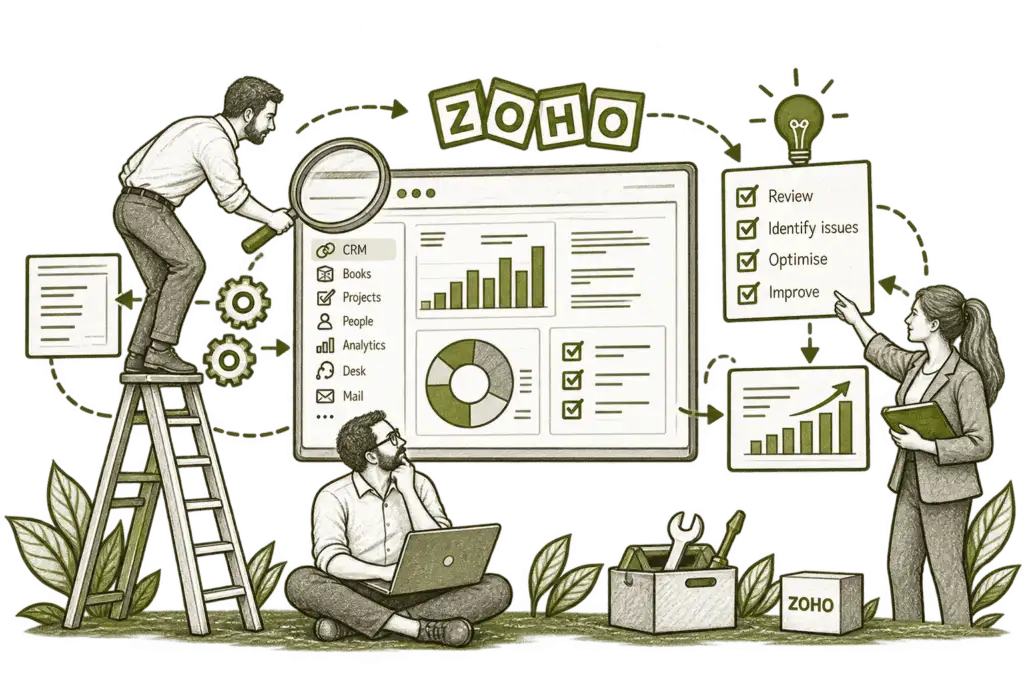
Improve Your Existing Zia Setup

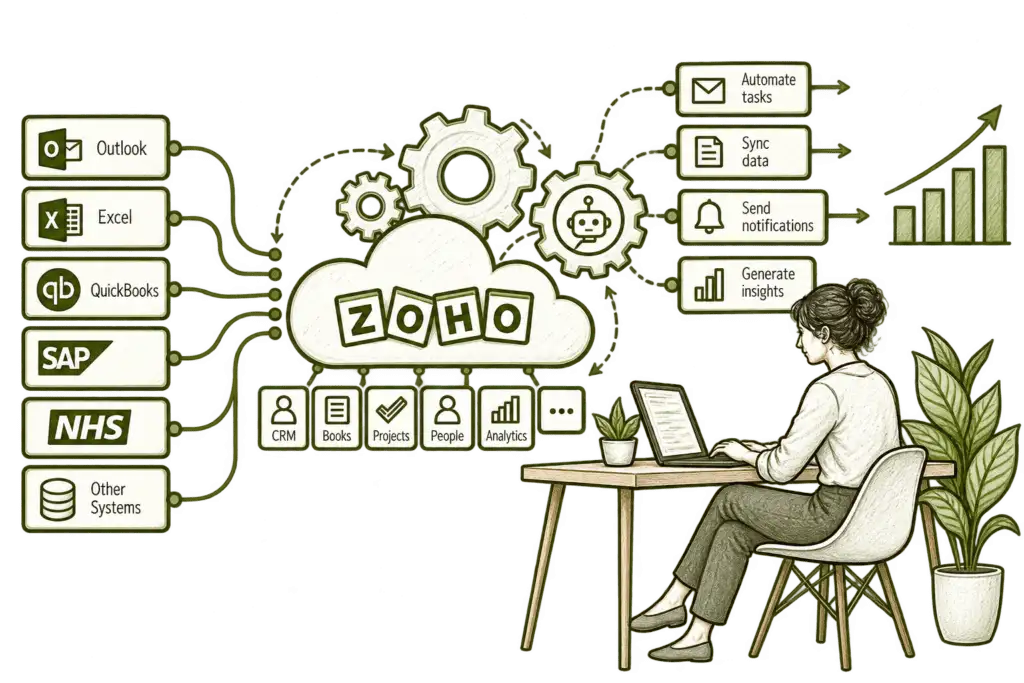
Connect AI With Your Workflows
AI Built Around Real Business Tasks
We choose specific tasks where assistance could make a measurable difference. Configuration, data access and review expectations are designed around your team’s responsibilities rather than a generic AI feature list.
Use Case & Availability
Match the business task to supported Zia capabilities, licensing and application requirements.
Data & Context
Review the records and definitions that an AI feature relies on before judging its usefulness.
Access & Controls
Agree who can use each capability and which information or actions should be available.
Workflow Design
Fit assistance into existing processes with clear review, approval and escalation points.
Testing & Measurement
Compare results on representative tasks and record accuracy, effort and practical limitations.
Training & Adoption
Teach users to check outputs, handle uncertainty and recognise when human judgement is needed.
Useful Assistance at the Point of Work
AI should help a person complete a defined task: finding a record, understanding a pattern or preparing a draft for review. We assess the available Zia features within the applications your team actually uses.
The result should fit the surrounding process. Users need to understand the source context, check important details and retain responsibility for the decision or action that follows.

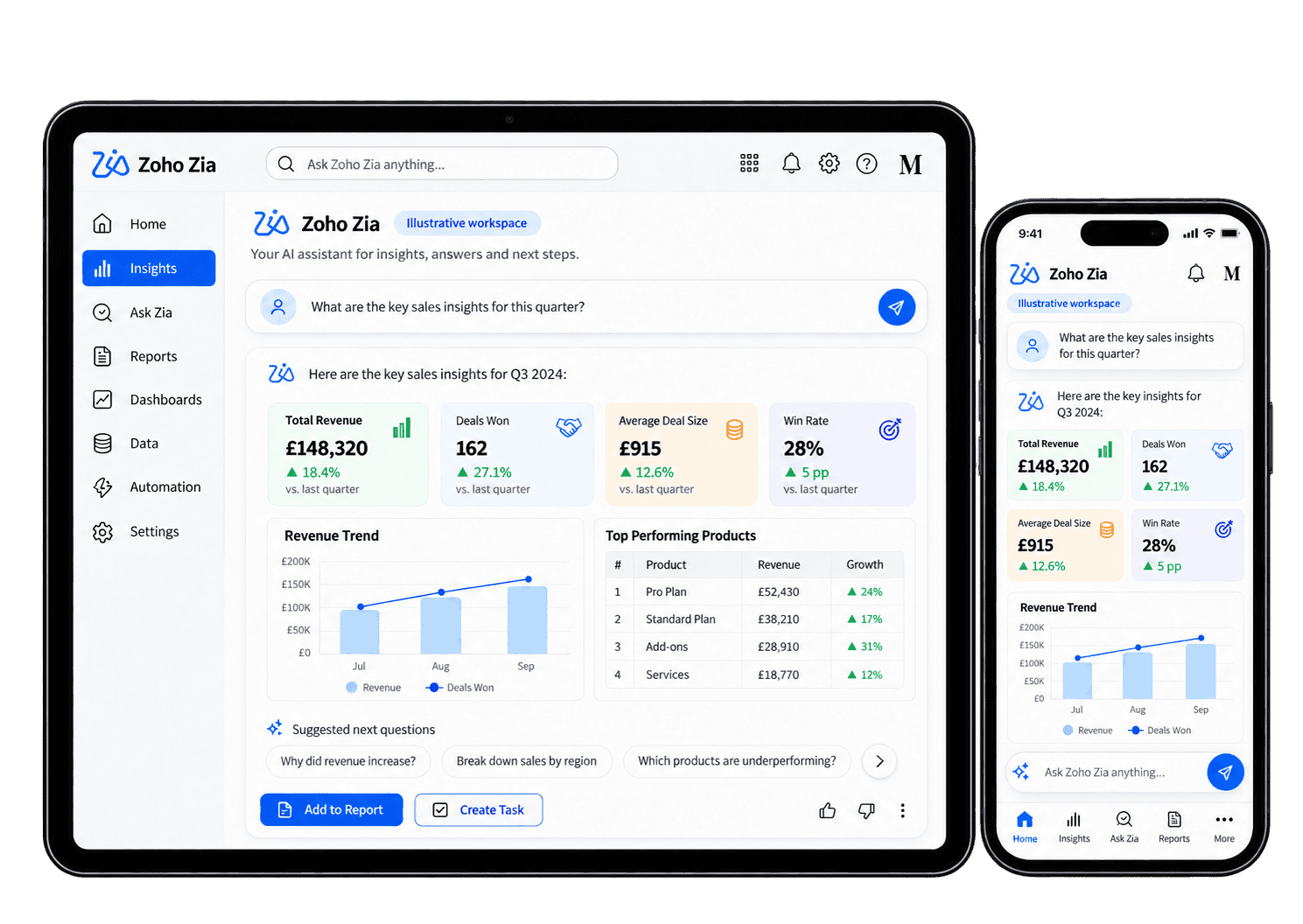
Put Zia to Work in Practical Scenarios
These are examples we can assess against your applications and subscription. We confirm the exact feature, access requirements and review process before implementation; not every scenario is available in every Zoho account.
-
Information assistance
-
Drafting support
-
Record summaries
-
Sales suggestions
-
Customer service
-
Data exploration
-
Process suggestions
-
Pilot improvement
Help staff find relevant business information using the Zia capabilities available in their application. Agree which sources are reliable, who can access them and when a colleague must check the result before using it in a customer decision.
- Confirm the question or search interface.
- Test access using the intended user roles.
- Check important answers against their source.
For example, a user needs to locate relevant information before responding to a customer. We assess the Zia assistance available in that application and test its answers against authorised records. The user checks important facts against the source and follows up any missing context.
Assist staff with a useful first draft using the available writing features, with facts, customer context and final wording reviewed before the content is shared.
- Identify writing features in the app.
- Provide appropriate context and instructions.
- Check facts, tone and sensitive information.
For example, an account owner wants a first draft of a follow-up message. Where the application supports Zia writing assistance, we provide suitable context and test the output against approved wording. The owner checks dates, names and any proposed commitment before sharing.
Give the receiving colleague a clearer starting point for a handover, using supported summaries while preserving the source details needed for their next decision.
- Confirm the records and content in scope.
- Check summaries against sample source material.
- Check omissions and ownership of the next action.
For example, a colleague takes over an account with a long activity history. A supported Zia summary may help identify the recent discussion and unresolved actions. The receiving colleague checks the source history for omissions, dates and promised actions.
Assess supported CRM suggestions alongside current customer context, with feature eligibility and data checked so sales owners can review priorities without handing over judgement.
- Confirm feature eligibility and data requirements.
- Compare suggestions with real sales scenarios.
- Keep sales judgement and follow-up ownership clear.
For example, a sales manager wants help deciding which opportunities deserve attention. We assess the supported Zia feature, its eligibility and the data behind its recommendations. The account owner checks each suggestion against the latest conversation and agreed sales process.
Help service staff prepare responses through the AI features available in their app, checking suggestions against approved guidance before the team answers a customer.
- Check the available application features.
- Test suggestions on representative enquiries.
- Require review for important customer responses.
For example, a support agent receives a question covered by approved service guidance. We assess the Zia assistance available in the support application and test suggested responses against that material. The agent checks the relevant customer context and any exception before replying.
Help managers explore questions through supported AI tools, with a reporting owner checking data, definitions and findings before they inform a decision.
- Agree the dataset and metric definitions.
- Check generated interpretations against reports.
- Review uncertainty before making decisions.
For example, a manager asks why recorded revenue changed between two periods. Supported Zia analysis can help explore the question, but the reporting owner checks filters, metric definitions and source figures before drawing a conclusion.
Assess whether supported AI assistance or a conventional workflow can simplify repeated work. Compare accuracy, cost, review effort and exception handling before choosing automation, rather than introducing AI where a simpler rule would work.
- Assess supported suggestions and actions.
- Confirm permissions and approval requirements.
- Test edge cases before enabling automation.
For example, a team repeatedly performs the same record-maintenance step. We assess whether the application offers suitable Zia assistance, conventional workflow automation or neither. Permissions, approval needs and edge cases are checked before any action is enabled.
Evaluate a focused AI use case through real staff feedback, measuring review effort and practical benefit before deciding whether to improve, narrow or expand it.
- Record time saved and output correction rates.
- Capture failures and user feedback.
- Refine guidance and decide whether to expand.
For example, a pilot helps consultants prepare customer summaries, but some outputs require substantial corrections. We record review effort, missed details and user feedback, then adjust the configuration or narrow the use case.
Measure What AI Actually Improves
We agree a baseline and practical measures for each use case. The aim is to establish whether the assistance helps your team, where it needs correction and whether the benefit justifies wider adoption.
Time per Task
Compare the effort required to complete a representative task with and without assistance.
Output Accuracy
Check factual details and record errors that require correction before the output is used.
Review Effort
Measure the checking and editing users need to make each AI output accurate and suitable for its purpose.
User Adoption
Review whether the intended team regularly uses the AI capability for the business tasks agreed in scope.
Exception Patterns
Record incomplete answers, unsuitable suggestions and recurring failures that need further investigation.
Access Behaviour
Test whether available information and actions match the intended user permissions.
Business Outcomes
Relate pilot results to a defined operational goal without attributing every change to AI.
Expansion Readiness
Use the evidence gathered during the pilot to decide whether to refine, extend or stop the AI use case.
Zia Within Your Wider Zoho Business
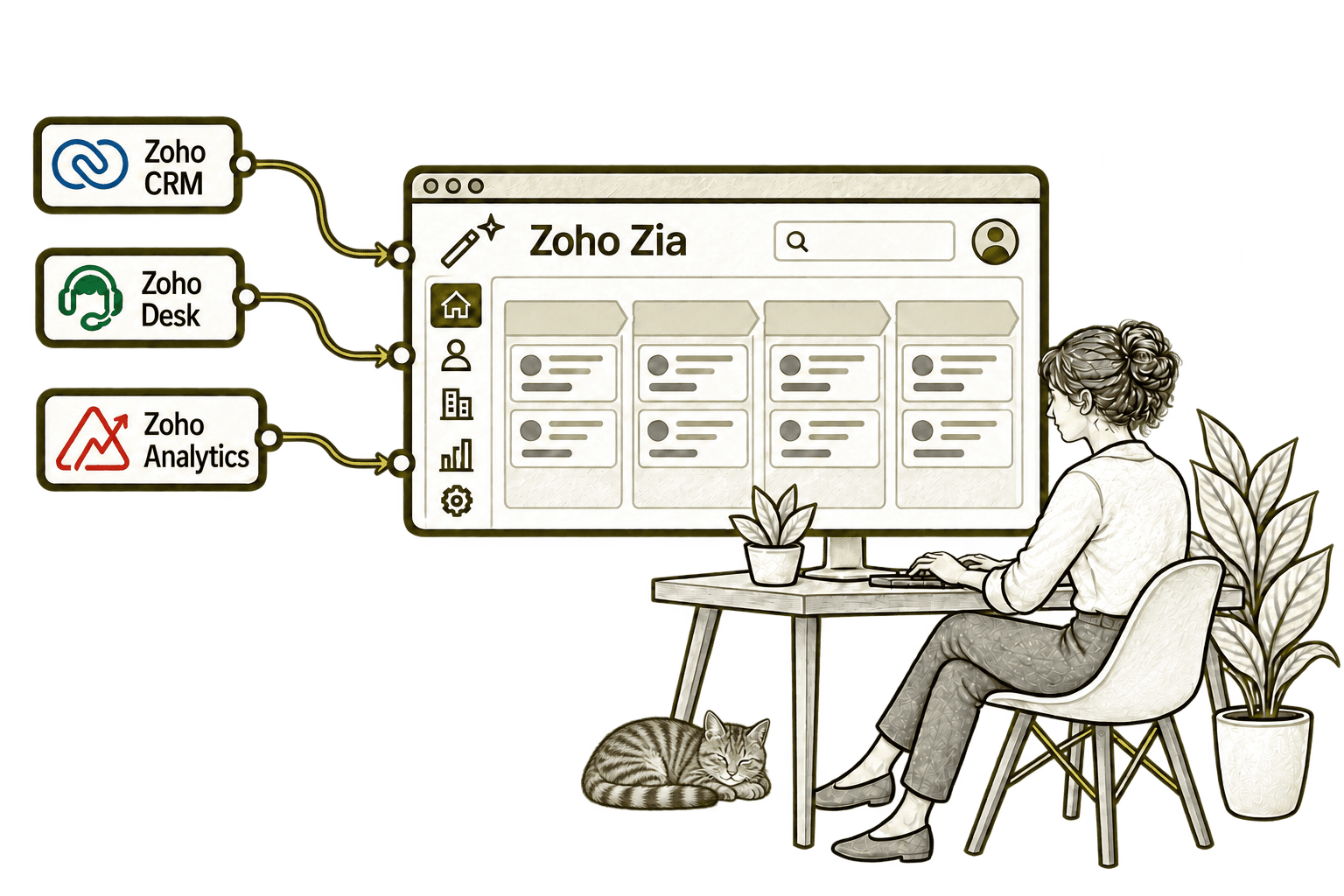
Zia capabilities appear in different parts of the Zoho ecosystem. We review the features available in your Zoho CRM, Zoho Analytics and other applications, then match them to practical tasks.
We also assess how AI fits within your Zoho One setup. Where appropriate, we evaluate Zia Chat, agents or other supported interfaces separately, with explicit permissions and action boundaries. We do not assume that every app or external system is connected automatically.

Start With a Clear, Testable Use Case
Whether you are exploring AI or already using Zia, we establish the task, available capabilities and expected outcome before making changes.
Starting Fresh
We review your applications and identify a manageable first use case. A controlled pilot tests availability, data access and practical value before wider rollout.
Already Using Zoho Zia
We review the features in use, user feedback and output quality. Improvements focus on context, configuration, training and review practices rather than enabling more AI without a purpose.
A Clearer Starting Point
If the starting point is unclear, our Business Systems & Operations Audit can identify process and data issues before recommending AI.
We help distinguish tasks suited to Zia from those better addressed through clearer processes, improved data or conventional automation.
What a Zoho Zia Engagement Includes
Discovery & Use Cases
Define the business task, intended users and outcome that would make assistance worthwhile.
Capability & Access Review
Confirm application features, licensing, model options and relevant permission requirements.
Data & Context Preparation
Review the information and instructions needed to support a meaningful pilot.
Configuration & Controls
Configure supported capabilities with clear review, action boundaries and escalation routes.
Pilot & Evaluation
Test representative scenarios and measure output quality, review effort and practical benefit.
Training & Improvement
Help users work responsibly with AI and agree how feedback and changes will be managed.
Scope depends on your applications, available Zia features, data readiness and intended use cases. We agree deliverables, responsibilities and evaluation criteria before implementation.
Different Businesses. Different AI Requirements.
We assess AI against the task and its consequences. Sector-specific information, access needs and review expectations shape the pilot and the controls required.
Assess document and case assistance with careful fact checking and clear controls over confidential information.
Explore supported assistance for operational information, with validated status and exception handling.
Assess summaries and information assistance while retaining human responsibility for claims decisions.
Recruitment & Workforce Agencies
Evaluate supported drafting and record assistance with checks for accuracy and fair treatment.
Keep financial and regulated decisions under human review, with clear evidence and named owners for outcomes.
Property & Housing Associations
Assess assistance with records and correspondence using restricted access and verified property details.
Explore workable assistance for communications and analysis with clear review and data boundaries.
Assess project information and drafting support with technical review, verified source details and clear responsibility before use.
Why Mason & Co
We combine Zoho implementation with enterprise architecture, integration, AI and automation. For Zia, we focus on useful business tasks, suitable data and evidence from a controlled pilot, with responsibilities and limitations made clear.
Senior-led consultancy
Work directly with senior consultants who understand your business process and technical delivery.
UK-based, international delivery
Work with our UK-based team across locations, with delivery planned around your working hours.
Architecture + implementation
Connect business design with practical configuration and integrations that support everyday work.
Zoho + AI + automation
Connect Zoho, AI and automation where they solve a clear problem and improve your daily processes.
Not Sure Whether Mason & Co Is the Right Fit?
Tell us what you want to implement, improve or fix. We will discuss whether we can help and recommend a sensible next step based on what you share.
Your Questions Answered
What is Zoho Zia?
Zia is Zoho’s AI brand, covering capabilities within applications as well as offerings such as Zia Chat and agents. We assess the specific capability relevant to your task rather than treating it as one identical assistant across every app.
Is every Zia feature included in Zoho One?
Not necessarily. Availability and limits depend on the application, edition, region and feature configuration. Some capabilities have additional data, model or licensing requirements. We check your account’s current entitlement before recommending a rollout.
Can you improve our existing Zia setup?
Yes. We review your use cases, configuration, data context and team feedback. A focused evaluation helps identify where guidance, controls or a different approach could improve the results.
Can Zia work with external systems?
Only through supported connections or interfaces. We assess the actual integration options and permissions, then test what information or actions can be exposed. We do not assume universal access to non-Zoho systems.
Will Zia act automatically or need human approval?
That depends on the feature and configuration. We make the distinction between suggestions and executable actions explicit, and agree appropriate approval points before enabling any supported action.
How long does a Zia implementation take?
Timing depends on the application, feature availability, data readiness and controls required. We normally define a focused pilot first and agree evaluation criteria before expanding to more teams or tasks.
How do you assess privacy and AI output quality?
We review the actual model or service configuration, information accessed and relevant processing terms. We test representative outputs, define human review expectations and document limitations. AI output is not assumed to be accurate or compliant simply because a feature is enabled.
Where Could Zia Help Your Team Work More Easily?
Tell us which tasks take too much time and what a useful result looks like. We will assess suitable Zia capabilities and agree a focused pilot with appropriate checks and human review.
30 minutes. No charge. No obligation.