










































Zoho Meeting Bring Conversations and Teams Together
Run online meetings and webinars through a clear process. We configure Zoho Meeting around your hosts and audience, with useful preparation, session controls and follow-up.
We connect booking, attendance and customer records, agree how session information is shared with the right team, and help hosts manage the steps before and after each event.
✓ Implementation & improvement ✓ UK-based senior consultants ✓ Free 30-minute consultation ✓ Clear scope & pricing before work begins
Why Online Sessions Become Hard to Organise
Online sessions create work beyond sending an invitation. Hosts coordinate joining details, speakers and follow-up across separate messages, calendars and participant lists.
We connect Meeting scheduling, participation and follow-up. Agreed presenter roles, question handling and recording rules clarify how sessions run and what will be shared afterwards.
Scattered Invitations
Session details and joining links arrive through different channels, leaving attendees unsure which information to use.
Unclear Host Roles
Hosts and presenters lack clear responsibilities for managing session access, screen sharing, attendee questions and handovers.
Recording Confusion
Recording access and retention are not clearly defined, making follow-up and information handling harder.
Manual Follow-Up
Attendance and session results need repeated manual checks before the team can send the right follow-up to each attendee.
Three Ways We Work With Zoho Meeting
Create a new meeting setup, improve existing sessions or connect scheduling and follow-up with wider systems. We check meeting and webinar requirements before agreeing the scope.

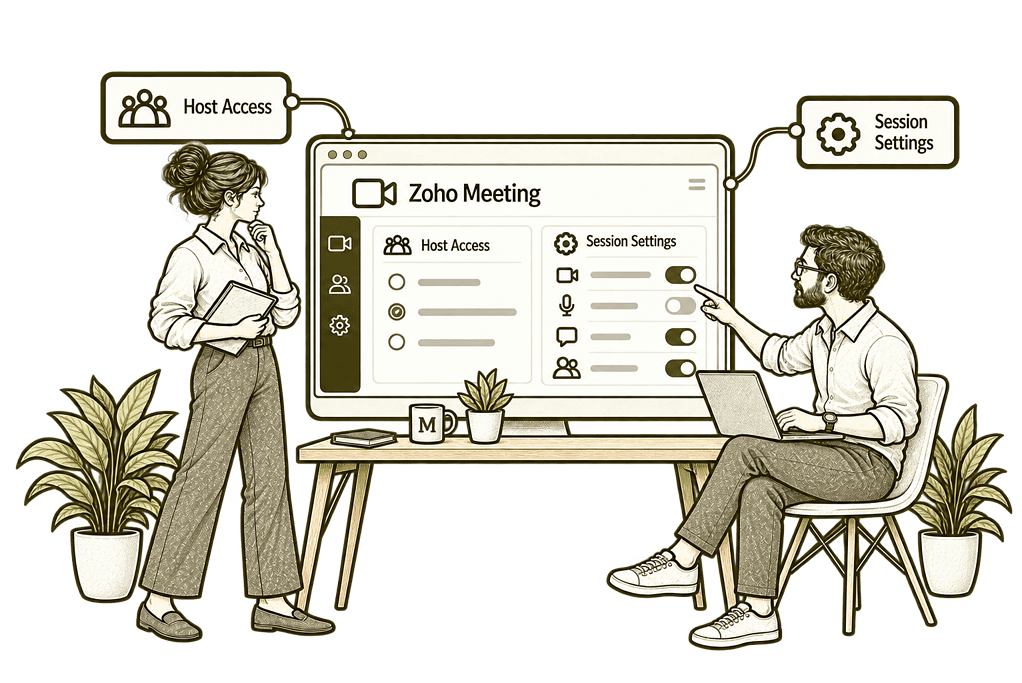
New Zoho Meeting Application Setup

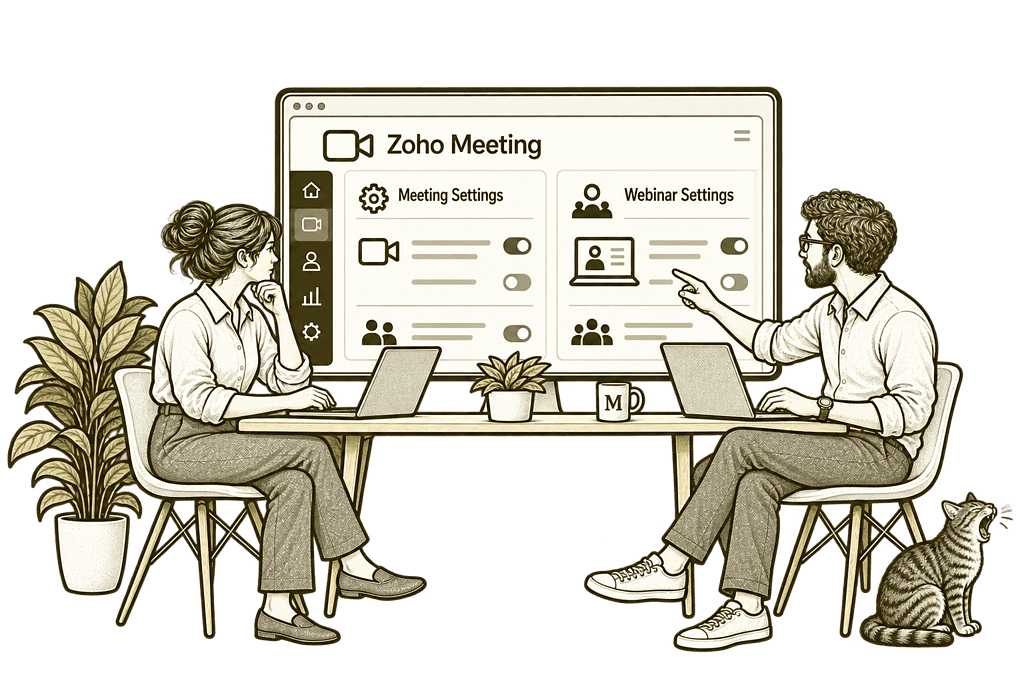
Improve Meetings & Webinars

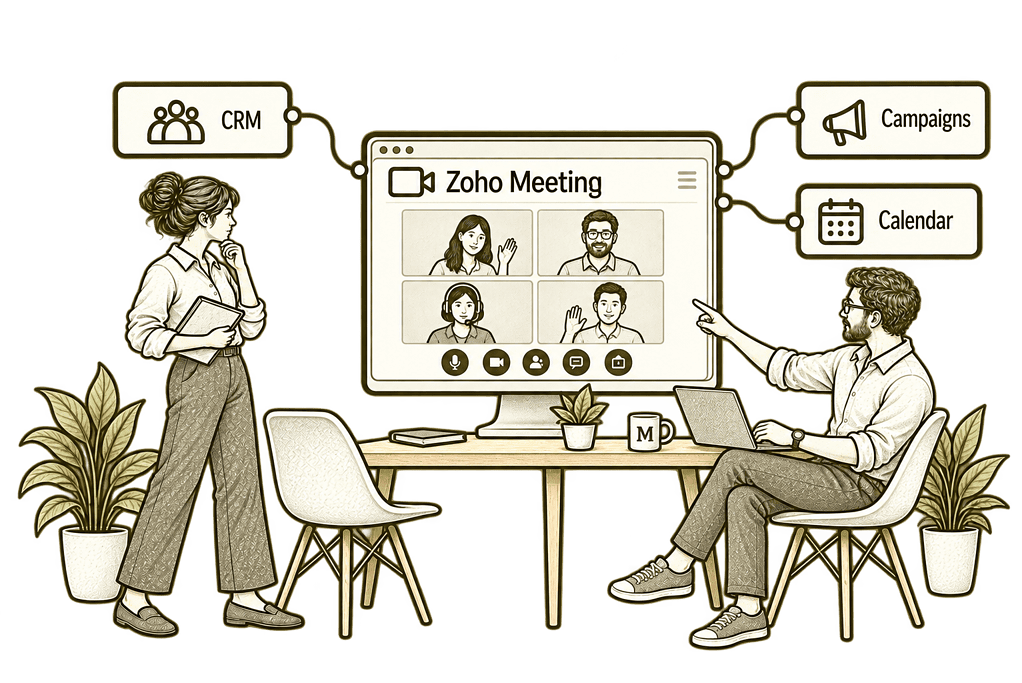
Connect Sessions With Your Systems
Online Sessions Built Around Your Audience
We translate your session requirements into a usable setup. Host roles, participant journeys and follow-up responsibilities are designed together, with capacity, duration and feature limits checked against your subscription.
Session Process Design
Map scheduling, participation and follow-up so hosts and attendees understand the next step.
Host & Access Settings
Configure agreed roles and available access controls with clear responsibility for managing sessions.
Invitations & Registration
Prepare appropriate joining or registration journeys and test the details attendees receive.
System Connections
Scope booking and customer handovers with supported integrations, clear ownership and error handling.
Session Reporting
Configure useful review practices using available attendance and webinar engagement information.
Host Training
Help organisers use the agreed session features and handle common attendee or presenter questions.
One Clear Journey From Invitation to Follow-Up
A host schedules the session, attendees receive clear joining details and presenters know their responsibilities. After the conversation or presentation, the team shares the agreed resources and next steps.
We configure that journey so your audience receives a consistent experience and hosts have a practical process to follow.

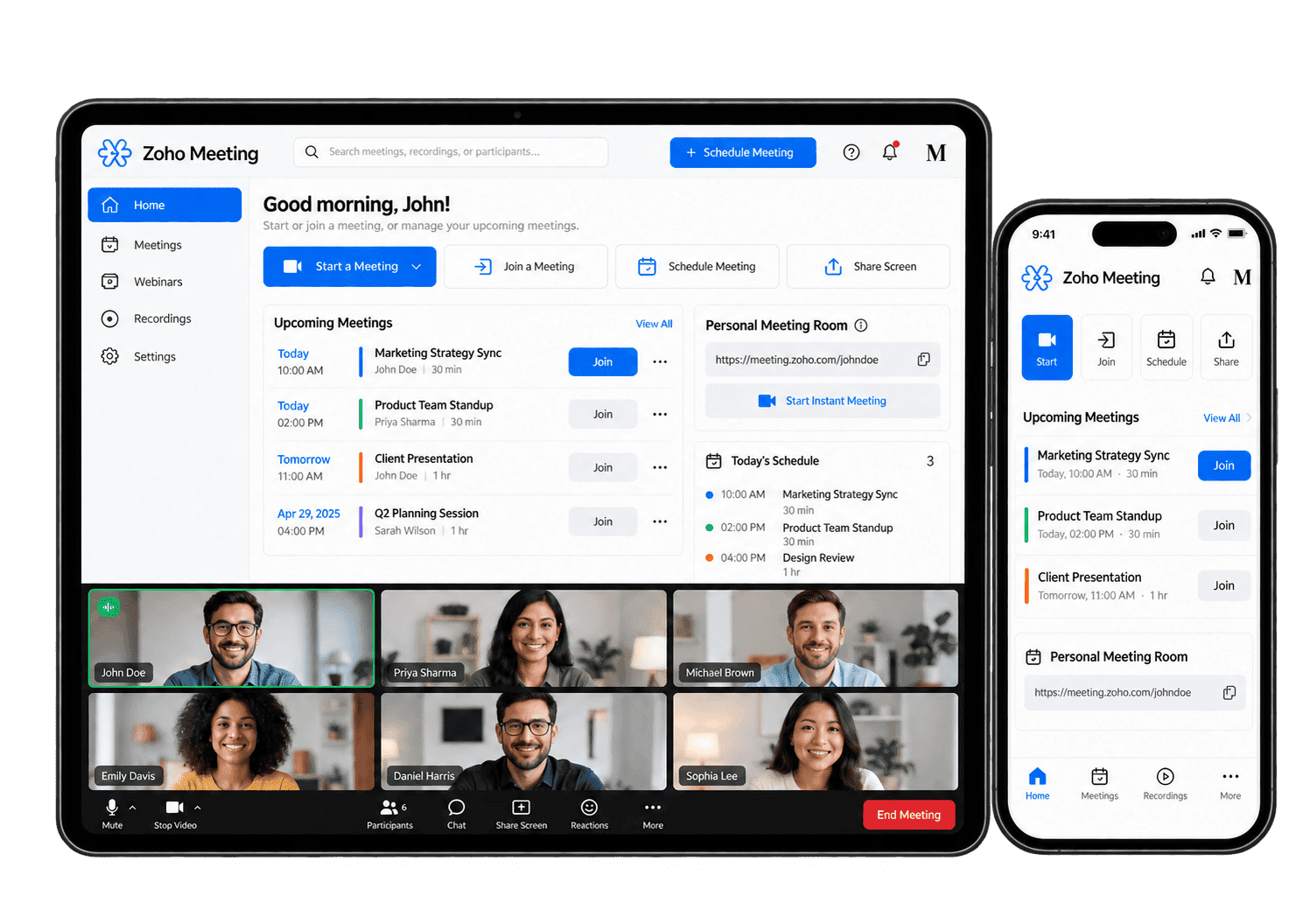
Make Meetings and Webinars Easier to Run
Zoho Meeting supports online conferencing and webinar workflows. We configure the features relevant to your sessions and test host and attendee journeys before launch.
-
Session Scheduling
-
Attendee Access
-
Audio & Video
-
Screen Sharing
-
Webinar Registration
-
Audience Interaction
-
Recordings & Resources
-
Session Follow-Up
Prepare each meeting with a clear purpose, host and schedule, checking available capacity and calendar behaviour so participants know what to attend and prepare.
- Agree hosts, dates and session details.
- Check capacity and duration requirements.
- Test invitation and calendar behaviour.
For example, a consultant schedules a customer review involving colleagues in different time zones. We agree the host, purpose, date and required capacity, then test invitations and calendar behaviour. We check time zones, invitations and a representative join before the session. The organiser can confirm who should attend and handle changes from the agreed diary record.
Give attendees practical joining instructions and appropriate session access so the organiser understands how customers and colleagues will enter the meeting.
- Configure available session access controls.
- Test supported browser and mobile journeys.
- Agree help for joining difficulties.
For example, an external customer joins a meeting from a browser without the organiser’s usual software. We test the supported joining route, access settings and instructions before the session. We test the available joining route and agreed access controls before inviting attendees. The host knows how to help a customer who cannot join and how to handle an unexpected participant.
Help presenters and participants use the available audio and video features reliably, with required device checks and an agreed fallback when a connection needs attention.
- Check supported device requirements.
- Test microphones, cameras and permissions.
- Agree common troubleshooting steps.
For example, a presenter hosts a session from a meeting room while colleagues join remotely. We test the required microphone, camera and supported device behaviour, then agree a fallback if audio fails. We test the required camera, microphone and available device options. The host has an agreed fallback if a participant loses audio, keeping the session manageable.
Share relevant information through supported screen-sharing options, with the presenter checking what is visible and protecting unrelated or sensitive material.
- Test supported screen and application sharing.
- Agree presenter responsibilities.
- Check what attendees can see.
For example, a consultant needs to show a demonstration while protecting unrelated desktop information. We test the supported sharing options and agree which window or screen is appropriate to present. The presenter checks the selected window and closes unrelated material. The meeting owner records any decision or next action so it remains clear after sharing ends.
Organise webinar registration through the available features, checking invitation details and audience access so the host can manage joining questions and later follow-up.
- Check webinar subscription requirements.
- Configure available registration details.
- Test confirmations and joining information.
For example, a business runs an educational webinar for prospective customers. We assess supported registration features, required fields and capacity, then test the invitation and joining journey. We test the supported registration route and confirmation details before promotion. The host checks audience access and assigns follow-up for questions or attendance issues.
Give attendees useful ways to participate through supported interaction tools, with moderation and follow-up ownership clear so questions remain manageable during the session.
- Assess available polls and Q&A features.
- Agree moderation responsibilities.
- Test presenter and attendee interaction.
For example, a webinar presenter wants questions without losing the structure of the session. We assess available audience interaction features and agree who monitors contributions and handles unanswered questions. The moderator passes relevant questions to the presenter and records those needing a later answer. Attendees receive an agreed follow-up rather than an unanswered chat message.
Provide suitable recordings and resources through available tools, agreeing capture, review and access before the owner shares material with the intended audience.
- Check recording capabilities and storage limits.
- Agree notice, access and retention rules.
- Test approved sharing methods.
For example, a recorded training session needs to be shared with approved colleagues. We confirm recording availability, participant expectations and the agreed storage and access rules before capture. The owner checks the recording before sharing and confirms who may access it. Unrelated content or unresolved participant concerns are reviewed before distribution.
Turn meeting outcomes into a clear follow-up process, with named owners and supported handovers so the relevant business record reflects what was agreed next.
- Review available session reports.
- Agree follow-up ownership and permissions.
- Test supported handovers and exceptions.
For example, a customer meeting ends with a proposal request and an agreed deadline. We define who records that outcome and assess supported handovers to CRM or the relevant work system. The organiser records the owner and agreed due date in the relevant work system. Participants can follow the proposal request without treating the meeting notes as a completed action.
Session Reporting With Useful Context
We agree which session records matter and how they should be used. Available reports vary between meeting and webinar subscriptions; attendance and engagement figures do not by themselves prove business outcomes.
Session Records
Review available session details so organisers can confirm which events ran and who owned them.
Webinar Registration
Review available registration records alongside the details and permissions collected from the audience.
Attendance
Assess available attendance information to support appropriate follow-up and session review.
Joining Exceptions
Record reported joining difficulties so hosts can improve instructions and resolve recurring issues.
Poll Responses
Review available webinar poll results in context rather than treating responses as representative research.
Audience Questions
Review available Q&A records and agree responsibility for questions needing a later response.
Recording Access
Review the session-material sharing process and confirm who is responsible for maintaining access.
Follow-Up Actions
Track agreed next steps in the appropriate business system with clear ownership and audience context.
Connect Online Sessions With the Wider Business
Online conversations often begin with an appointment and continue with a customer action. We scope relevant connections with Zoho Bookings, Zoho CRM and the Zoho One ecosystem.
Each scheduling or follow-up connection is checked for supported capabilities and subscription requirements. We agree participant-data ownership, access and failure handling rather than assuming every attendee becomes a marketing contact.

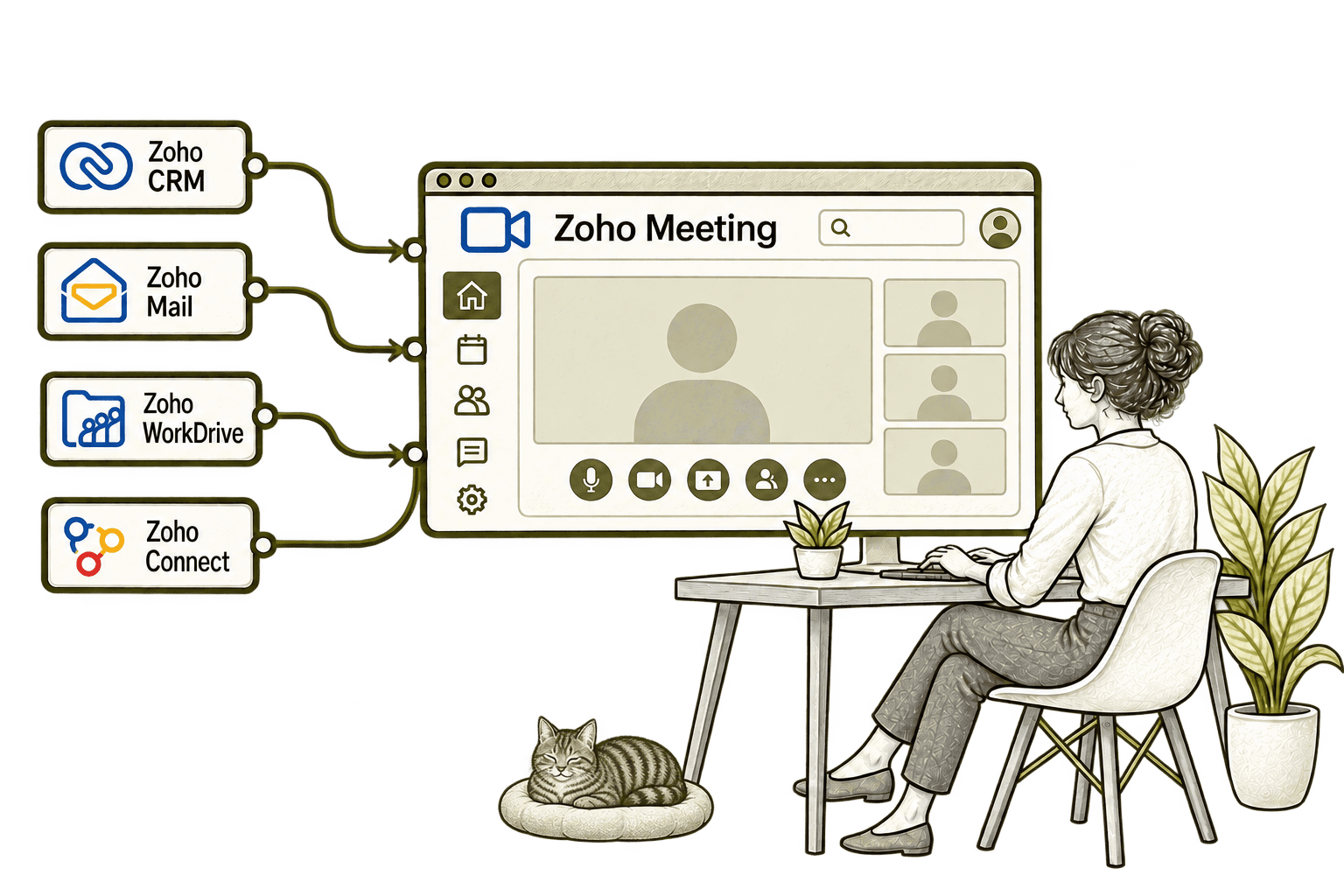
An online sales meeting needs a clear customer record. Connecting CRM with Meeting links the meeting workflow to sales activity, helping staff arrange the discussion and organise follow-up.
An email discussion can take too long to resolve. Connecting Mail with Meeting lets staff move into an online conversation from their email workflow, helping the group agree the next step.
A meeting recording is easy to lose after the call. Connecting Meeting with WorkDrive stores recordings in the agreed shared location, helping authorised colleagues find them later.
A community discussion can stall in long message threads. Connecting Connect with Meeting lets colleagues start an online conversation from their group, helping them resolve the issue together.
Start With Your Session and Audience Requirements
Whether you need everyday team meetings or a webinar programme, we begin with hosts, attendees and the process around each session.
Starting Fresh
We map host roles, joining journeys and priority features before configuring Zoho Meeting. The first release includes representative host and attendee tests.
Already Using Zoho Meeting
We review subscriptions, session settings and host workflows. Improvements focus on joining questions, unclear responsibilities and manual follow-up.
A Clearer Starting Point
If the issue spans booking, customer records and online sessions, we help establish where to start.
Our Business Systems & Operations Audit can clarify the process gaps and recommended priorities.
What a Zoho Meeting Engagement Includes
Discovery & Scope
Agree session types, audience needs and subscription requirements before defining the setup scope.
Process & Roles
Map invitations, host responsibilities and follow-up with clear access and recording expectations.
Configuration & Journeys
Configure agreed session settings and prepare appropriate invitation or registration journeys.
Connections & Testing
Test host and attendee experiences, supported handovers and common session exceptions.
Training & Launch
Guide organisers through their tasks and agree the checks needed before live sessions.
Review & Improvement
Review session experience and prioritise improvements based on host and attendee feedback.
Scope depends on meeting or webinar requirements, capacity and your subscription. We agree deliverables before work begins; recording, participant-data handling and retention rules are approved by your organisation.
Different Businesses. Different Online Sessions.
Session access, presenter roles and follow-up should reflect the conversation or event you are hosting. We adapt the setup to your operating model.
Support client and internal meetings with controlled access, clear host roles and recording rules agreed by your specialists.
Coordinate operational discussions and training sessions with clear joining details and host responsibilities.
Organise business presentations and team meetings with appropriate participant and information controls.
Recruitment & Workforce Agencies
Support recruiter or client conversations with clear scheduling and the required candidate-data safeguards.
Configure sessions with clear host roles and the access, recording and information controls your business requires.
Property & Housing Associations
Organise customer and project discussions with clear host roles, access rules and agreed follow-up responsibilities.
Support staff, partner or community sessions with appropriate joining and audience communication rules.
Coordinate project discussions and training sessions while retaining required site and safety processes.
Why Mason & Co
We consider Zoho Meeting as part of the wider customer and team journey. You work with senior consultants who assess scheduling, audience access and follow-up ownership alongside session configuration.
Senior-led consultancy
Work directly with senior consultants who understand your business process and technical delivery.
UK-based, international delivery
Work with our UK-based team across locations, with delivery planned around your working hours.
Architecture + implementation
Connect business design with practical configuration and integrations that support everyday work.
Zoho + AI + automation
Connect Zoho, AI and automation where they solve a clear problem and improve your daily processes.
Not Sure Whether Mason & Co Is the Right Fit?
Tell us what you want to implement, improve or fix. We will discuss whether we can help and recommend a sensible next step based on what you share.
Your Questions Answered
What is Zoho Meeting used for?
Zoho Meeting provides online conferencing and webinar capabilities. We assess the relevant session type and configure host, attendee and follow-up processes around your needs.
Are meetings and webinars the same setup?
No. Meetings support interactive conversations, while webinars have audience registration and presentation workflows. Subscription features and limits are checked before deciding the setup.
Can attendees join through a browser or mobile device?
Zoho Meeting offers browser and mobile joining options. We test the required devices and permissions for your sessions rather than assuming every feature behaves identically.
Can we record and share sessions?
Recording and storage capabilities depend on your subscription. We agree participant notice, access and retention rules, then test approved recording and sharing methods.
Can webinars include polls and questions?
Zoho Meeting provides webinar interaction features including polls and Q&A. We check available capabilities and agree who moderates and follows up audience responses.
Can Meeting connect with booking and CRM systems?
We assess supported scheduling and CRM connections against your requirements. Participant-data ownership, trigger behaviour and exception handling are agreed before implementation.
How do we get started?
Book a free consultation to discuss your sessions and audience requirements. We will help identify whether you need a new setup or improvements to Zoho Meeting.
Where Could Your Online Meetings and Webinars Work Better?
Tell us how you organise sessions and which customer or team processes they support. We will help assess your Zoho Meeting setup and the booking, record and follow-up connections you need.
30 minutes. No charge. No obligation.