










































Zoho WorkDrive Give Every File a Clear Home
Bring files, collaboration and controlled sharing together. We configure Zoho WorkDrive around your departments, with organised folders and clear access to business documents.
We define how files are reviewed, maintained and shared, connect documents with the applications your teams use, and help people find the right version and understand access.
✓ Implementation & improvement ✓ UK-based senior consultants ✓ Free 30-minute consultation ✓ Clear scope & pricing before work begins
Why Business Files Become Hard to Manage
Business files spread across drives and email attachments. Duplicated folders and unclear filenames leave staff unsure which document is current or approved for use.
We organise WorkDrive folders, roles and sharing rules. Clear ownership and access reviews help staff find current files, manage old links and share sensitive documents appropriately.
Scattered Documents
Files sit across different locations, leaving staff to search through attachments and personal folders.
Conflicting Copies
People edit different copies because the working document and review steps are not clearly defined.
Unclear Access
Folder membership and external links lack regular review, making permissions harder to maintain.
Weak Ownership
Business files depend on individual accounts without a clear handover when staff change roles or leave.
Three Ways We Work With Zoho WorkDrive
Create a new document workspace, improve an existing structure or plan a move from other storage. We agree file ownership and access requirements before configuring the solution.

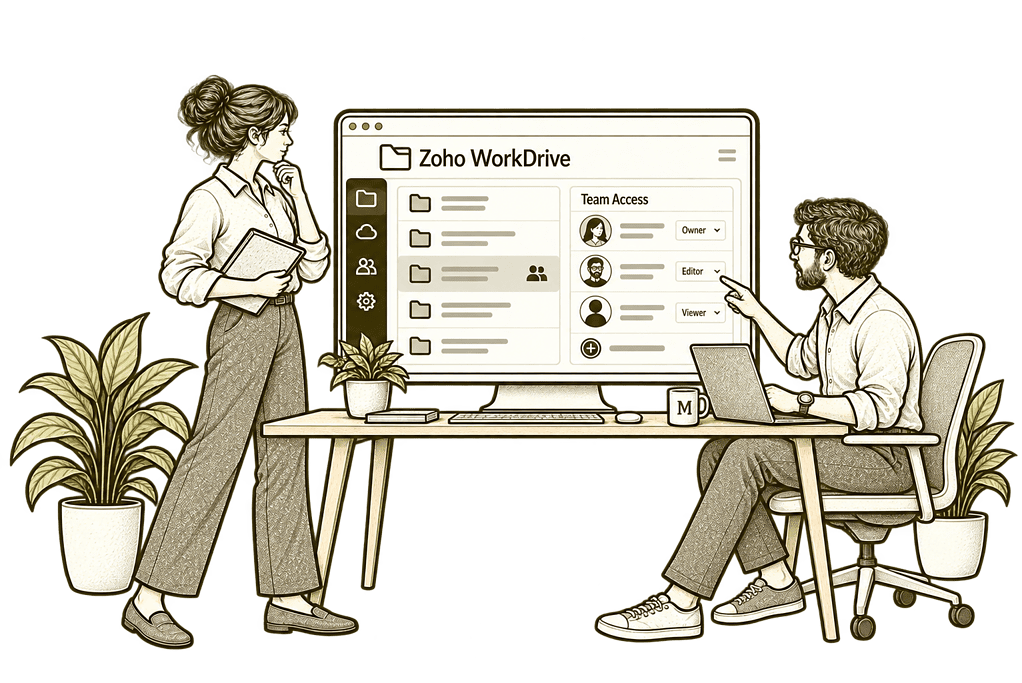
New WorkDrive Implementation

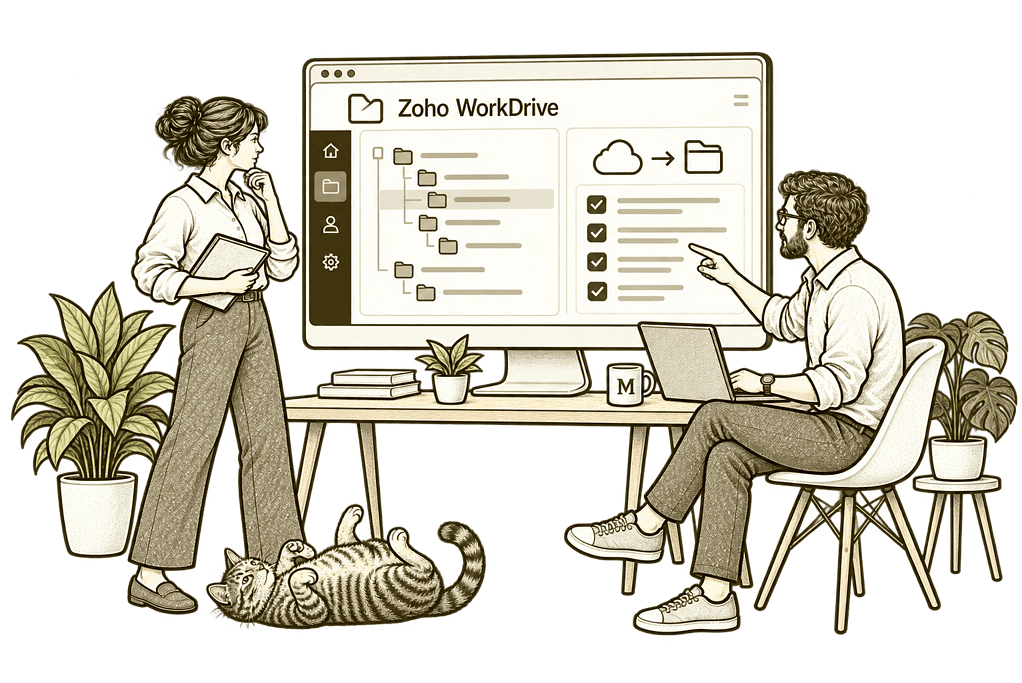
Data Migration & Optimisation

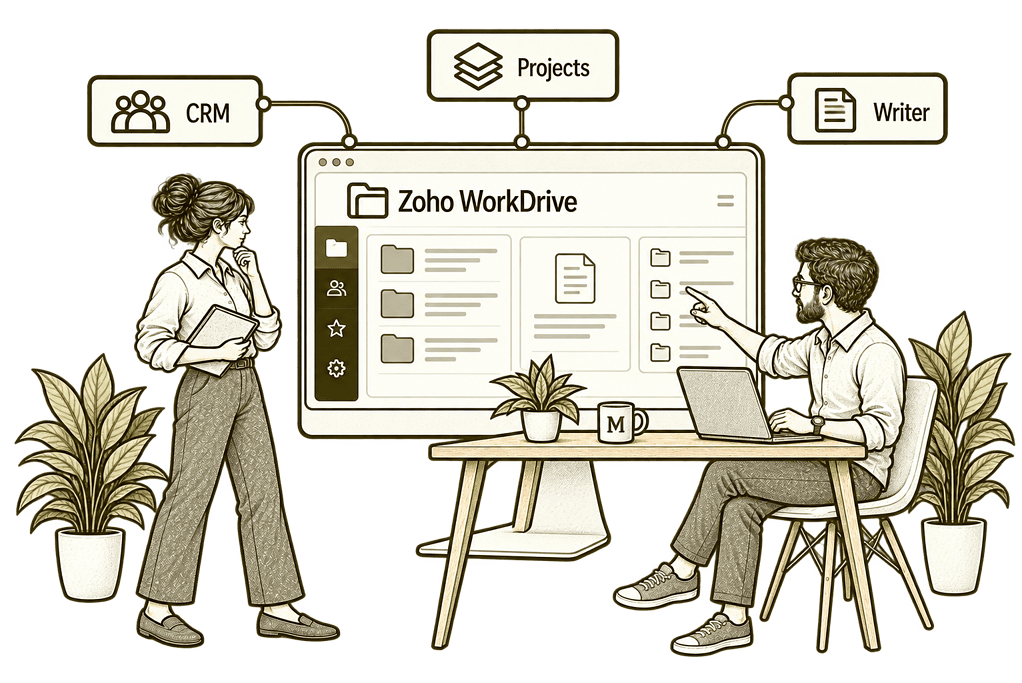
Connect Files With Your Systems
File Management Built Around Your Business
We translate your departments, projects and information needs into a usable workspace. Folder structures, permissions and working conventions are designed together, with available controls checked against your plan.
Folder & Ownership Design
Define team folders and responsibilities so business documents have a clear location and owner.
Sharing Controls
Configure agreed internal and external sharing rules with appropriate permissions and review responsibilities.
Migration Planning
Assess source files and supported methods, with checks for completeness, formats and access after transfer.
System Connections
Scope application document handovers with clear storage ownership, supported features and failure handling.
Administration Reviews
Agree useful access, activity and storage checks to help administrators maintain the working setup.
Training & Adoption
Help staff use the agreed folder structure, collaborate on files and share documents appropriately.
One Clear Journey for Your Business Documents
A document is created in the right workspace, the team collaborates on it and approved recipients receive appropriate access. Changes and ownership then remain part of a defined file-management process.
We configure that journey so staff know where work belongs, which version to use and how to share it without creating unnecessary copies.

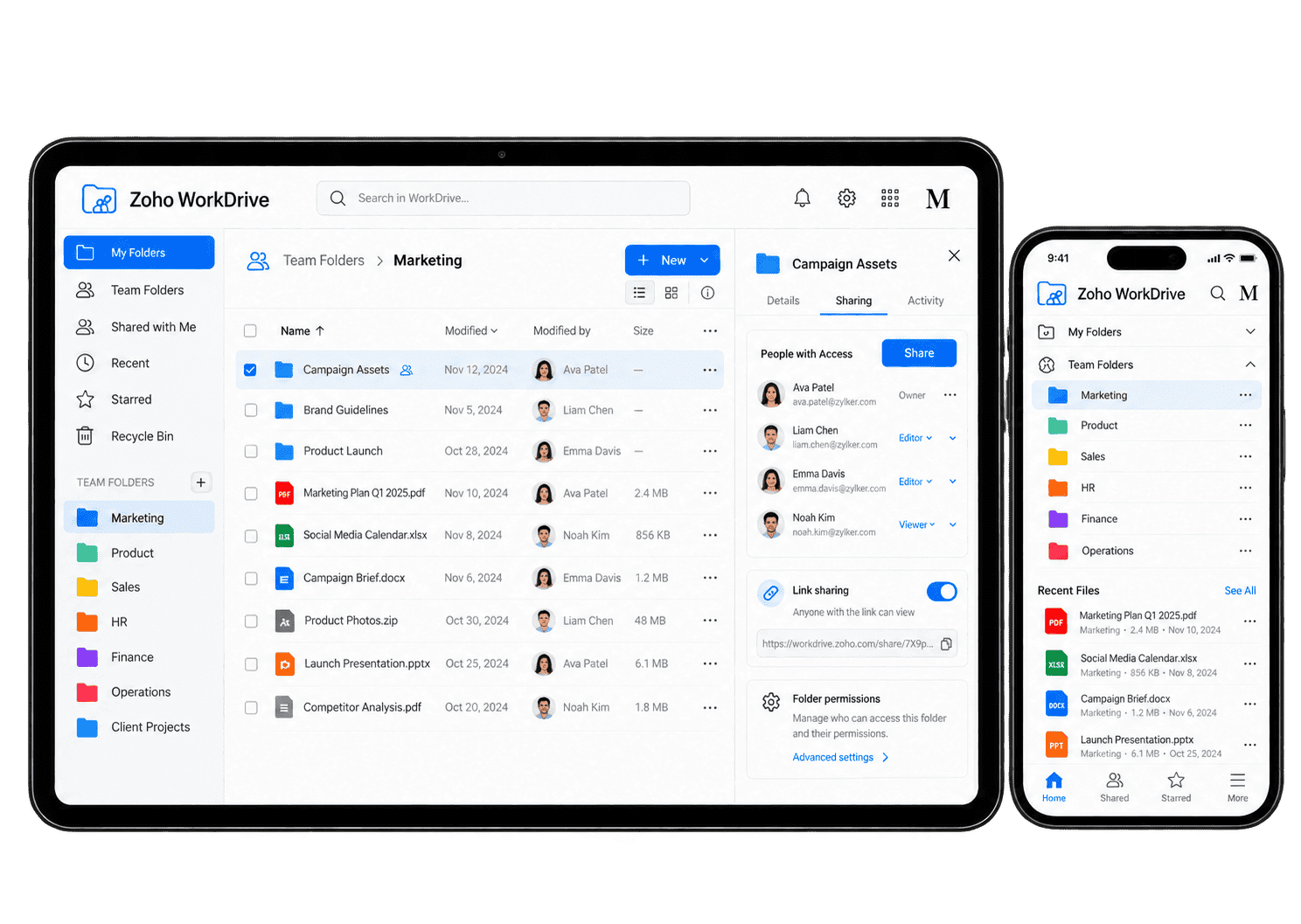
Make Everyday Document Work Easier
WorkDrive supports team folders, file sharing and version history. We configure the features your team needs and test collaboration and access against realistic document scenarios.
-
Team Folders
-
File Migration
-
Internal Access
-
Document Collaboration
-
Version Management
-
External Sharing
-
Desktop & Mobile Access
-
Ownership Handover
Organise shared files around the work each team performs, with clear folder purposes and owners so staff know where to collaborate and retain completed documents.
- Agree departments, projects and folder owners.
- Configure relevant team-folder roles.
- Test access for representative users.
For example, a delivery team needs shared proposals, working documents and completed customer files. We agree folder purposes, owners and membership before transferring records. We agree folder ownership and test access with the intended users.
Move required files from existing storage through a planned migration, reviewing structure, access and sample results so the receiving team can confirm what arrived and what is missing.
- Assess source and supported transfer methods.
- Agree scope for versions and metadata.
- Check transferred files and permissions.
For example, project documents need to move from an existing storage provider. We review supported transfer options and run a pilot with the responsible file owners before migration. We review the source structure, access and file requirements, then check a sample migration.
Give staff access to the documents their roles require, with permissions and membership tested so shared storage keeps each team's information appropriately limited.
- Define role and folder membership rules.
- Configure supported sharing controls.
- Test restricted and permitted access.
For example, finance needs access to contract records while a delivery team needs project documents. We agree membership and supported permissions, then test representative users before rollout. Each user role is checked against the agreed folder boundaries.
Help colleagues review and edit suitable documents through the available collaboration tools. Agree who maintains the authoritative copy, which changes require approval and how the team will resolve conflicting suggestions before a document is treated as complete.
- Assess file formats and editing options.
- Agree review and commenting practices.
- Test relevant collaboration journeys.
For example, two colleagues need to review a customer proposal. We assess the supported editing and commenting process for its format and agree how feedback is resolved. We test the supported editing and review tools and agree where comments belong.
Keep the current document and available version history understandable, with an agreed owner checking revisions so staff know which copy supports their next task.
- Agree version and naming conventions.
- Review available history and restore options.
- Test the required recovery scenarios.
For example, a revised proposal changes an agreed commercial detail. We test the available version behaviour and define how the owner identifies and approves the current document. The owner checks the available version history and verifies the correct revision.
Share approved files with external recipients using suitable controls, checking audience and access duration so document owners can review links and remove access when work ends.
- Agree approved recipients and sharing methods.
- Configure available link restrictions.
- Test access and revocation.
For example, a supplier needs access to one approved project document. We assess the available external sharing controls, test the recipient’s access and assign an owner to review or remove it. We confirm the sharing controls, intended recipient and required duration before sending access.
Support document access across staff working locations, testing available desktop and mobile tools against their files, devices and synchronisation needs.
- Assess supported sync and app requirements.
- Agree device and offline-use responsibilities.
- Test updates and conflict handling.
For example, a consultant works between the office and customer sites. We test the supported desktop and mobile access required for their documents, including relevant device and synchronisation settings. The owner checks where the latest version is available and what happens after a sync problem.
Keep documents usable when staff roles change or an owner leaves, with ownership transfer and access reviewed so ongoing work has a responsible person to maintain it.
- Agree joiner and leaver responsibilities.
- Assess supported ownership transfer options.
- Test membership changes and access removal.
For example, a project lead leaves while colleagues still need documents they maintained. We agree ownership transfer and membership responsibilities, then test access with the receiving owner. We agree the transfer route and test access for the receiving owner.
Visibility Into Files, Access and Storage
We agree useful administration checks and their interpretation. Available activity and reporting features depend on your plan; reviews focus on ownership, permissions and exceptions rather than treating file activity as staff productivity.
Folder Ownership
Review team folders and owners so each workspace has clear responsibility for managing files and access.
Team Membership
Check folder membership against current roles to identify access that needs updating or removal.
External Sharing
Review available sharing information and links to identify access that needs confirmation or revocation.
Storage Position
Assess available storage usage so capacity and data management decisions have useful context.
File Activity
Review available activity records when investigating document changes or access queries.
Version Checks
Review relevant file history and recovery options against the document-management process you agreed.
Migration Results
Check transferred files and exceptions against the agreed source scope before completing the transition.
Account Handover
Review document ownership and access tasks when staff change roles or leave the organisation.
Connect Documents With the Wider Business
Business documents support customer relationships and delivery. We scope relevant connections with Zoho CRM, Zoho Projects and document workflows through Zoho Sign.
The wider Zoho One ecosystem can support connected working. We check each application’s storage and sharing behaviour, agreeing record ownership and permissions rather than assuming every file connection works the same way.

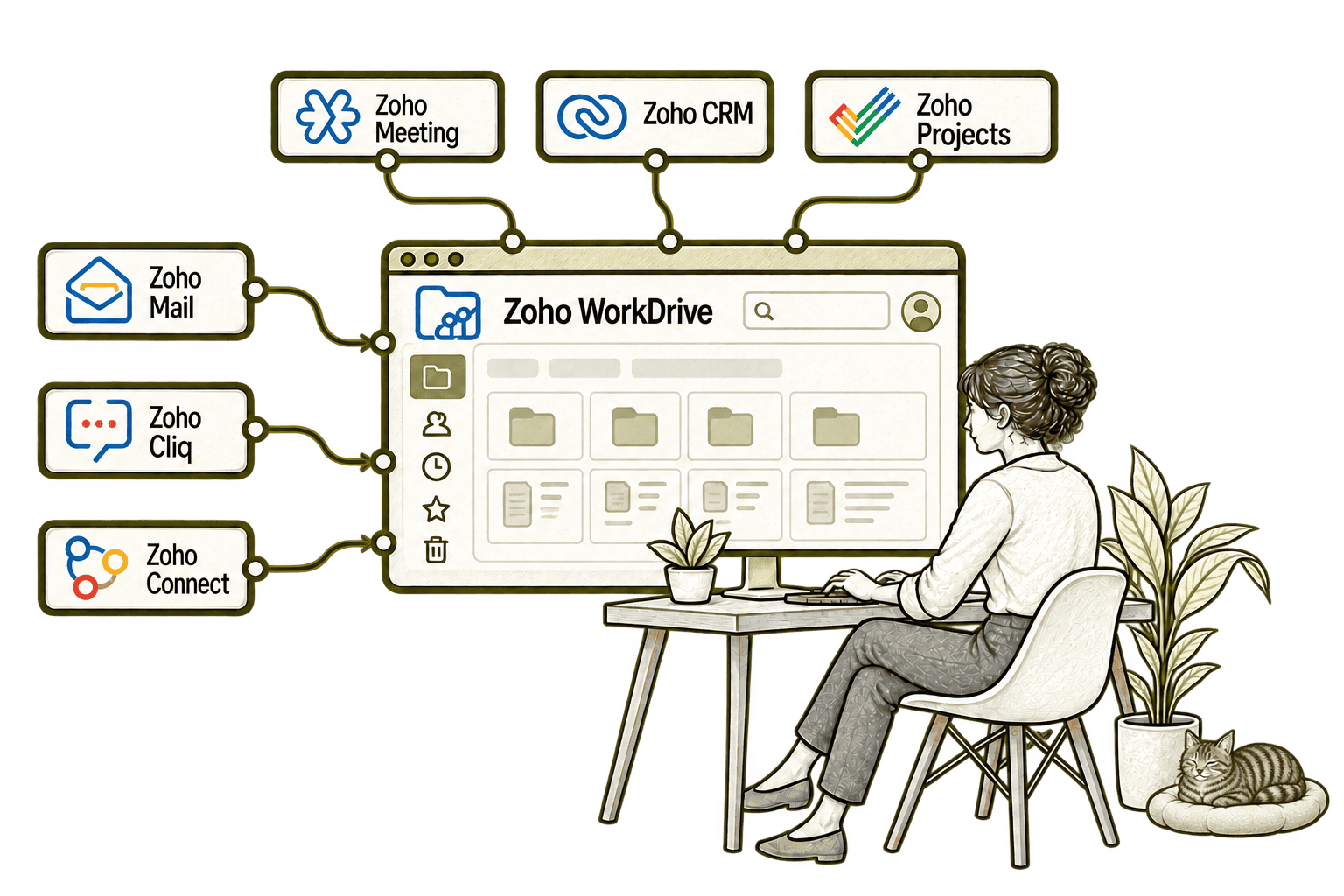
Repeated attachments create competing copies of a document. Connecting Mail with WorkDrive lets staff share relevant files and links, helping recipients reach the intended version.
Searching elsewhere for a file interrupts a team conversation. Connecting Cliq with WorkDrive lets colleagues find and share relevant documents in chat, keeping the discussion moving.
An internal update is less useful without its supporting document. Connecting Connect with WorkDrive lets teams share relevant files in their community, helping colleagues reach the right information.
A meeting recording is easy to lose after the call. Connecting Meeting with WorkDrive stores recordings in the agreed shared location, helping authorised colleagues find them later.
Scattered customer files slow a sales handover. Connecting CRM with WorkDrive makes related documents accessible from CRM, helping the next person find the files they need.
Project files scattered across inboxes slow delivery. Connecting Projects with WorkDrive gives the team access to shared documents from project work, helping everyone find the current file.
Wherever Your Files Start, Plan the Structure
Whether you use local folders, another cloud platform or an existing WorkDrive workspace, we begin with file ownership and the way teams need to collaborate.
Starting Fresh
We map team folders, roles and sharing requirements before configuring WorkDrive. The first release gives staff a clear place to store and work on business documents.
Already Using Zoho WorkDrive
We review folder structures, membership and sharing controls. Improvements focus on duplicated files, unclear ownership and permissions that are difficult to maintain.
A Clearer Starting Point
If the issue spans document storage, application access and wider information management, we help establish where to start.
Our Business Systems & Operations Audit can clarify the main gaps and recommended priorities.
What a Zoho WorkDrive Engagement Includes
Discovery & Scope
Agree file locations, ownership and collaboration needs before defining the setup or migration scope.
Structure & Permissions
Map team folders, membership and external sharing with clear administrator responsibilities.
Configuration & Migration
Configure agreed controls and transfer supported files using pilot and completeness checks.
Connections & Testing
Test collaboration, sharing and application handovers with representative users and documents.
Training & Handover
Guide staff and administrators through their tasks and document the agreed working structure.
Review & Improvement
Review the live workspace and prioritise improvements based on actual file and access issues.
Scope depends on source capabilities, file volumes, formats and your plan. We agree deliverables before work begins; version history, permissions and metadata transfer are validated, and retention or recovery requirements are assessed separately.
Different Businesses. Different Document Requirements.
Folder ownership, sharing and retention should reflect the information your organisation uses. We adapt the setup to your operating model.
Organise matter and business documents with access restrictions and retention rules approved by your specialists.
Support operational document sharing with clear owners, working copies and relevant team access.
Manage business documents with access rules and information controls agreed with your specialists.
Recruitment & Workforce Agencies
Organise agency files while protecting candidate and client documents with clear ownership and agreed access rules.
Support controlled document collaboration with the governance and retention requirements your organisation needs.
Property & Housing Associations
Organise property and project files with clear ownership, controlled access and suitable client or partner sharing.
Support staff and appropriate volunteer document access with defined ownership and sharing responsibilities.
Organise project documents and revisions while assessing specialist technical and site requirements separately.
Why Mason & Co
We consider WorkDrive as part of your wider information architecture. You work with senior consultants who assess file ownership, permissions and application dependencies alongside the workspace configuration.
Senior-led consultancy
Work directly with senior consultants who understand your business process and technical delivery.
UK-based, international delivery
Work with our UK-based team across locations, with delivery planned around your working hours.
Architecture + implementation
Connect business design with practical configuration and integrations that support everyday work.
Zoho + AI + automation
Connect Zoho, AI and automation where they solve a clear problem and improve your daily processes.
Not Sure Whether Mason & Co Is the Right Fit?
Tell us what you want to implement, improve or fix. We will discuss whether we can help and recommend a sensible next step based on what you share.
Your Questions Answered
What is Zoho WorkDrive used for?
Zoho WorkDrive provides cloud file storage and collaboration for teams. It supports organised workspaces, sharing and file history, with controls configured around your business needs.
Can you migrate files from our existing storage?
We assess the source platform, supported transfer methods and the records you need to move. Files, versions, metadata and permissions are scoped separately and checked through a pilot before the transition.
Can we control access by department or project?
We configure available team-folder roles and sharing controls around agreed responsibilities. Representative users are tested to confirm what they can view, edit or share.
Can we share files with clients and suppliers?
WorkDrive provides external sharing options. We check available controls in your plan, agree approved recipients and test access restrictions and revocation.
Can staff collaborate on existing Office files?
File-format and editing behaviour depend on the tools and methods used. We test your required document workflows rather than assuming every file edits or converts identically.
Does version history replace a backup strategy?
No. Version history can help with document changes, but recovery and retention requirements need separate assessment. We review relevant capabilities and responsibilities against your needs.
How do we get started?
Book a free consultation to discuss your files, collaboration and access challenges. We will help identify whether you need a new setup, migration or improvements to WorkDrive.
Where Are Documents and Shared Files Creating Extra Work?
Tell us how documents move through your business and where ownership or access becomes unclear. We will help structure Zoho WorkDrive folders, collaboration and sharing around your teams and connected applications.
30 minutes. No charge. No obligation.