











































Zoho Survey Turn Feedback Into Useful Decisions
Ask relevant questions and collect responses in one place. We configure Zoho Survey around what you need to learn, with suitable question logic, distribution and reporting.
We connect feedback with the records and processes you use, agree who reviews the findings and what needs to happen next, and help your team turn responses into useful business action.
✓ Implementation & improvement ✓ UK-based senior consultants ✓ Free 30-minute consultation ✓ Clear scope & pricing before work begins
When Feedback Is Difficult to Collect and Use
Feedback loses value when the questionnaire is unclear. Long surveys and irrelevant questions discourage people and leave your team with responses that are hard to interpret.
We connect Survey design, invitations and result review. Clear wording, relevant question routes and an agreed decision help your team collect useful answers and choose the next action.
Unclear Questions
Respondents interpret questions differently, making the answers harder to compare or use for a clear decision.
Low Completion
Long or irrelevant questionnaires make it harder for respondents to finish and share the feedback your team needs.
Response Disconnect
Feedback arrives without an agreed owner or process for reviewing concerns and deciding what should happen next.
Unclear Findings
Reports show answers without enough audience context or a clear connection to the question being investigated.
Three Ways We Help With Zoho Survey
You may need a new feedback survey, improvements to an existing questionnaire or a connection between responses and business records. We agree the purpose and intended use of the results first.

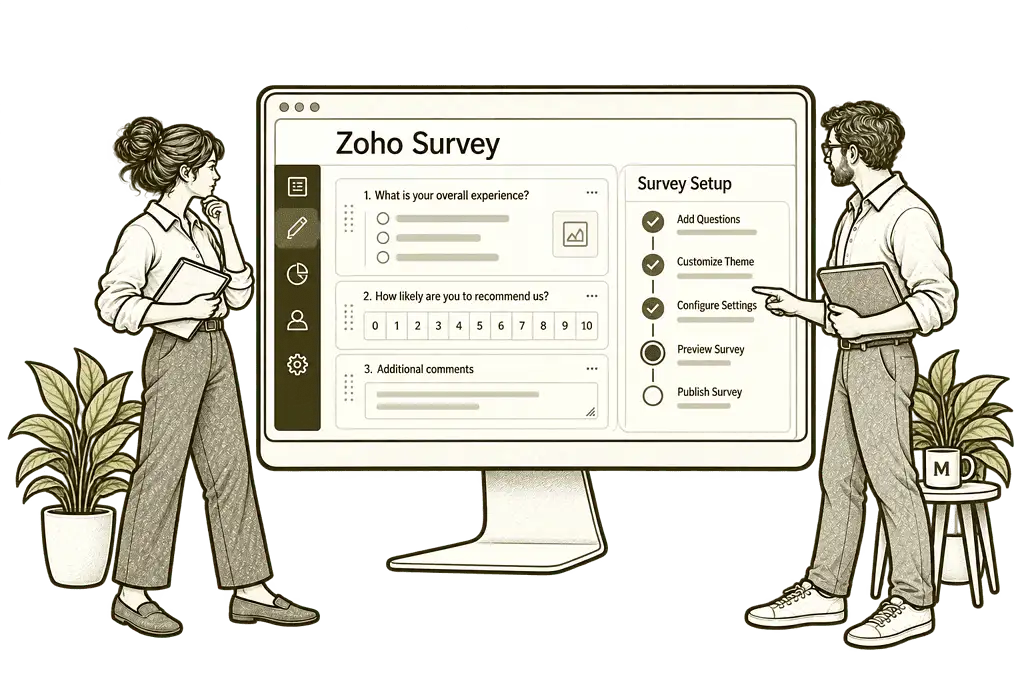
Set Up Zoho
Survey

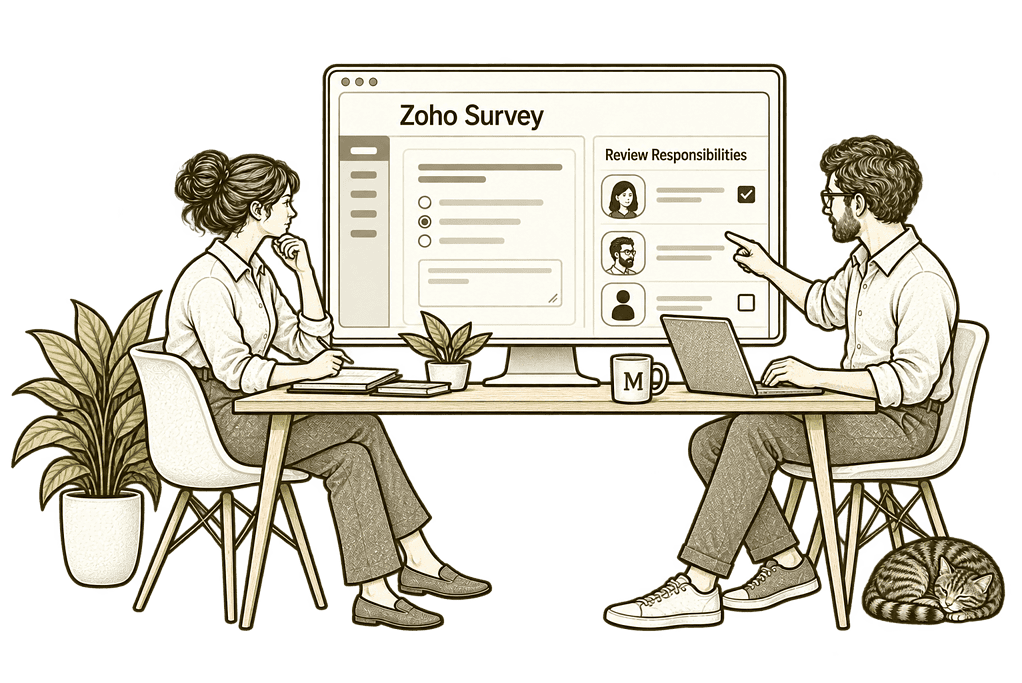
Improve Your
Feedback Process

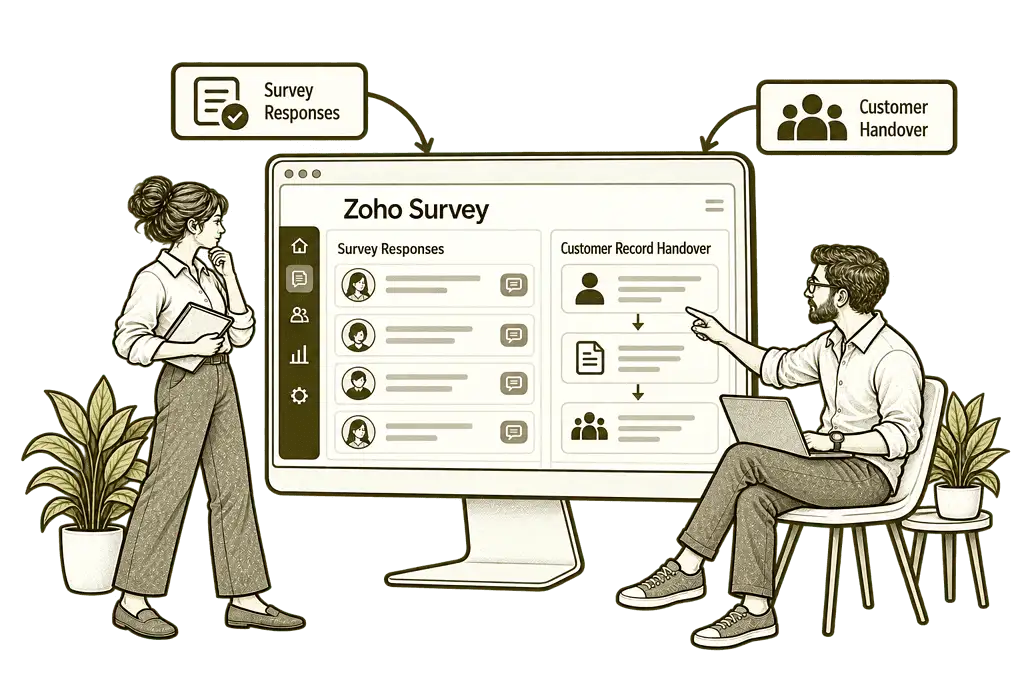
Connect Survey
With Your Systems
Surveys Built Around the Questions You Need Answered
We establish what you need to learn, who should respond and how the results will be used. Then we organise questions, answer options and supported logic around a manageable respondent journey.
Questionnaire Design
We organise clear questions and suitable answer options around your feedback goals, helping respondents understand what you need to learn.
Logic & Survey Routes
We configure supported question and page logic, helping respondents follow a relevant route without answering unrelated questions.
Response Settings
We agree identity, access and collection settings, helping the team explain how feedback will be handled before invitations are sent.
Business Connections
We assess CRM and reporting integrations, helping relevant feedback reach the records and teams responsible for the agreed next step.
Reports & Findings
We configure available reports and filters around your questions, helping the team review patterns with response counts and context visible.
Training & Handover
We show your team how to manage surveys and review responses, with practical guidance for editing questions and interpreting results.
A Clear Experience for Every Respondent
A respondent should understand why you are asking, how long the survey is likely to take and what information is being collected. Questions should be clear and relevant to their experience.
We organise the questionnaire and test the available branching rules so people see appropriate questions. Identified and anonymous response settings are agreed explicitly rather than assuming a survey is anonymous by default.

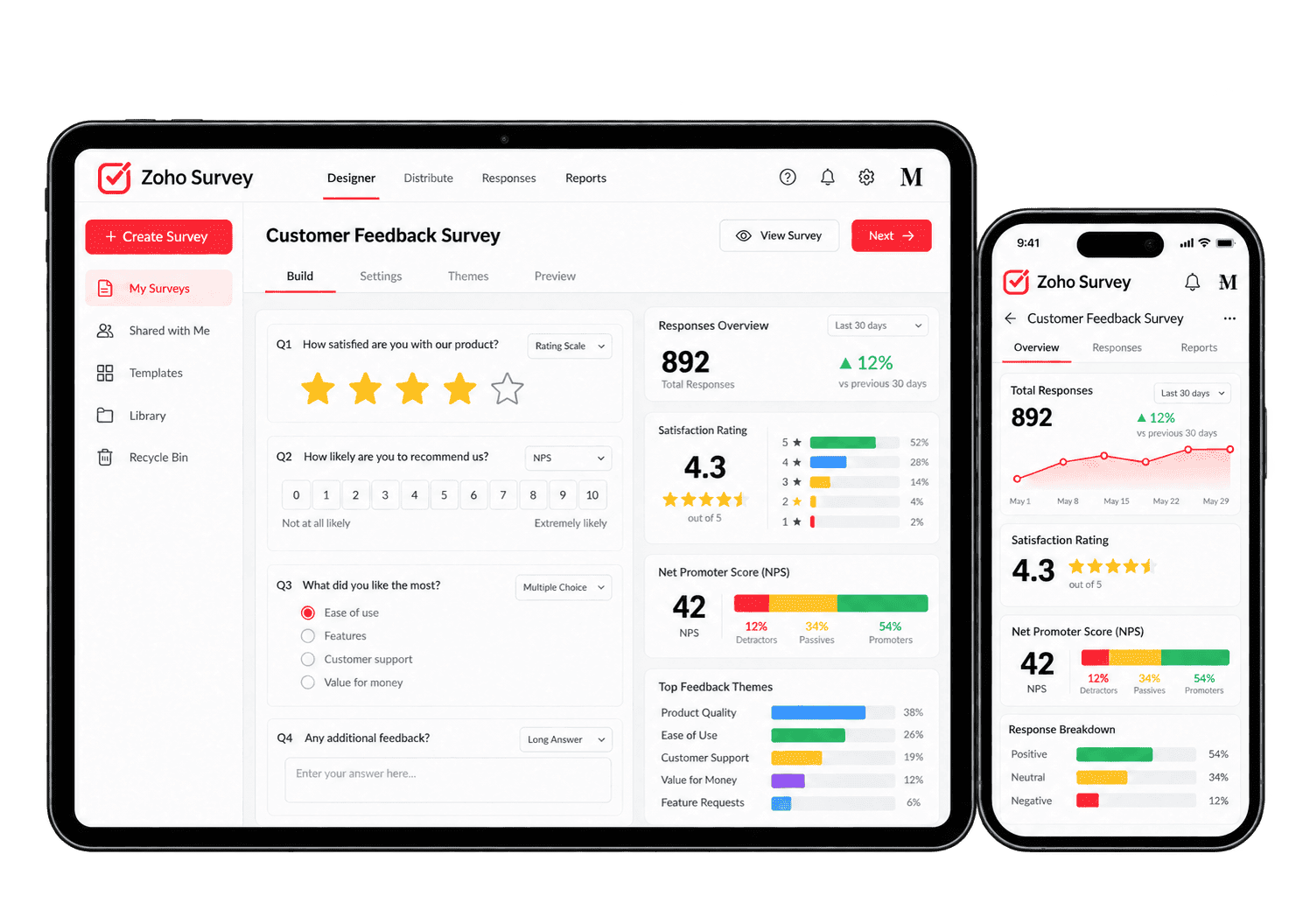
Make Survey Distribution and Follow-Up Easier
A feedback invitation should reach the intended audience and explain its purpose. We assess supported distribution, reminders and response-triggered actions, with plan availability and the respondent’s privacy expectations considered before configuration.
-
Question design
-
Relevant routes
-
Response identity
-
Survey distribution
-
Reminder rules
-
CRM responses
-
Response review
-
Results reporting
Design questions around the decision your team needs to make, with clear wording and useful answer options so respondents can provide information the business can interpret.
- Agree what each question should reveal.
- Use suitable answer options.
- Review wording with the survey owner.
For example, a business wants feedback after completing a customer project. We help turn that purpose into clear questions with answer options the team can interpret. We agree which decision the answers should inform before drafting the questions. A sample respondent tests the wording, helping the owner identify leading questions or unclear choices before distribution.
Guide respondents through questions relevant to their answers using supported logic, with each route tested so people are not asked to complete sections that do not apply.
- Assess supported question display logic.
- Configure appropriate page routes.
- Test every response path.
For example, a respondent uses only one of several services. We assess supported question logic and test how their answers select the relevant route through the questionnaire. The survey owner checks each path, helping people answer useful questions without being forced through sections that do not apply to their experience. We check the unanswered and unexpected routes as well.
Choose and verify appropriate response-identification settings so respondents understand whether their answers can be connected to them for a later follow-up.
- Agree anonymous or identified collection.
- Review collected fields and link parameters.
- Check integration behaviour.
For example, a team needs follow-up feedback from named customers while another survey should avoid collecting identity. We assess the supported settings and verify the actual data collected for each setup. We check the invitation and stored response with a sample participant. The survey owner can explain identity handling accurately and limit any later follow-up to the agreed purpose.
Distribute the questionnaire through appropriate supported channels so the survey reaches the people whose experience the team needs to understand.
- Choose supported distribution methods.
- Explain the purpose in the invitation.
- Agree the audience and timing.
For example, a business wants feedback from a defined customer group after delivery. We assess supported distribution options and agree the audience, invitation wording and responsible sender. We test the invitation and completion journey before sending. The owner checks that the intended group receives the right survey and has a clear route for questions or access problems.
Use available reminders only where they fit the survey purpose, with timing and completed-response handling checked so follow-up stays relevant to the intended audience.
- Assess supported reminder options.
- Agree a sensible timing and frequency.
- Respect response and preference handling.
For example, a customer has been invited to provide feedback but has not responded. Where supported reminder features fit the setup, we agree timing and exclusion rules and test completed responses. We test timing and completed-response handling before enabling reminders. The owner reviews the audience and stopping conditions so a completed respondent is not repeatedly asked to answer again.
Connect suitable identified responses with customer records through supported handovers so the receiving owner can review feedback in the correct context.
- Assess the required integration edition.
- Agree matching and field mapping.
- Test updates and incomplete records.
For example, identified customer feedback should be available to the account owner. We assess the supported CRM connection and agree matching, fields and visibility before testing the handover. We assess the supported link and test contact matching before sharing the response. The account owner checks sensitive content and follow-up ownership so feedback does not enter the wrong customer's record.
Give submitted feedback a clear review route, assigning important concerns to a person who can investigate and decide the next action rather than leaving them unowned.
- Agree who accesses the responses.
- Assess supported notifications or handovers.
- Define the process for identified concerns.
For example, a response describes an unresolved service problem. We agree how the relevant team reviews submitted answers and who handles identified concerns. The receiving owner checks the context and contacts the appropriate person through the agreed route. The response and next action remain identifiable, so a concern does not disappear into an aggregate satisfaction score.
Present results around clear questions and response counts so the team can identify useful patterns without overstating what the feedback represents.
- Configure supported reports and filters.
- Make response counts visible.
- Review audience and question changes.
For example, leadership reviews feedback from a recent customer group. We configure available reports around clear questions and response counts, then explain the audience and limitations with the owner. We check the base counts and any incomplete responses before interpretation. Leadership can distinguish a useful pattern within this group from a claim about the experience of every customer.
Understand What Your Responses Actually Show
Useful analysis looks at response volumes, answer patterns and the context behind the results. We configure available reports and filters around your questions, keeping response counts and sample limitations visible rather than assuming the respondents represent everyone.
Response Volumes
Review the number of collected responses so findings are considered alongside the amount of feedback available.
Completion Patterns
Review available completion information to identify where questionnaire length or relevance may need attention.
Answer Distributions
Compare available answer summaries to understand common responses without losing the range of different experiences.
Audience Comparison
Use appropriate filters where supported to compare groups, keeping small response counts and identity settings in mind.
Written Feedback
Review open-text answers for useful context, with access and any identifying information handled appropriately.
Feedback Scores
Review rating measures with clear definitions, comparing results only where questions and scoring methods are consistent.
Changes Over Time
Compare compatible survey periods while checking for changes in question wording, audience and response volume.
Follow-Up Actions
Track agreed actions from identified feedback separately so the team can see who needs to respond and when.
Connect Feedback With the Rest of Your Business
A response may help a team improve a service or follow up an identified customer concern. That action needs an owner and a clear understanding of how the information can be used.
We assess supported connections with Zoho CRM, reporting tools and the wider Zoho One suite. Distribution through email campaigns can be assessed separately, with response identity and subscription expectations kept clear.


Customer feedback can sit apart from the relationship. Connecting Survey with CRM links responses to relevant records, helping staff follow up with the customer's experience in view.
Feedback requests sent separately are easy to overlook. Connecting Campaigns with Survey brings surveys into email campaigns, helping marketing collect responses from the intended audience.
A finished chat does not tell staff how helpful it was. Connecting Survey with SalesIQ collects feedback during chat interactions, helping support identify where the experience needs improvement.
Useful Feedback Starts With a Clear Purpose
Whether you are introducing a survey or improving existing feedback collection, we agree the question being answered and the review process before adding automation.
Starting Fresh
We define the survey purpose, audience and intended use of results before building the questionnaire. Question wording, response settings and the respondent journey are tested before distribution.
Already Using Zoho Survey
We review questions, logic and response settings to find where the experience or reporting creates confusion. Useful existing work is retained and changes focus on the information you need.
A Clearer Starting Point
Not sure whether the issue is your questionnaire, response process or the business action after feedback arrives? Our Business Systems & Operations Audit helps establish where to start.
You receive a practical view of the main issues and recommended priorities, giving you a clearer basis for deciding what to improve next.
What a Zoho Survey Engagement Includes
Discovery & Feedback Goals
Agree the feedback question and the audience.
Questions & Response Design
Prepare clear wording, answer options and appropriate identity settings.
Logic & Questionnaire Build
Configure supported survey routes and test the respondent experience.
Distribution & Connections
Set up agreed invitations and assess required response handovers.
Reporting & Review
Set up useful reports with response counts and audience context visible.
Training & Optimisation
Help the team improve surveys using feedback.
The scope depends on your audience, questionnaire and required connections. We confirm edition limits, response volumes and logic or integration availability before agreeing the work.
Different Businesses. Different Feedback Needs.
A consultancy may ask about project delivery; a recruiter may review candidate experience; a charity may collect programme feedback. We configure questions and response handling around the purpose and audience, with sensitive information requirements assessed separately.
Collect suitable service feedback while keeping confidential case details and unnecessary personal information out of general questionnaires.
Review customer experience and service questions, with relevant audience groups and clear ownership of identified concerns.
Collect appropriate service feedback, with sensitive claim details and respondent identification requirements assessed separately.
Recruitment & Workforce Agencies
Review candidate and employer experience with relevant questionnaires and clearly explained response identity and follow-up expectations.
Collect approved service feedback, with sensitive financial information and respondent handling reviewed through your organisation’s process.
Property & Housing Associations
Review community or service experience, with tenancy-sensitive information and identified follow-up requirements considered separately.
Gather programme and supporter feedback, assessing safeguarding, accessibility and sensitive information requirements separately.
Review customer and project experience using relevant questions, with a clear process for reviewing findings and identified concerns.
Why Mason & Co
We combine Zoho implementation with data, integration and business process design. We look beyond building questions to the respondent experience, reporting context and practical actions your team needs to take.
Senior-led consultancy
Work directly with senior consultants who understand your business process and technical delivery.
UK-based, international delivery
Work with our UK-based team across locations, with delivery planned around your working hours.
Architecture + implementation
Connect business design with practical configuration and integrations that support everyday work.
Zoho + AI + automation
Connect Zoho, AI and automation where they solve a clear problem and improve your daily processes.
Not Sure Whether Mason & Co Is the Right Fit?
Tell us what you want to implement, improve or fix. We will discuss whether we can help and recommend a sensible next step based on what you share.
Your Questions Answered
Can you improve an existing Zoho Survey questionnaire?
Yes. We review question wording, survey length, logic, distribution and reporting. We retain useful content and prioritise improvements that help respondents answer and your team interpret the results.
Do we need Zoho One to use Survey?
No. Zoho Survey can be used as a standalone application. We assess the edition and connections you need; the wider Zoho One suite can be considered separately if several applications are required.
Can we collect anonymous feedback?
We assess whether you need anonymous or identified feedback and configure the available response settings accordingly. Invitations, URL parameters, collected fields and connected systems are reviewed together before anonymity is described to respondents.
Can Survey responses connect with Zoho CRM?
Yes, subject to the required edition and integration capabilities. We assess the supported Zoho CRM connection, agree record matching and field mapping, then test how responses are linked or transferred.
Can questions change based on earlier answers?
Yes, where the required logic is available in your edition. We configure relevant question display or page routes and test each path, including missing answers, to avoid sending respondents through unrelated questions.
How long does a Survey setup take?
Timing depends on question design, survey logic, distribution and integrations. We agree the scope and review responsibilities first, then provide a delivery plan covering respondent testing and handover.
Can you help us report on the results?
We configure the available reports, filters and exports around your questions. Findings are reviewed with response counts and audience context; collecting survey answers alone does not make a sample representative.
What Do You Need to Learn From Your Customers or Team?
Tell us about your audience, the questions you need answered and what happens after feedback arrives. We will help assess Zoho Survey and define the questionnaire, review process and required connections.
30 minutes. No charge. No obligation.