











































Zoho Bookings Make Appointments Easier to Arrange
Let customers choose a time without back-and-forth emails. We configure Zoho Bookings around your services, team availability and the way appointments are managed.
We connect calendars, reminders and customer records, with clear rules for cancellations and booking changes so your team knows what is booked and what happens next.
✓ Implementation & improvement ✓ UK-based senior consultants ✓ Free 30-minute consultation ✓ Clear scope & pricing before work begins
When Scheduling Takes Too Much Time
Finding a meeting time should not take several rounds of email. Manual availability checks and disconnected calendars create extra scheduling work for staff and customers.
We connect Bookings services, availability and confirmations. Clear appointment rules and reminders reduce clashes, missed sessions and missing details, giving everyone a clear booking journey.
Scheduling
Back-and-Forth
Customers and staff exchange several messages to find a time, creating extra admin work before a meeting can begin.
Calendar
Clashes
Disconnected calendars and unclear team availability make it hard to offer appointment times that staff can reliably deliver.
Missed
Appointments
Inconsistent confirmations and reminders leave customers unsure about their appointment time, joining details or how to attend.
Incomplete
Booking Details
Your team lacks the information needed to prepare, so the appointment starts with avoidable questions.
Three Ways We Help With Zoho Bookings
You may need your first online booking page, a better existing setup or a connection between appointments and customer records. We start with the scheduling problem and agree the scope around it.

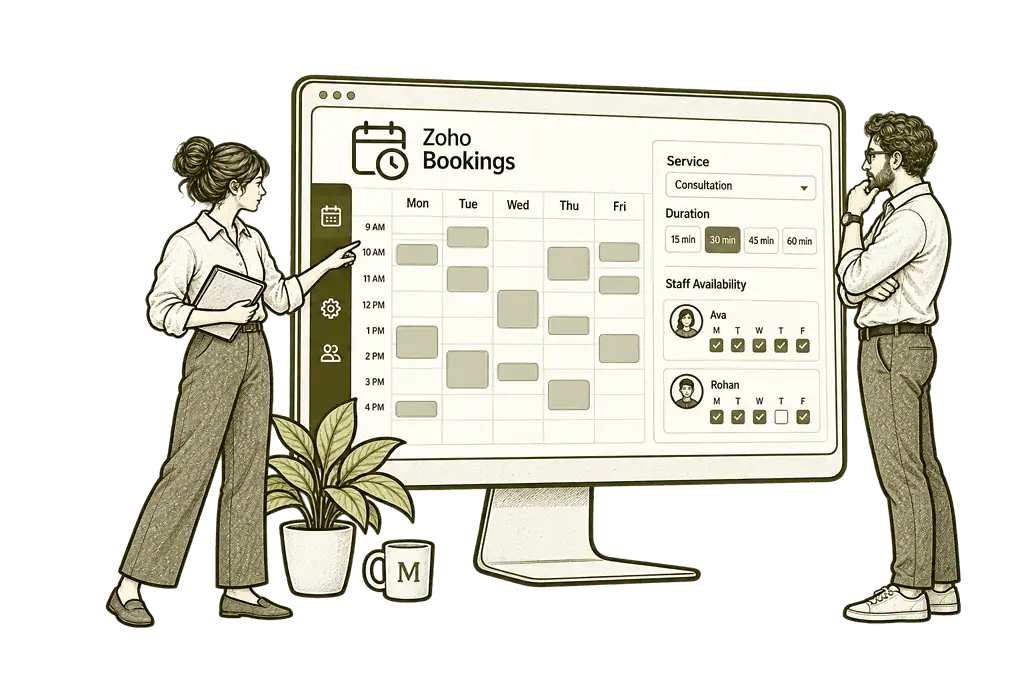
Set Up Zoho
Bookings

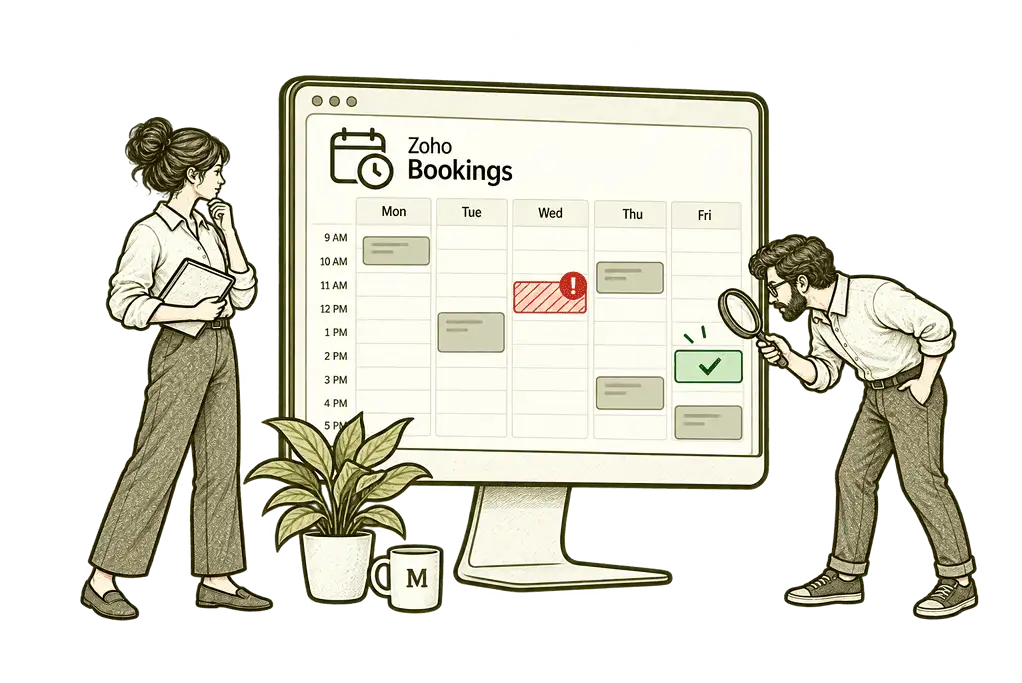
Improve Your
Booking Process

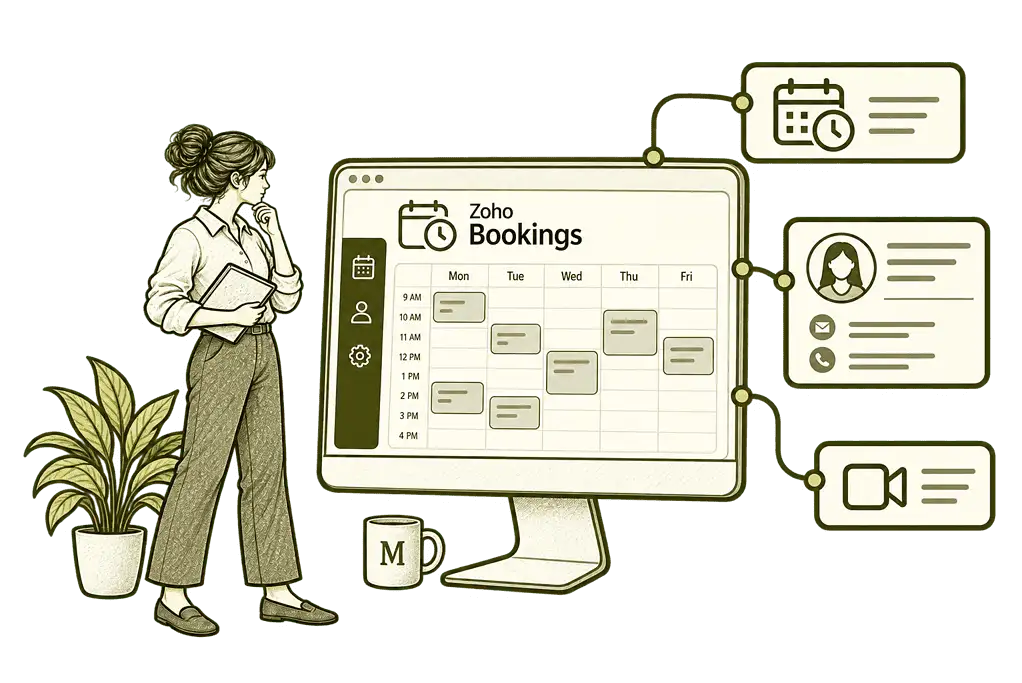
Connect Bookings
With Your Systems
Scheduling Built Around Your Business
We establish what customers can book, who delivers each service and how much time is needed. Then we configure availability, buffers, booking questions and notifications around the way your team actually works.
Service & Availability Design
We define your services, durations and staff availability, with buffers and booking limits that help your team manage appointment time.
Confirmations & Reminders
We configure clear confirmations and timed reminders, helping customers prepare and understand how to attend or change an appointment.
Booking Page Setup
We organise service descriptions and booking questions, giving customers a straightforward route to the right appointment and time.
Calendar & App Connections
We connect supported calendars and assess business integrations, helping appointment details reach the people and systems that need them.
Appointment Reporting
We configure useful views and available reports, helping your team review booking volumes, cancellations and the services customers choose.
Training & Handover
We show your team how to manage availability and appointments, with practical guidance for rescheduling, cancellations and everyday changes.
A Clear Booking Journey for Every Customer
A customer should be able to choose the right service, see suitable availability and understand what happens next. Your team should receive the appointment details, know who is attending and have time to prepare.
We organise booking pages and scheduling rules around that journey, with clear service descriptions, appropriate questions and practical options for rescheduling or cancellation.

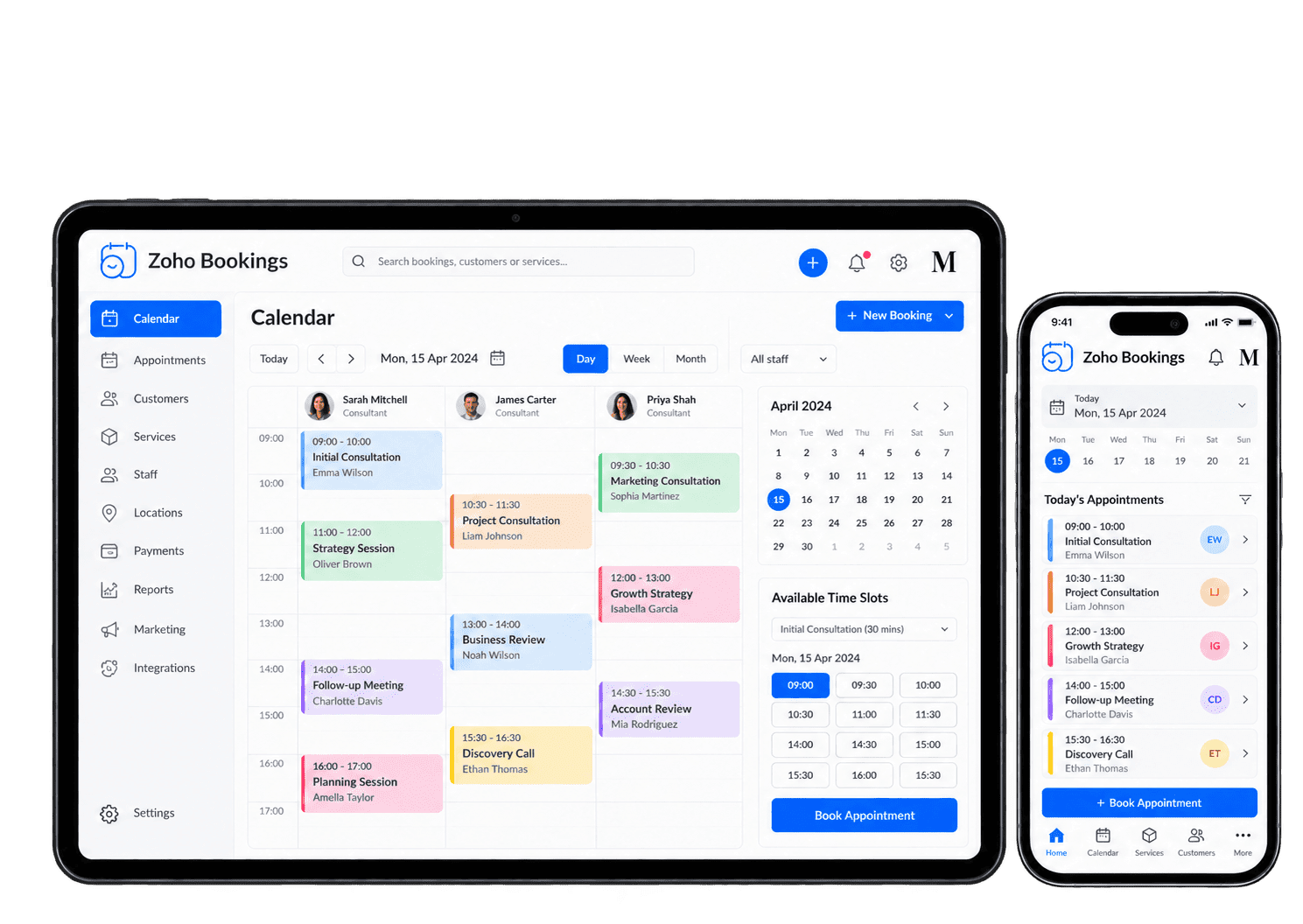
Automate the Steps Around Each Appointment
A booking should create the right calendar entry, send a clear confirmation and remind the customer before the appointment. We configure these steps and assess any additional workflows, with the selected plan and connected services checked before implementation.
-
Availability rules
-
Calendar connections
-
Booking confirmations
-
Appointment reminders
-
Rescheduling
-
Cancellations
-
Online payments
-
Customer handovers
Publish appointment slots around the team's actual service duration, hours and preparation needs, with availability maintained so customers choose times the organiser can deliver.
- Define working hours and time off.
- Allow preparation and recovery buffers.
- Set practical advance-booking limits.
For example, a consultant offers customer appointments but needs time for preparation between calls. We agree service duration, working hours and buffers before configuring available slots, then test a representative day. The booking owner maintains time off and checks sample appointments, keeping the published diary aligned with work the consultant can actually deliver.
Connect supported staff calendars to the booking process, with busy events and changes tested so relevant diary commitments can inform the availability customers are offered.
- Connect the supported staff calendars.
- Choose calendars that affect availability.
- Test busy events and scheduling changes.
A staff member has customer meetings in a connected diary. We configure the calendars that should affect availability and test busy events, new appointments and changes. The organiser reviews synchronisation limits and tests a changed commitment. A diary problem has a named owner, so the team can investigate an unsuitable slot rather than assuming every provider updates immediately.
Give customers and organisers useful booking confirmations, checking service, time zone and joining details so both parties understand how to prepare and attend the appointment.
- Confirm the service, date and time.
- Include the location or meeting details.
- Provide clear next steps for the customer.
For example, a customer books an introductory call and needs to know how to attend. We prepare supported confirmation messages around the service, time zone, location or meeting link and required preparation. We test the customer and organiser messages, including the time zone and joining route. The booking owner checks failed notifications so both parties have usable details before the call.
Remind customers about an upcoming appointment through suitable supported channels so the message helps preparation without becoming unnecessary repeated contact.
- Agree appropriate reminder timings.
- Use available email notifications.
- Assess SMS providers and costs separately.
A customer needs a reminder before a scheduled consultation. We agree useful timings and message content, then test the available email options and assess SMS separately if required. The booking owner confirms provider support and any charges before using another channel. We test the received message and stopping behaviour so a changed booking does not receive an outdated reminder.
Handle booking changes through supported options and agreed restrictions, testing messages and diary updates so customers and staff follow the same revised arrangements.
- Agree how customers can change a booking.
- Set the relevant scheduling restrictions.
- Check updated calendar entries and messages.
For example, a customer needs to move an appointment to another day. We configure supported change options and agree the relevant restrictions, then test messages and calendar updates. The organiser checks the revised time and the customer's confirmation. We test the original entry too, so both parties can distinguish the replacement appointment from a cancelled or duplicate slot.
Manage cancellations through the supported booking process, checking notifications and released availability while keeping any refund with the separately agreed payment-provider route.
- Explain how customers can cancel.
- Agree applicable cancellation restrictions.
- Test notifications and released availability.
For example, a customer cancels and the team may be able to offer the time to someone else. We test supported cancellation behaviour, relevant messages and released availability with the booking owner. The organiser checks the released slot and received notifications before offering it again. Refunds follow the separately agreed payment-provider process rather than being assumed from the cancellation alone.
Connect chargeable appointments with suitable supported payment options so booking and finance owners understand which actions still need review.
- Assess supported payment gateways.
- Confirm full or deposit payment options.
- Review fees and refund responsibilities.
A customer books a chargeable session with an available payment gateway. We assess supported full or deposit options for your plan and region, then test successful and failed payment journeys. We check the returned payment and booking status with finance before relying on them. Failed or unclear results reach the agreed owner, with fees and refunds following the provider-specific process.
Carry relevant appointment information into the next customer process through supported handovers so a booking leads to an accountable follow-up.
- Assess CRM and other supported integrations.
- Agree what booking information is shared.
- Test updates as well as new appointments.
For example, a booked consultation needs a customer record and later follow-up. We assess supported connections and agree which appointment details, matching rules and owners apply, then test changes as well as new bookings. The receiving owner verifies the customer reference and next action before relying on the handover. Missing details and repeat events are reviewed so one consultation does not create competing follow-ups.
Understand How Your Appointment Time Is Used
Useful scheduling reports show how many appointments are booked, which services are popular and where cancellations or no-shows occur. We agree the measures your team needs, use the reporting available in Bookings and scope wider analysis separately.
Booking Volume
Review appointment totals and demand over time to plan the service hours and staff availability offered for booking.
Service Demand
Compare service bookings to see which appointment types customers choose and where extra team capacity is needed.
Booking Cancellations
Review cancellations and their timing to identify repeat patterns and booking arrangements that need investigation.
Payment Status
Where payments are enabled, review the available payment records alongside the appointments they relate to.
Staff
Appointments
Review scheduled appointments by team member to support fair allocation and practical availability planning.
Attendance
Outcomes
Record and review attendance or no-shows where supported, helping your team improve reminders and follow-up.
Scheduling
Patterns
Review busy days and popular times to help align service availability with the appointments customers request.
Wider Business
Reporting
Scope connected reporting separately when you need to compare appointments with customer or finance outcomes.
Connect Appointments With the Rest of Your Business
An appointment is often one step in a wider customer journey. Your team may need a customer record, a video meeting link or a follow-up task once the session is complete.
We assess native integrations and additional connections with Zoho CRM, calendars and the wider Zoho One ecosystem. We agree what information moves and test rescheduling, cancellations and failed actions as well as the initial booking.

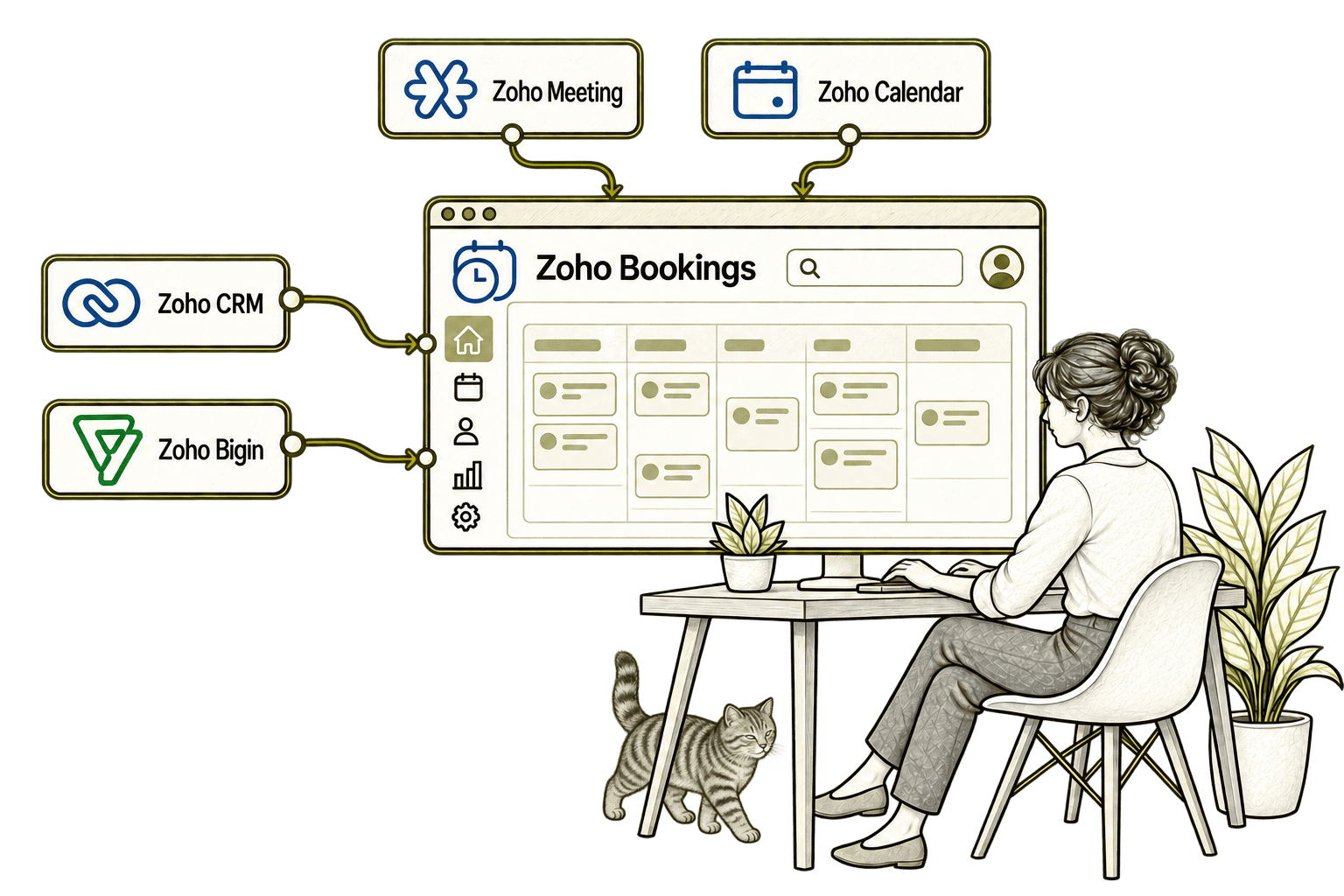
A booking without customer context leaves staff unprepared. Connecting Bookings with CRM links appointments to customer records, helping sales prepare and organise the follow-up.
Emailing back and forth delays a sales appointment. Connecting Bigin with Bookings lets customers choose available times and links the appointment to their sales record.
Creating a joining link separately adds work and invites mistakes. Connecting Bookings with Meeting creates the online meeting link and includes it in appointment communications.
Separate calendars can leave staff booked twice. Connecting Bookings with Calendar checks existing commitments and syncs appointments, helping customers choose a time the team can actually attend.
A Better Booking Process Starts With the Design
Whether you are introducing online appointments or fixing an existing booking page, we review the journey from the customer’s first click to the team’s follow-up.
Starting Fresh
We agree the services, staff availability and information needed before building your booking pages. Calendar connections and notification rules are tested before your team starts using them.
Already Using Zoho Bookings
We review availability rules, service settings, calendar connections and customer messages to find where the journey breaks down. We retain useful work and prioritise practical improvements.
A Clearer Starting Point
Not sure whether the problem is availability, your booking page or a disconnected customer process? Our Business Systems & Operations Audit helps establish where scheduling creates extra work.
You receive a practical view of the main issues and recommended priorities, giving you a clearer basis for deciding what to improve next.
What a Zoho Bookings Engagement Includes
Discovery & Service Mapping
Agree what customers book and how your team delivers each appointment.
Availability & Booking Rules
Define staff hours, appointment lengths, buffers and booking limits.
Booking Pages & Questions
Create clear service pages and collect the information needed to prepare.
Notifications & Connections
Configure messages and test calendars and app links.
Reporting & Validation
Set up useful reports and test bookings, changes and cancellations.
Training & Handover
Help staff manage their availability and appointments with confidence.
The scope depends on your services, team and required connections. We confirm plan availability and any additional provider costs before including advanced booking types, payments or SMS.
Different Businesses. Different Appointment Needs.
A consultancy may offer discovery calls; a recruiter may schedule interviews; a property team may arrange viewings. We configure the appointment journey around the service being delivered and assess specialist operational systems separately.
Schedule initial consultations and client meetings, with specialist case details kept in the appropriate matter or claims system.
Arrange account reviews and customer meetings, with appointment availability kept separate from order and delivery scheduling.
Arrange consultations and stakeholder meetings with booking rules, keeping specialist assessments and claims handling in relevant systems.
Recruitment & Workforce Agencies
Offer interview and employer-meeting slots with booking rules and links to recruitment records or communications where supported.
Schedule introductory or adviser meetings, collecting only appropriate booking details under your data management requirements.
Property & Housing Associations
Arrange viewings, consultations and stakeholder meetings, with tenancy and property management workflows handled separately.
Schedule partner meetings, advice sessions or group events, with safeguarding and sensitive information requirements assessed separately.
Arrange consultations and project discussions, with travel time, service areas and specialist site scheduling considered where needed.
Why Mason & Co
We combine Zoho implementation with business process design, integration and automation. We look beyond the booking link to the availability rules, customer communications and connected records your team needs to deliver each appointment.
Senior-led consultancy
Work directly with senior consultants who understand your business process and technical delivery.
UK-based, international delivery
Work with our UK-based team across locations, with delivery planned around your working hours.
Architecture + implementation
Connect business design with practical configuration and integrations that support everyday work.
Zoho + AI + automation
Connect Zoho, AI and automation where they solve a clear problem and improve your daily processes.
Not Sure Whether Mason & Co Is the Right Fit?
Tell us what you want to implement, improve or fix. We will discuss whether we can help and recommend a sensible next step based on what you share.
Your Questions Answered
Can you improve an existing Zoho Bookings setup?
Yes. We review service settings, staff availability, calendar connections and customer notifications. We test the booking journey and prioritise changes that reduce scheduling work and make the process clearer.
Do we need Zoho One to use Bookings?
No. Zoho Bookings can be used as a standalone application. We assess the plan and integrations you need. If several applications are required, we can compare the wider Zoho One suite separately.
Can Bookings connect with Google or Outlook calendars?
Yes. Bookings supports Google and Microsoft 365/Outlook calendar connections. We configure the supported sync, check which calendars affect availability and test busy events, new appointments and scheduling changes.
Can customers book through our website?
Yes. We can add a booking link or embed the supported booking page on your website. We test the customer journey on the relevant devices and check that the service, time and confirmation details are clear.
Can we take payments and send reminders?
Bookings supports appointment notifications and payment-gateway integrations, with availability depending on your plan and setup. We confirm the required features, provider fees and any SMS charges before configuring and testing them.
How long does a Bookings implementation take?
Timing depends on the number of services and staff, booking rules, website work and integrations required. We agree these requirements first and provide a delivery plan based on the actual scope.
Can Bookings support group or resource appointments?
Yes. Zoho Bookings offers several appointment types, including one-to-one, group, collective and resource-based options. We confirm current plan availability and any resource add-ons, then assess which type matches your service.
Where Is Scheduling Appointments Creating Extra Work?
Tell us how appointments are arranged and which handovers need attention. We will help assess Zoho Bookings, your availability rules and the calendar, customer record and notification connections you need.
30 minutes. No charge. No obligation.