







































Zoho Bigin A Simpler Way to Manage Customers
Keep enquiries, contacts and follow-ups in one place. We set up Zoho Bigin around how your small business works, with a clear next step for every customer opportunity.
We help your team move beyond scattered spreadsheets, organise customer details and manage simple sales pipelines, with useful connections to the tools you already use.
✓ Implementation & improvement ✓ UK-based senior consultants ✓ Free 30-minute consultation ✓ Clear scope & pricing before work begins
When Spreadsheets and Inboxes Stop Working
Customer details become harder to manage across separate files. Spreadsheets and inboxes obscure who replied, what was promised and which enquiry still needs the team’s attention.
We bring customer details and working rules into Bigin. Agreed owners, pipeline stages and reminders give your team a manageable setup and a clear next action for daily follow-up.
Unclear
Next Steps
Enquiries sit in inboxes without a clear owner, so your team cannot easily see who should follow up.
Scattered
Customer Details
Contact details and notes sit in separate files, making it harder to pick up the latest conversation.
Missed
Follow-Ups
Busy days push reminders aside, leaving quotes and customer requests waiting longer than they should.
Limited Pipeline
Visibility
You cannot see which deals are progressing, which have stalled or which need the team's attention.
Three Ways We Help With Zoho Bigin
Start with Bigin, improve a setup you already use or connect it with another business application. We agree the practical outcome first and keep the work proportionate to your team.

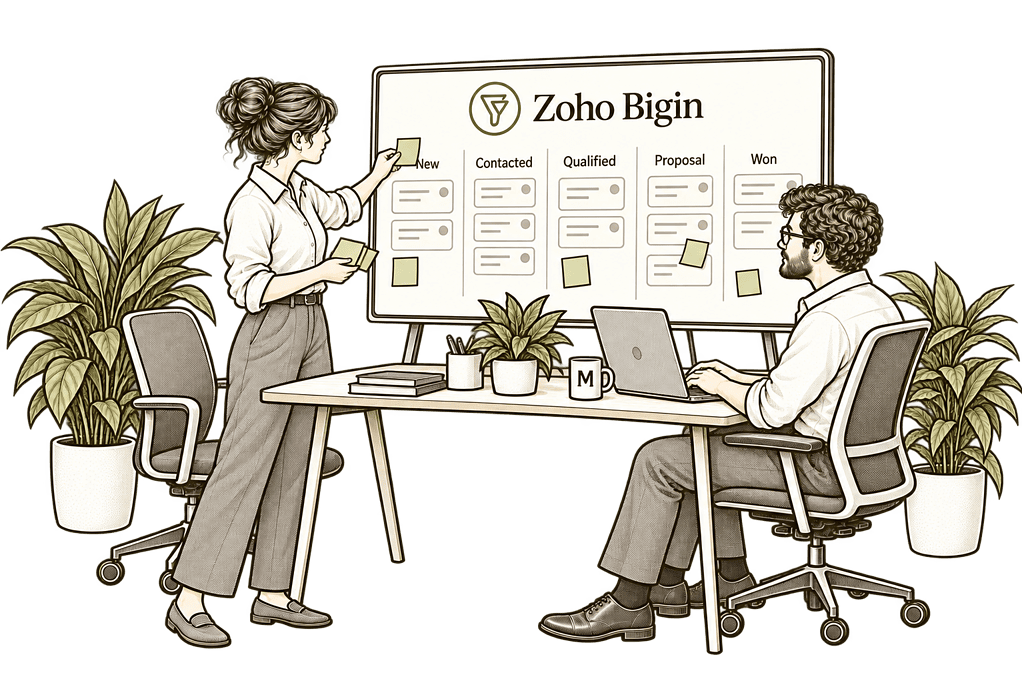
Start With Zoho Bigin

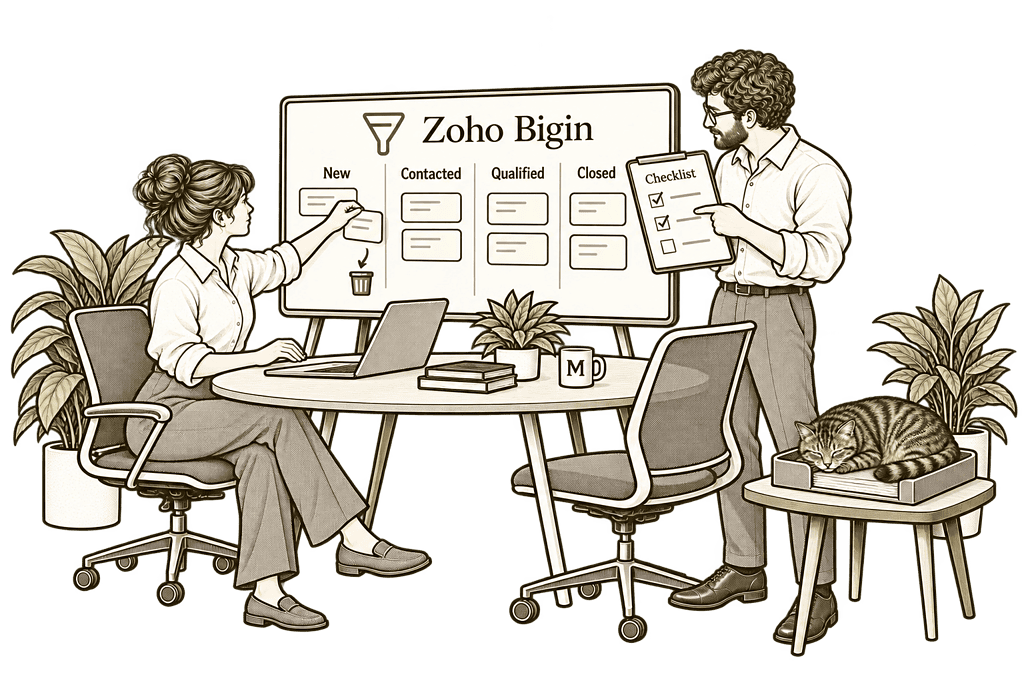
Improve Your Existing Bigin

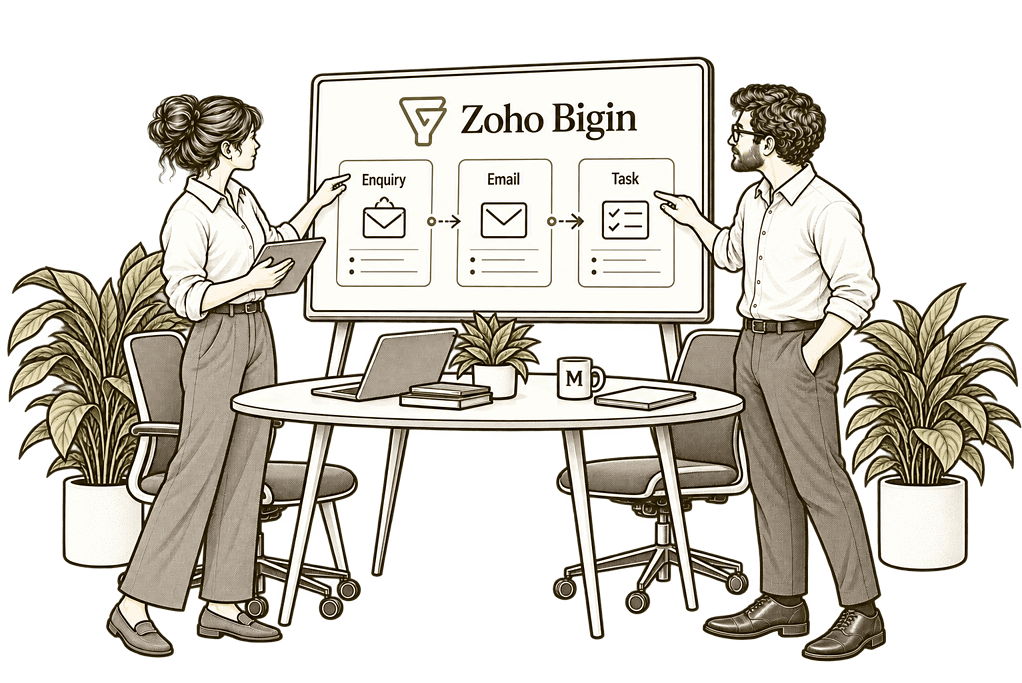
Connect Zoho Bigin
Bigin Built Around Your Everyday Work
We follow an enquiry from first contact to sale and customer handover. Then we configure the pipelines, stages, contact details and tasks your team needs, keeping the setup focused on everyday work.
Pipeline Design
We define simple stages and clear owners, helping your team track enquiries, sales and onboarding without losing the next action.
Everyday Automation
We configure tasks, email actions and field updates where your edition supports them, helping routine follow-ups happen consistently.
Data Migration
We prepare contacts, companies and pipeline records, resolve duplicates and check imports so your team starts with useful information.
Practical Integrations
We assess connections with your website and business apps, agreeing what information moves so teams can avoid unnecessary re-entry.
Useful Reporting
We organise the reports and dashboards available in your edition, helping you review opportunities, won business and team activity.
Training & Adoption
We show your team how to manage records, move work through stages and plan follow-ups, using examples from their everyday tasks.
One Clear View of Every Customer
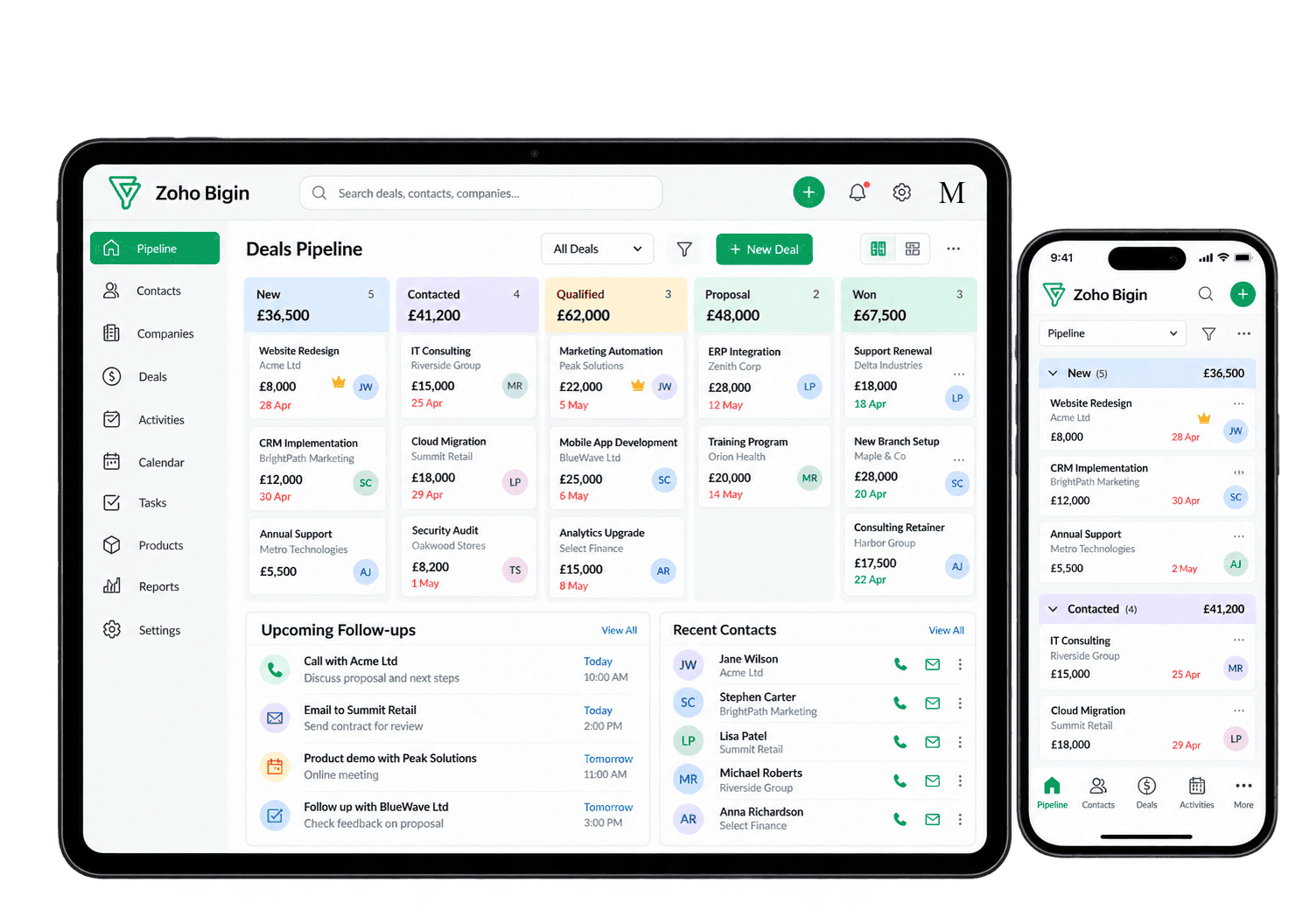
Open a contact and see the information, notes and activities your team needs to continue the conversation. Use a visual pipeline to see which opportunities are new, which need a follow-up and which are ready to move forward.
We organise Bigin around these everyday decisions, so everyone can find the next action without searching through spreadsheets or asking who last spoke to the customer.

Keep Follow-Ups Moving With Less Admin
A new enquiry needs an owner. A proposal needs a follow-up. A won deal may need an onboarding task. We configure Bigin workflows around these routine steps, using the automation available in your edition and keeping each rule easy to understand.
-
Enquiry ownership
-
Follow-up tasks
-
Email actions
-
Stage checks
-
Customer handovers
-
Customer updates
-
Record updates
-
Activity planning
Give each new enquiry a named owner, using the assignment options available in your Bigin edition and a fallback so customers are not left waiting. Test who receives the record when the usual owner is unavailable.
- Agree who handles each type of enquiry.
- Assign owners using available Bigin options.
- Review any enquiry without an owner.
For example, a customer submits a website enquiry. We configure assignment rules and test what happens when no rule matches. A named reviewer checks exceptions and passes the enquiry to the right colleague. The team can respond promptly without losing the request in a shared queue.
Create follow-up tasks from relevant sales events using supported workflows, so everyone can see the next action, its owner and when it is due.
- Create tasks from agreed workflow triggers.
- Assign each task to the right colleague.
- Set realistic deadlines for follow-up.
For example, a salesperson sends a proposal and plans a follow-up call. We configure the task, owner and deadline, then check it appears against the correct opportunity. Tests also cover changed records. The salesperson receives one clear reminder, not competing tasks.
Use supported email actions to acknowledge enquiries and share timely updates, while keeping replies, consent and follow-up with the right person.
- Agree which messages are useful.
- Set supported email actions and timings.
- Check replies, consent and stopping rules.
For example, a new enquiry receives an acknowledgement while its owner prepares a reply. We agree the wording, timing and stopping rules, then test the supported email action. The owner remains responsible for unanswered questions; automation never replaces a proper conversation.
Check essential information at the right pipeline stage, using the controls available in your edition without making initial enquiry capture difficult.
- Give every pipeline stage a clear purpose.
- Ask for key details at the right stage.
- Keep initial enquiry capture simple.
For example, a proposal needs an estimated value and close date before moving forward. We check which stage controls are available and test incomplete records with users. Initial enquiry capture stays simple, while qualified opportunities contain enough detail for a useful pipeline review.
Pass agreed sales information into the next customer process using supported handover options, with clear ownership for onboarding and follow-up.
- Agree when the handover should happen.
- Use connected pipelines where supported.
- Name the receiving owner and next action.
For example, a won opportunity moves into onboarding. We agree what information transfers, who receives it and which connected pipeline options are supported. We test the handover and review incomplete records before the next team starts work. Customers avoid repeating information.
Keep customers informed at important milestones using supported workflow actions, so messages reflect genuine progress rather than routine record changes.
- Choose milestones worth communicating.
- Use supported workflow email actions.
- Keep messages accurate and manageable.
For example, a customer reaches an onboarding milestone. We agree the update wording and configure a supported email trigger. Tests cover repeated changes and cases where another message should be suppressed. The record owner follows up directly when needed, avoiding unnecessary automated emails.
Update useful fields and tags through supported workflow actions, reducing repeated entry while keeping a clear record of why information has changed.
- Update fields through supported workflows.
- Use tags where they add useful context.
- Record the reason for each automatic change.
For example, qualification updates an opportunity status or adds a tag. We agree the trigger, check support in your Bigin edition and test the result. The owner confirms the record reflects completed work. The documented rule can then be reviewed as qualification requirements change.
Plan calls, meetings and follow-ups against customer records, with visible owners and deadlines so the team knows what needs attention each day.
- Agree the next step for open opportunities.
- Make activity owners and due dates clear.
- Review upcoming and overdue work daily.
For example, an account owner reviews opportunities and calls due today. We organise activities around clear owners and deadlines. Overdue tasks are reviewed, and each opportunity receives an agreed next action. Automation supports the process without creating extra administration.
See What Needs Your Attention
Bigin reporting should help you answer everyday questions: which deals are moving, what work is overdue and how much business has been won? We organise the measures and dashboards available in your edition around the decisions your team actually makes.
Pipeline Progress
See which opportunities are moving and which need a clear next action from the person responsible.
Deal Values
Review open deal values and expected close dates to understand the opportunities your team is handling.
Won & Lost Business
Review completed deals and recorded outcomes to understand where enquiries turn into paying customers.
Sales Overview
See the value of won deals, with invoicing and payment details assessed separately through finance connections.
Team Activity
Review calls, meetings and tasks to understand how everyday customer activity supports your pipeline.
Enquiry Sources
Record where enquiries come from and review the channels that contribute useful opportunities.
Owner Workload
Review records and activities by owner so follow-up responsibilities stay clear across your small team.
Customer Onboarding
Track post-sale work in a separate pipeline so your team can see which new customers need attention.
Connect Bigin With the Rest of Your Business
A sale often starts the next stage of work. Customer details may be needed for invoicing, onboarding or ongoing service, and copying them between applications takes time.
We assess the available Bigin connections and agree what information should move, when it should move and who maintains it. Where your needs extend beyond a simple pipeline CRM, we can help you compare Zoho CRM and the wider Zoho One suite before adding unnecessary complexity.

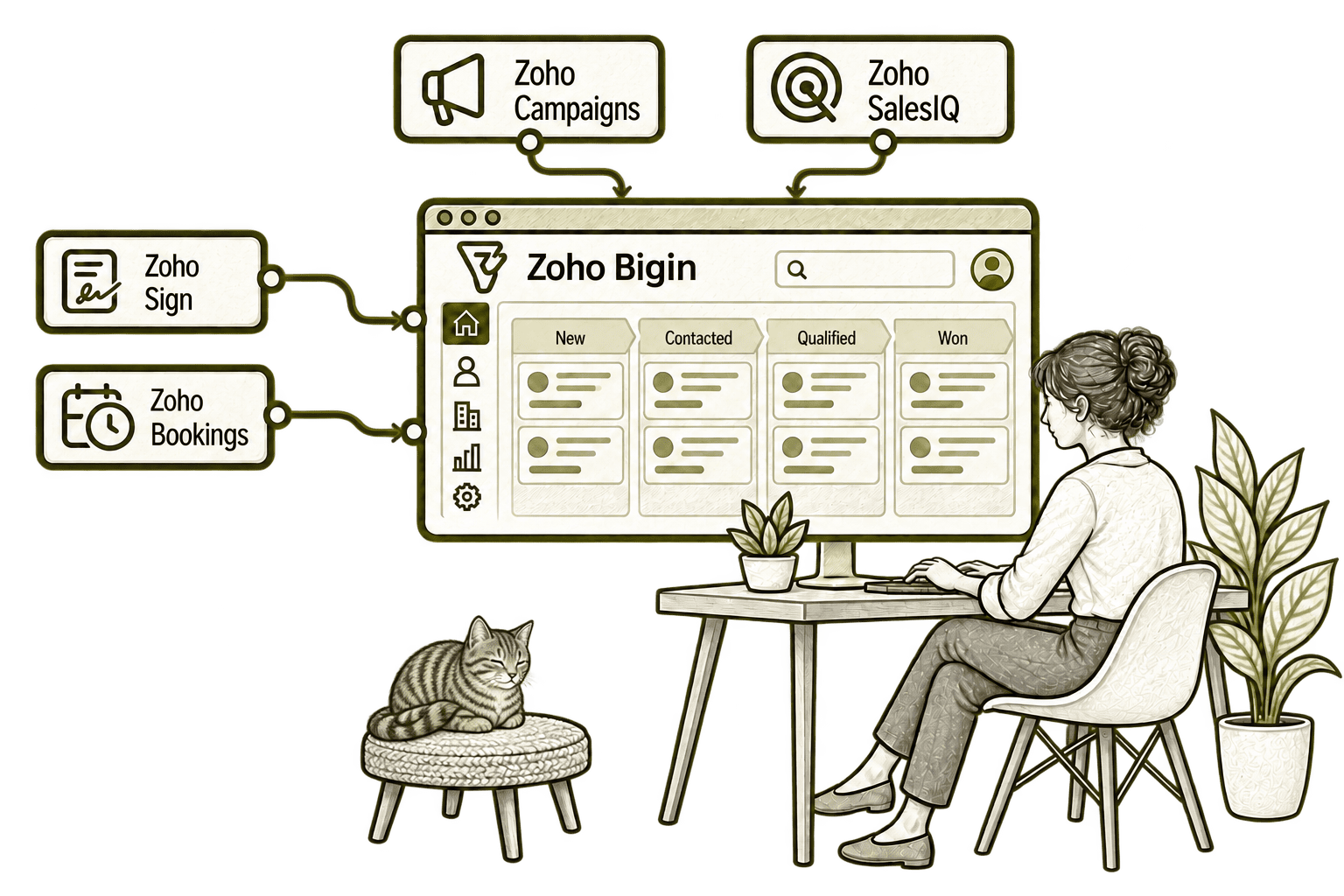
Emailing contracts separately makes signature chasing harder. Connecting Bigin with Sign brings signing requests into the sales workflow, so staff can see progress and organise the next step.
Emailing back and forth delays a sales appointment. Connecting Bigin with Bookings lets customers choose available times and links the appointment to their sales record.
A separate mailing list misses customer changes. Connecting Bigin with Campaigns feeds selected contacts into agreed audiences, making follow-up more relevant while respecting subscription preferences.
Website enquiries can disappear when a chat ends. Connecting SalesIQ with Bigin captures relevant visitor details in the pipeline, so a salesperson can continue the conversation.
Start Simple. Build on What Works.
Whether you are choosing your first CRM or improving Bigin, we start with the work your team needs to manage. That helps keep the setup simple and the next step clear.
Starting Fresh
We agree your customer journey, pipeline stages and essential contact details before configuring Bigin. Your team starts with a clear process and a manageable set of everyday tasks.
Already Using Zoho Bigin
We review your pipelines, contact records and follow-up routines to find what is slowing people down. We retain useful work and focus changes on the areas that need attention.
A Clearer Starting Point
Not sure whether you need Bigin, Zoho CRM or a better way to connect your existing tools? Our Business Systems & Operations Audit helps clarify where work is getting stuck.
You receive a practical view of the main issues and recommended priorities, giving you a clearer basis for choosing what to improve next.
What a Zoho Bigin Engagement Includes
Discovery & Pipeline Mapping
Agree how enquiries, sales and onboarding move through your team.
Edition & Record Design
Choose the Bigin edition, contact fields and access your team needs.
Data Preparation & Import
Prepare contacts and deal records, then check the imported information.
Workflows & Connections
Configure routine actions and test connected apps.
Reports & Views
Set up useful views and reporting within your selected Bigin edition.
Training & Rollout
Help your team manage daily work and refine the setup after initial use.
The scope depends on your starting point, Bigin edition and priorities. We agree the essentials first and add features only where they support a clear business need.
Small Teams. Different Customer Journeys.
A small consultancy may track enquiries and proposals; a trade business may follow quotes and repeat customers; an agency may manage new client onboarding. We configure Bigin around the customer-facing work you need to organise and assess specialist systems separately.
Track initial enquiries, referral contacts and follow-ups, while specialist matter and claims work stays in the appropriate system.
Organise customer contacts, quotes and repeat-business opportunities, with order and delivery processes assessed separately.
Organise client and referral relationships for a small team, with clear enquiry ownership and specialist claims handling retained in the relevant platform.
Recruitment & Workforce Agencies
Track employer enquiries and account follow-ups, with candidate placement and workforce activity managed in specialist tools.
Organise enquiries and relationship follow-ups with clear team ownership, subject to your approved access, data handling and compliance requirements.
Property & Housing Associations
Track property enquiries and stakeholder conversations, with tenancy and service records held in the appropriate system.
Organise partner contacts, funding conversations and follow-up tasks, keeping programme delivery records in specialist systems.
Track enquiries, quotes and customer follow-ups with sales ownership and an agreed handover into project delivery when work is accepted.
Why Mason & Co
We combine practical Zoho setup with experience in business processes, integration and automation. We help small teams get a useful Bigin setup, understand how to use it and recognise when their needs call for a more capable platform.
Senior-led consultancy
Work directly with senior consultants who understand your business process and technical delivery.
UK-based, international delivery
Work with our UK-based team across locations, with delivery planned around your working hours.
Architecture + implementation
Connect business design with practical configuration and integrations that support everyday work.
Zoho + AI + automation
Connect Zoho, AI and automation where they solve a clear problem and improve your daily processes.
Not Sure Whether Mason & Co Is the Right Fit?
Tell us what you want to implement, improve or fix. We will discuss whether we can help and recommend a sensible next step based on what you share.
Your Questions Answered
Can you improve an existing Zoho Bigin setup?
Yes. We review how your team uses Bigin, including pipelines, contacts, tasks, workflows and reporting. We retain what is useful and prioritise changes that make daily work easier.
Do we need Zoho One to use Bigin?
No. Bigin can be used as a standalone CRM. We help you choose the edition and connections that suit your requirements. If you need a broader application suite, we can compare Zoho One separately rather than assuming you need it to start.
Can you import our existing customer data?
Yes. We can prepare and import contacts, companies and pipeline records from spreadsheets or another CRM. We agree the field mapping, resolve avoidable duplicates and check the imported records with you.
Can Bigin connect with non-Zoho systems?
Yes, subject to the connections and API capabilities available. We assess native integrations or middleware against your requirements and agree the data flow, ownership and handling of errors before implementing it.
What automation can you set up in Bigin?
Typically, we configure practical workflows such as task creation, email actions, field updates and owner assignment where supported by your edition. Stage transition rules are available in Premier and Bigin 360; we confirm the required plan before recommending them.
How long does a Bigin setup take?
A focused setup with clean data is usually quicker than a project involving complex migration or several integrations. We agree your pipelines, edition, data and training needs first, then provide a delivery plan based on that scope.
Should we choose Bigin or Zoho CRM?
Bigin suits small teams that need straightforward contact management, visual pipelines and routine automation. If you need more advanced customisation, complex processes or broader CRM capabilities, we can assess Zoho CRM and plan an upgrade when appropriate.
Where Could Your Customer Follow-up Work Better?
Tell us how enquiries move through your team and where work gets difficult. We will assess whether Zoho Bigin fits your needs and identify a useful setup, improvement or connection to start with.
30 minutes. No charge. No obligation.